Bank data meets Mistral AI
Connect BankSync MCP server to Mistral Le Chat and query live transactions, balances, and investments through Mistral's conversational AI.
Setup in 3 steps
Add live bank data to Mistral Le Chat in minutes.
one key, every tool
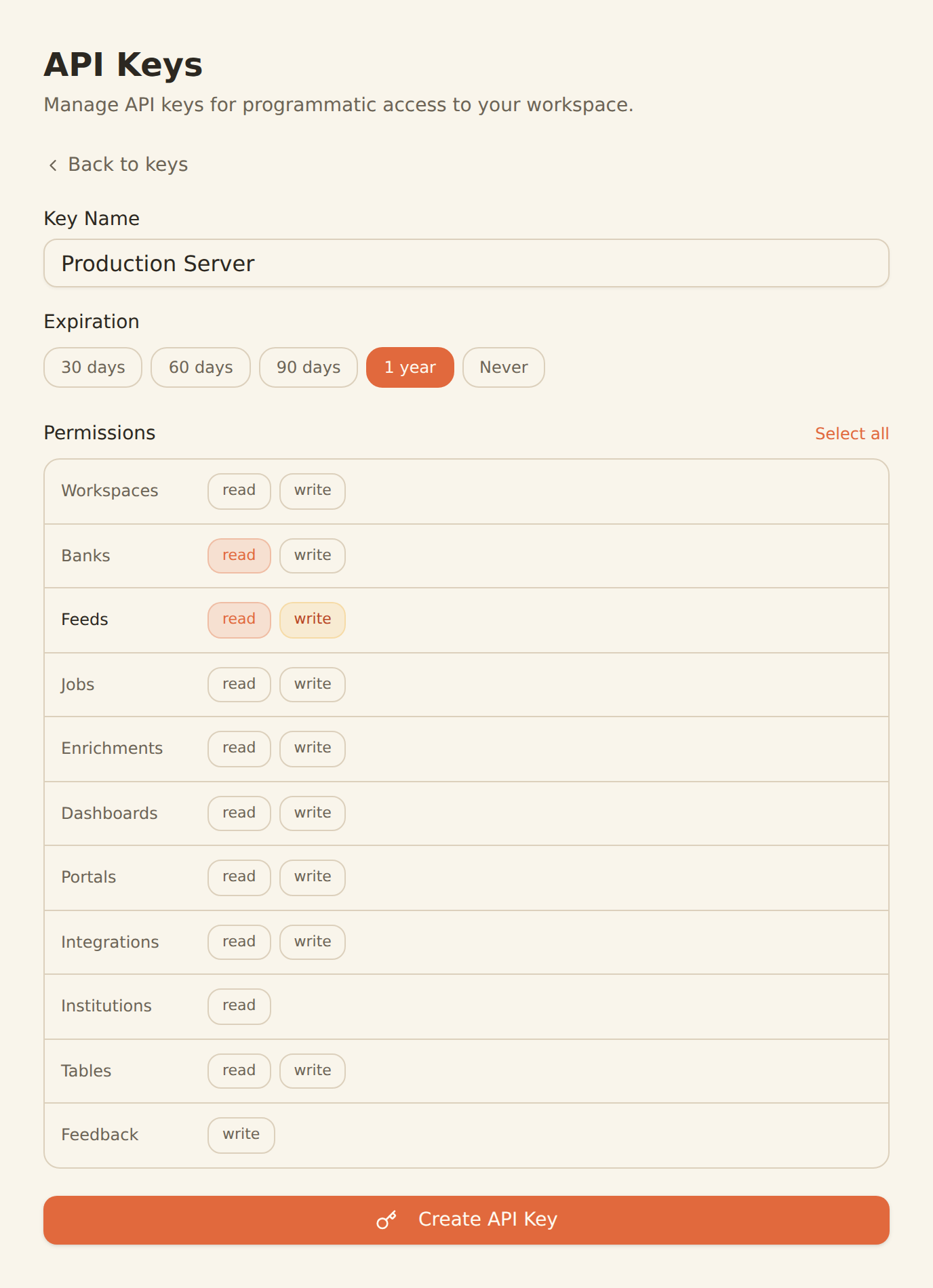
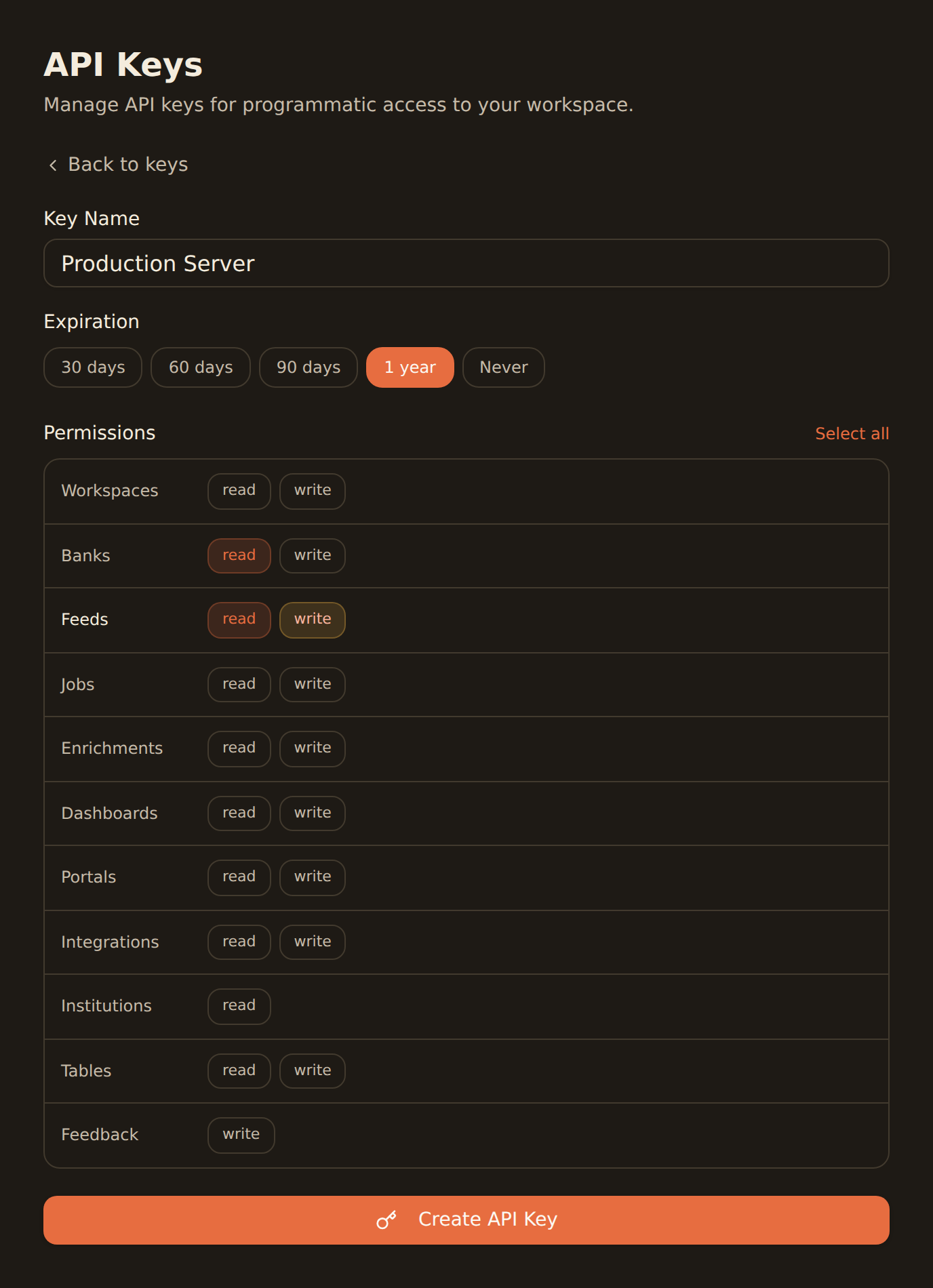
Generate a BankSync API key
Sign up, connect your banks, and create an API key from the Developers section.
Configure MCP in Le Chat
Add the BankSync MCP server configuration in your Le Chat settings with your API key.
Start querying your finances
Ask Le Chat about your transactions, balances, investments, and more using natural language.
MCP Server Configuration
Add this configuration to your Le Chat settings.
{
  "mcpServers": {
    "banksync": {
      "url": "https://mcp.banksync.io",
      "headers": {
        "X-API-Key": "bsk_your_key_here"
      }
    }
  }
}
What you can do
Explore and analyze your finances with Mistral Le Chat and BankSync.
Financial Analysis
Use Mistral Le Chat to analyze spending patterns, income trends, and financial health from real bank data.
Spending Reports
Generate detailed spending reports by category, merchant, or time period through conversational AI.
Investment Overview
Get AI-powered summaries of your portfolio holdings, performance, and investment positions.
Budget Assistance
Create and refine budgets based on actual spending data analyzed by Mistral AI.
Balance Tracking
Monitor account balances across all connected banks with natural language queries.
Transaction Search
Find specific transactions, recurring payments, and patterns using conversational queries.
Why BankSync for Mistral Le Chat
11,000+ Banks
Access financial data from major US & Canadian institutions through secure open banking connectivity.
36 MCP Tools
From listing banks to triggering syncs — everything you need for financial insights.
Mistral AI Powered
Leverage Mistral's advanced AI for multilingual financial analysis and insights.
Secure Access
Scoped API keys with granular permissions. Revoke access anytime from your dashboard.
Frequently asked questions
How do I connect Mistral Le Chat to my bank data?
Generate a BankSync API key, then add the BankSync MCP server configuration in Le Chat settings. Mistral will automatically discover 28 financial data tools for querying transactions, balances, and investments.
What bank data can Mistral Le Chat access?
Le Chat can access transactions, account balances, investment holdings, trades, and loan data from 11,000+ banks through the BankSync MCP server.
Does Mistral Le Chat support MCP?
Yes. Mistral Le Chat supports MCP through its configuration settings. You can add BankSync as an MCP server and use Mistral's AI to query and analyze your financial data.
Financial Insights with Mistral AI
Connect BankSync to Mistral Le Chat and analyze your bank data with conversational AI. 14-day free trial.
14-day free trial • Cancel anytime