Build with real bank data using Kilo Code
Connect BankSync MCP server to Kilo Code and let your AI coding agent access live transactions, balances, and investments across VS Code, JetBrains, and CLI.
Setup in 3 steps
Add live bank data to your Kilo Code agent workflow.
one key, every tool
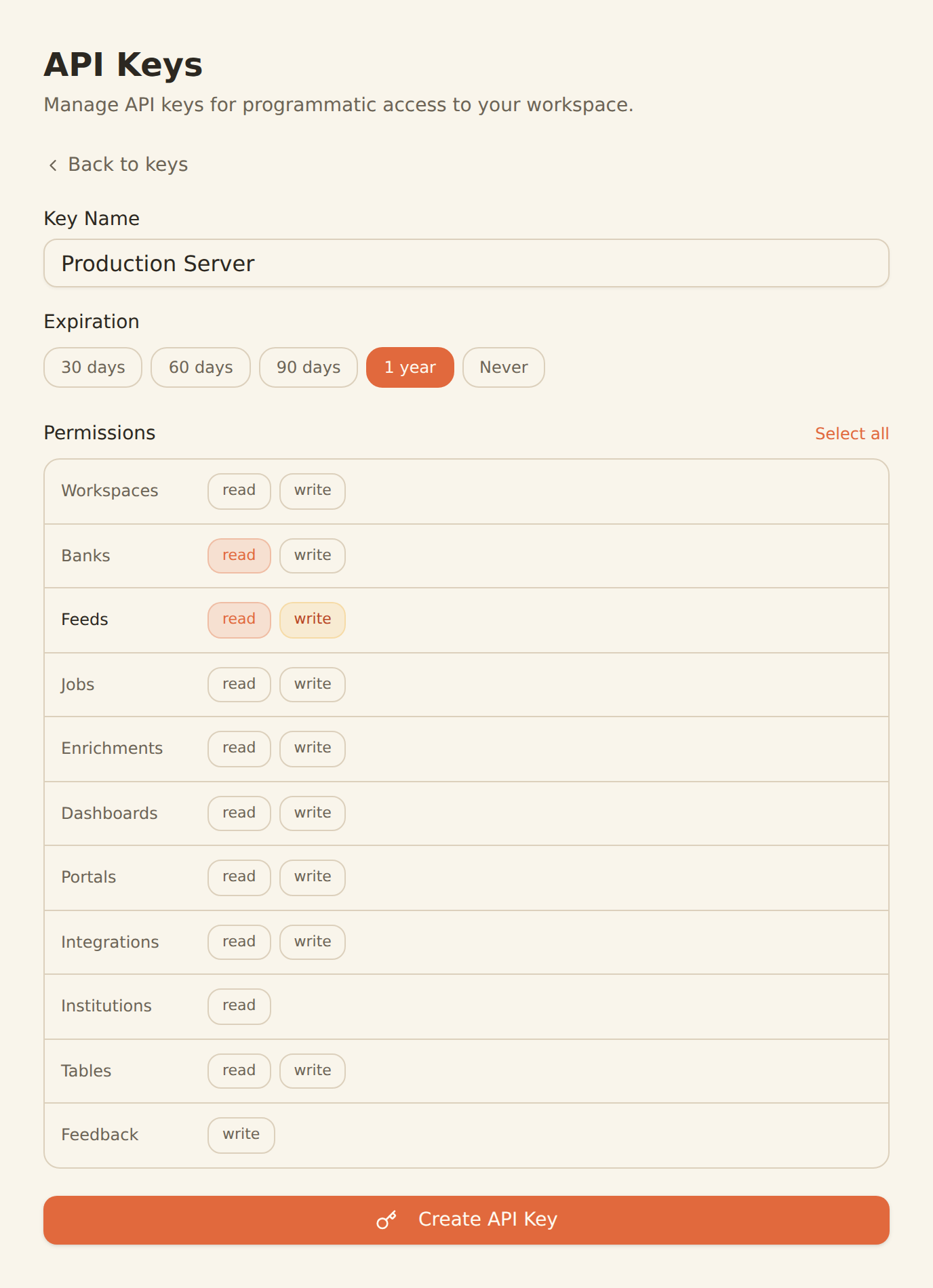
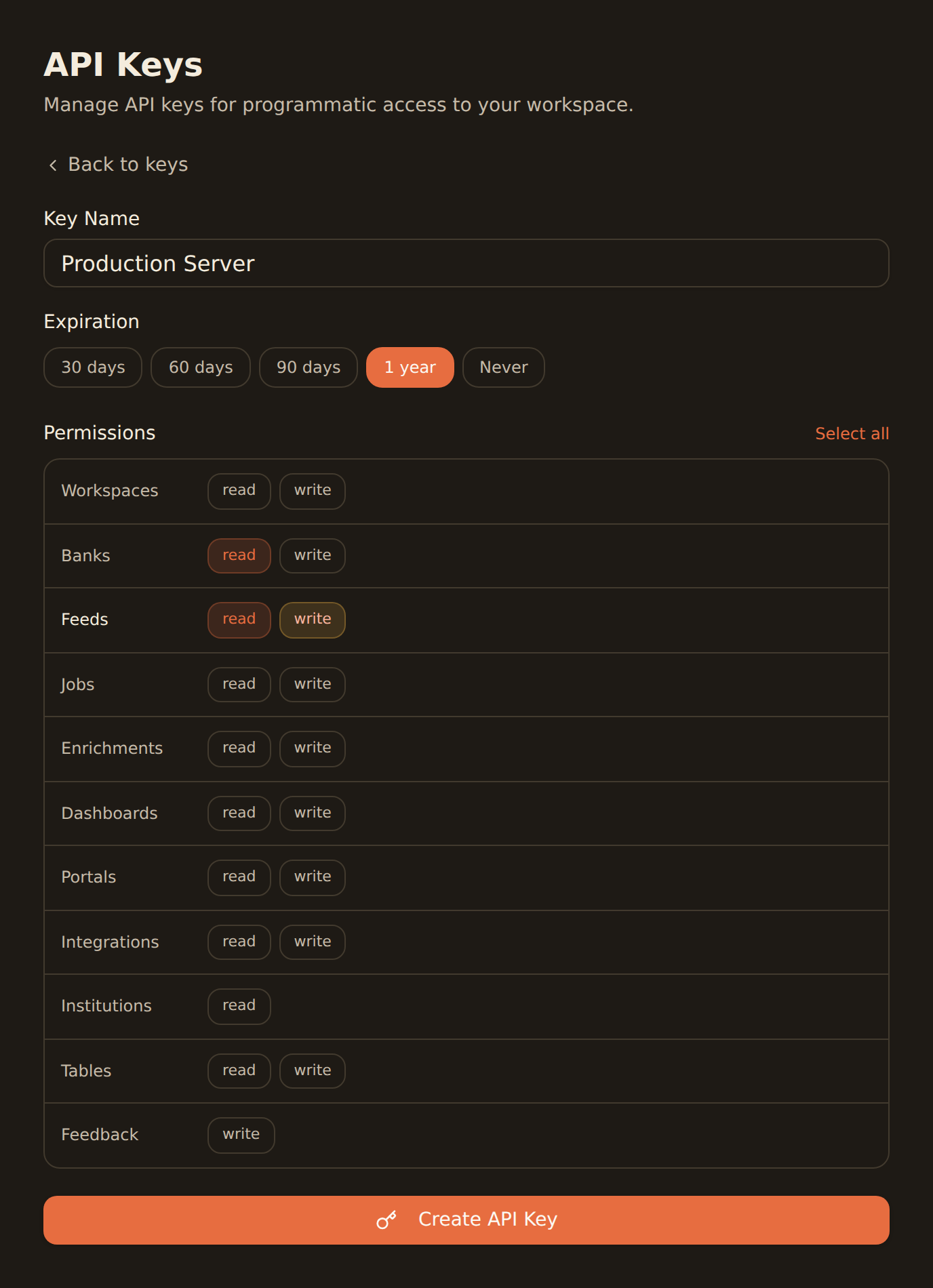
Generate a BankSync API key
Sign up, connect your banks, and create an API key from the Developers section.
Add BankSync from MCP Marketplace or config
Install BankSync directly from Kilo Code's built-in MCP Marketplace, or add the server configuration manually to your settings.
Build with financial data
Start coding with real bank data context — Kilo Code's agent will use BankSync tools to access transactions, balances, and more.
MCP Server Configuration
Add to your Kilo Code MCP config or install from the Marketplace.
{
  "mcpServers": {
    "banksync": {
      "url": "https://mcp.banksync.io",
      "headers": {
        "X-API-Key": "bsk_your_key_here"
      }
    }
  }
}
What you can build
Build financial applications with agentic AI, powered by Kilo Code and real bank data.
Agentic Fintech Development
Let Kilo Code autonomously build fintech features with real bank data context, transaction schemas, and account structures.
Cloud Execution
Run financial data pipelines and code generation in the cloud with Kilo Code's remote execution, accessing BankSync data at scale.
Code Review with Financial Context
Automate code reviews with real financial data validation, ensuring your fintech code handles actual transaction patterns correctly.
Voice-Driven Coding
Use Kilo Code's voice commands to query bank balances, pull transaction data, and build financial features hands-free.
Cross-Platform Workflows
Start a financial coding session in VS Code, continue in JetBrains, or run from CLI — BankSync data follows your workflow.
MCP Marketplace Integration
Discover and install BankSync directly from Kilo Code's built-in MCP Marketplace alongside other financial and data tools.
Why BankSync for Kilo Code
11,000+ Banks
Access financial data from major US & Canadian institutions through secure open banking connectivity.
36 MCP Tools
From listing banks to triggering syncs — everything your AI coding agent needs.
MCP Marketplace
Install BankSync directly from Kilo Code's built-in MCP Server Marketplace with one click.
VS Code + JetBrains + CLI
Works across VS Code, JetBrains IDEs, and standalone CLI through Kilo Code.
Frequently asked questions
How do I add BankSync MCP to Kilo Code?
Generate a BankSync API key, then add BankSync directly from Kilo Code's built-in MCP Marketplace or manually add the MCP server configuration to your settings. The BankSync tools will be available in your Kilo Code agent sessions.
Does Kilo Code support remote MCP servers like BankSync?
Yes. Kilo Code supports remote MCP server connections through HTTP-based transports, enabling seamless integration with cloud-hosted MCP servers like BankSync.
Which IDEs and platforms does Kilo Code work with?
Kilo Code works with VS Code, JetBrains IDEs (IntelliJ, PyCharm, WebStorm), and offers a standalone CLI. MCP tools like BankSync are available across all supported platforms.
What can I build with Kilo Code and BankSync?
Build fintech applications with live bank data context, automate code reviews with financial data validation, run cloud-based financial pipelines, use voice commands to query bank data, and create cross-platform financial workflows — all powered by Kilo Code's agentic AI capabilities.
Build Fintech Apps with AI
Connect BankSync to Kilo Code and code with real financial data context. 14-day free trial.
14-day free trial • Cancel anytime