Give Goose access to your bank data
Connect BankSync MCP server to Goose and let Block's open-source AI agent automate financial workflows with live transactions, balances, and investments.
Setup in 3 steps
Add live bank data to your Goose agent workflow.
one key, every tool
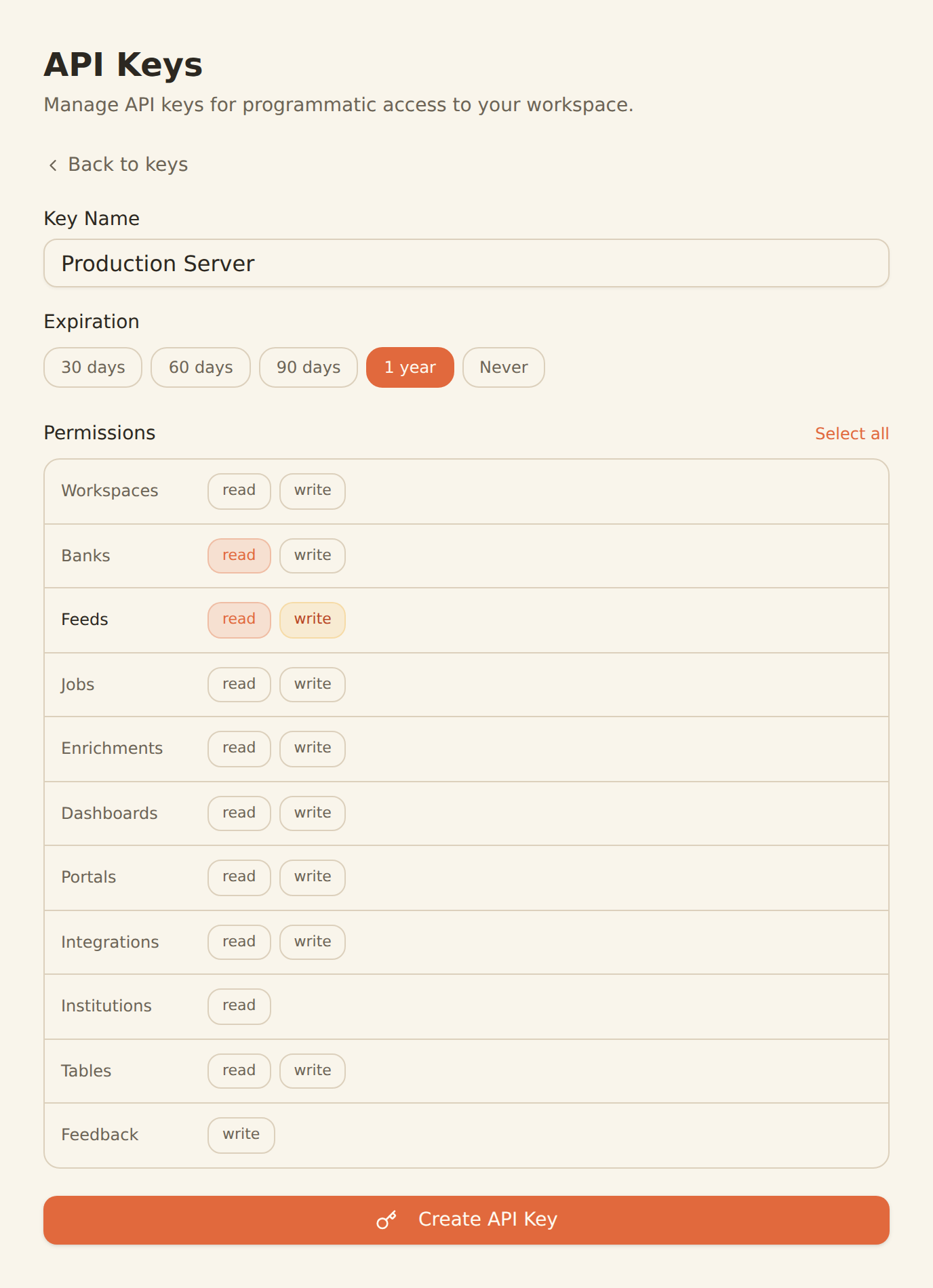
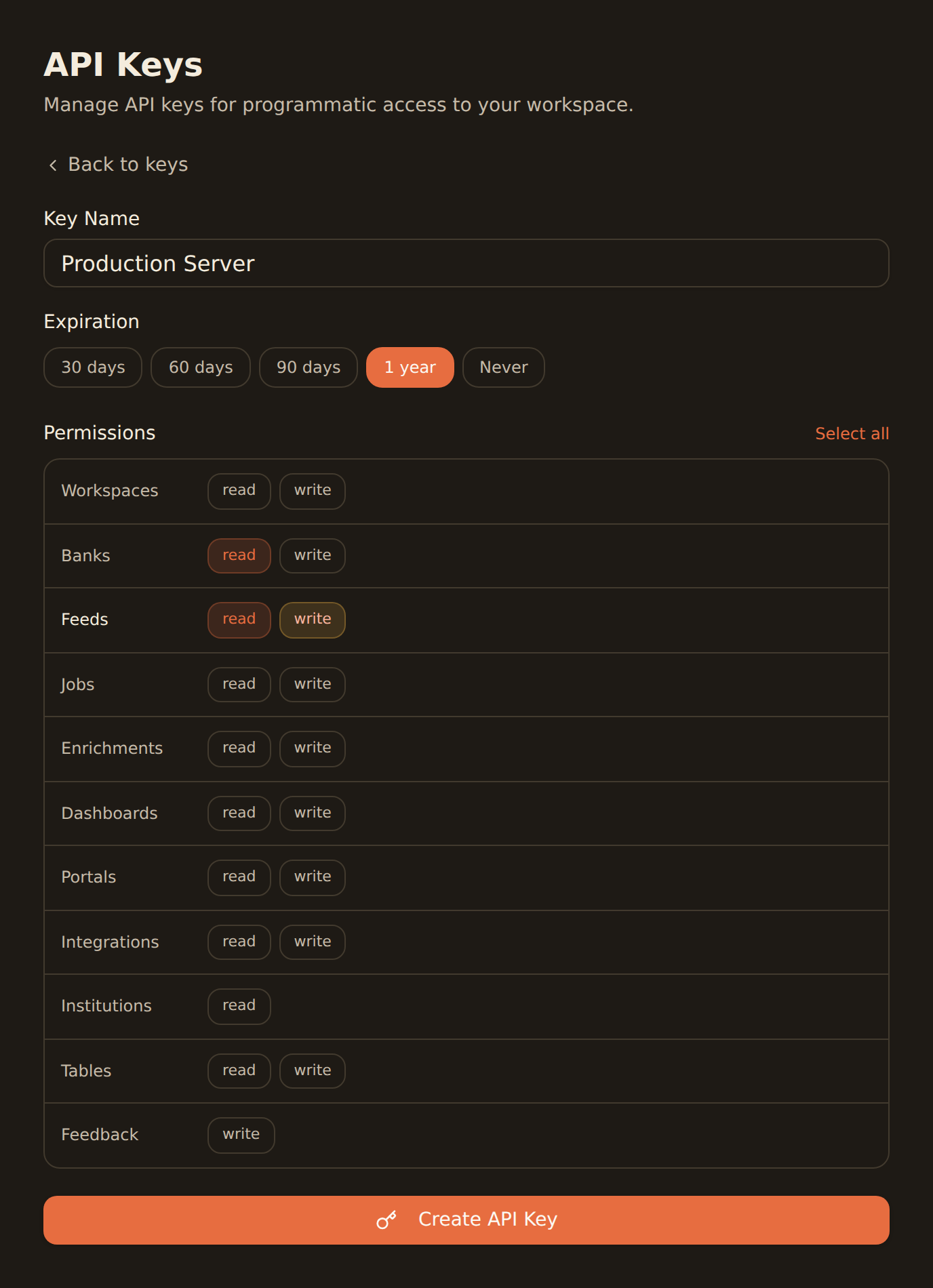
Generate a BankSync API key
Sign up, connect your banks, and create an API key from the Developers section.
Add BankSync MCP to Goose config
Add the MCP server configuration to your Goose settings. Goose natively supports MCP servers.
Automate financial workflows
Let Goose run commands, edit files, and orchestrate workflows using real bank data.
MCP Server Configuration
Add to your Goose MCP config file.
{
  "mcpServers": {
    "banksync": {
      "url": "https://mcp.banksync.io",
      "headers": {
        "X-API-Key": "bsk_your_key_here"
      }
    }
  }
}
What you can automate
Goose goes beyond code suggestions — orchestrate entire financial workflows with an agentic AI.
Financial Automation
Let Goose run commands and scripts that pull, transform, and analyze your bank data automatically.
Data Pipeline Orchestration
Orchestrate multi-step ETL workflows that sync bank transactions into databases, spreadsheets, or APIs.
Spending Analysis Scripts
Generate and execute scripts that categorize transactions, detect patterns, and produce spending reports.
Budget Tool Development
Build budgeting applications with Goose editing files, running tests, and iterating with live bank data.
Multi-Step Financial Workflows
Chain together account lookups, balance checks, and transaction queries into complex agentic workflows.
Cross-Tool Integration
Combine BankSync MCP with other MCP servers in Goose to connect bank data with your entire dev toolchain.
Why BankSync for Goose
11,000+ Banks
Access financial data from major US & Canadian institutions through secure open banking connectivity.
36 MCP Tools
From listing banks to triggering syncs — everything your AI agent needs for financial workflows.
Open Source (Apache 2.0)
Goose is fully open source under Apache 2.0, contributed to the Linux Foundation's AAIF.
25+ LLM Providers
Model-agnostic architecture — use BankSync MCP tools with any of Goose's supported providers.
Frequently asked questions
How do I add BankSync MCP to Goose?
Generate a BankSync API key, then add the MCP server configuration to your Goose config file. BankSync tools will be available through Goose's native MCP integration.
Does Goose support remote MCP servers like BankSync?
Yes. Goose has native MCP integration and supports remote server connections, enabling seamless integration with cloud-hosted MCP servers like BankSync.
What LLM providers does Goose work with?
Goose is model-agnostic and supports 25+ LLM providers. You can use BankSync MCP tools with any supported model, including OpenAI, Anthropic, and local models.
What can I automate with Goose and BankSync?
Automate financial data pipelines, generate spending analysis scripts, orchestrate multi-step banking workflows, build budget tools, and integrate bank data across your development toolchain — all through Goose's agentic capabilities.
Automate Banking with Goose
Connect BankSync to Goose and let Block's open-source AI agent handle your financial workflows. 14-day free trial.
14-day free trial • Cancel anytime