Bank data for your AI engineer
Connect BankSync MCP server to Devin and let Cognition's autonomous AI software engineer build fintech applications with real bank data.
Setup in 3 steps
Give Devin access to live bank data in minutes.
one key, every tool
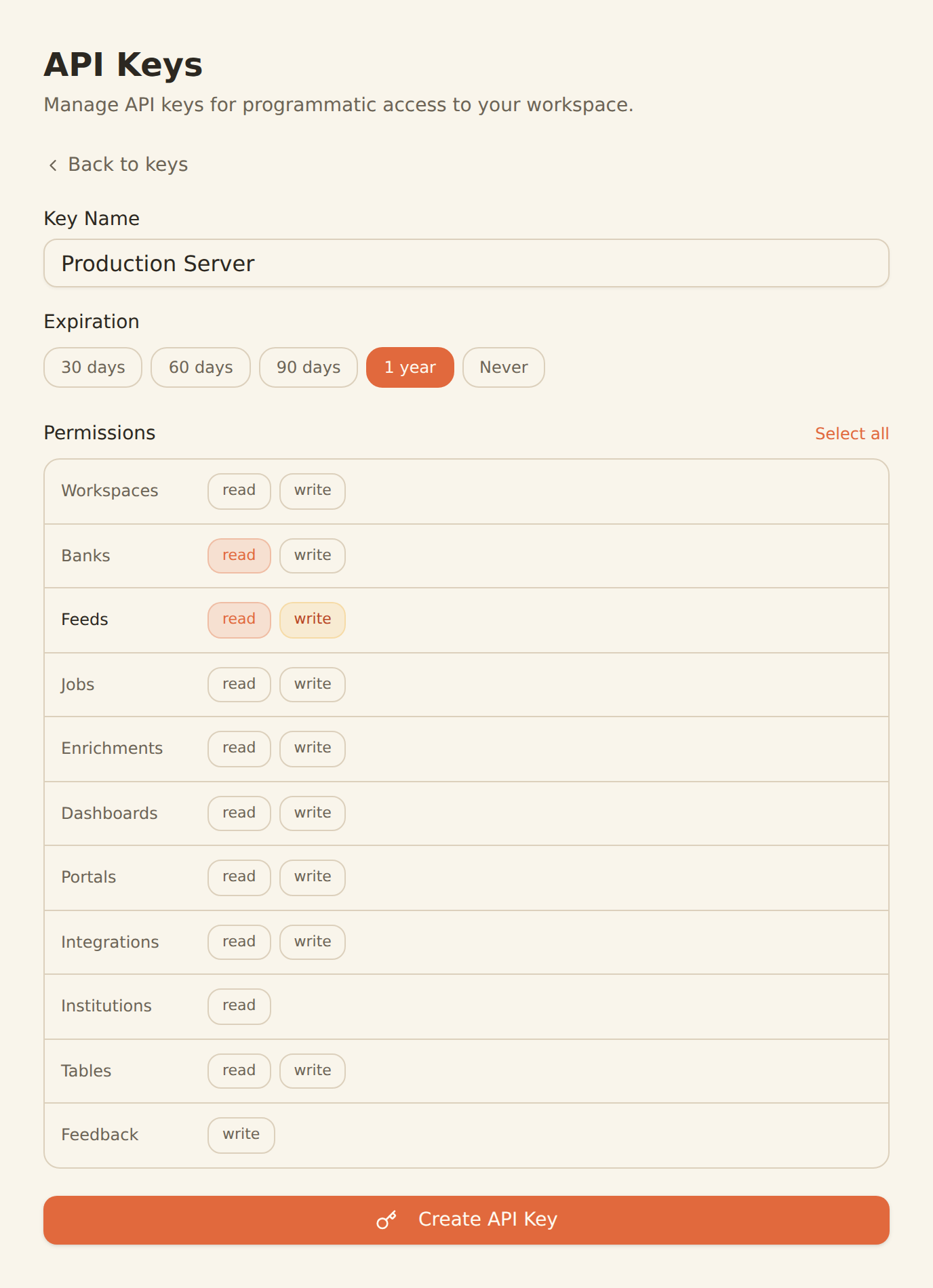
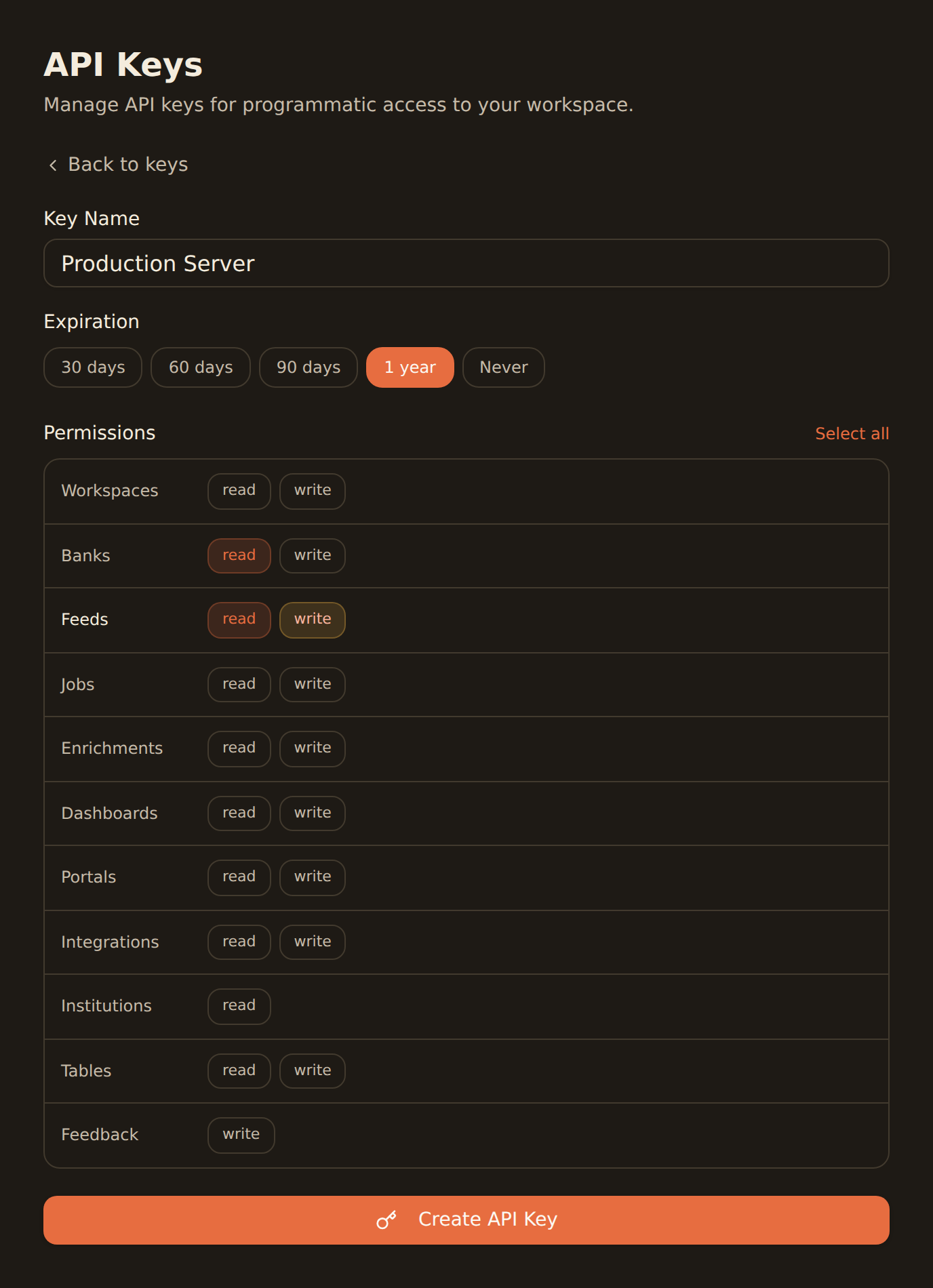
Generate a BankSync API key
Sign up, connect your banks, and create an API key from the Developers section.
Configure MCP in Devin
Add the BankSync MCP server configuration in your Devin workspace settings with your API key.
Let Devin build with bank data
Assign fintech tasks to Devin and it will autonomously use real financial data to plan, build, and test.
MCP Server Configuration
Add this configuration to your Devin workspace settings.
{
  "mcpServers": {
    "banksync": {
      "url": "https://mcp.banksync.io",
      "headers": {
        "X-API-Key": "bsk_your_key_here"
      }
    }
  }
}
What Devin can build
Let Devin autonomously build fintech features with real bank data from BankSync.
Autonomous Fintech Apps
Let Devin autonomously scaffold, build, and test full-stack fintech applications with real bank data context.
API Integration Development
Devin can build complete bank API integrations with typed clients, error handling, and test suites from real data schemas.
Financial Dashboard Creation
Have Devin create interactive financial dashboards with live transaction and balance data from your connected accounts.
Data Pipeline Engineering
Devin can build ETL pipelines for financial data processing, transformation, and reporting autonomously.
Test Suite Generation
Generate comprehensive test suites with realistic fixtures based on actual bank transaction patterns and data structures.
Budget Tool Development
Let Devin build complete budgeting applications with real financial data context for accurate feature development.
Why BankSync for Devin
11,000+ Banks
Access financial data from major US & Canadian institutions through secure open banking connectivity.
36 MCP Tools
From listing banks to triggering syncs — everything an autonomous AI engineer needs.
Autonomous Development
Devin can plan, code, test, and iterate on fintech features with real bank data context.
End-to-End Building
From database schemas to UI components — Devin builds complete features with real data.
Frequently asked questions
How do I connect Devin to BankSync?
Generate a BankSync API key, then add the BankSync MCP server configuration in your Devin workspace settings. Devin will automatically discover 28 financial data tools for building fintech applications.
Can Devin autonomously build fintech apps with BankSync?
Yes. With BankSync MCP connected, Devin can autonomously access real bank data schemas, transaction patterns, and account structures to plan, build, and test fintech applications end-to-end.
What financial data can Devin access?
Devin can access transactions, account balances, investment holdings, trades, and loan data from 11,000+ banks through the BankSync MCP server.
Is bank data secure when used with Devin?
Yes. BankSync uses scoped API keys with granular permissions. All data is encrypted in transit, and you can revoke access anytime from the BankSync dashboard.
Autonomous Fintech Development
Connect BankSync to Devin and let AI build fintech applications with real bank data. 14-day free trial.
14-day free trial • Cancel anytime