Code with bank data using Codex
Connect BankSync MCP server to OpenAI Codex and let the autonomous AI coding agent access live transactions, balances, and investments while it plans and executes changes.
Setup in 3 steps
Add live bank data to your autonomous coding workflow.
one key, every tool
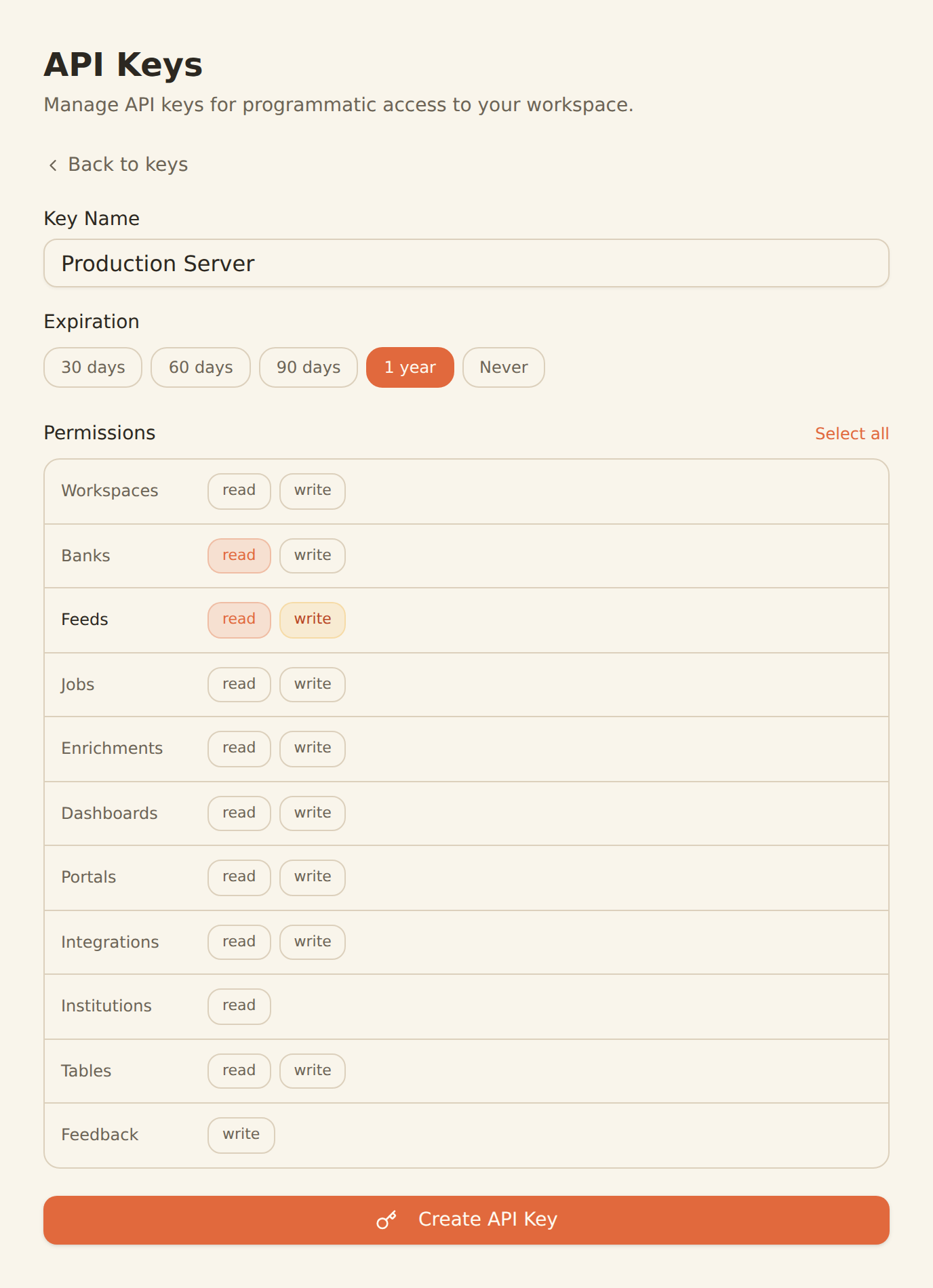
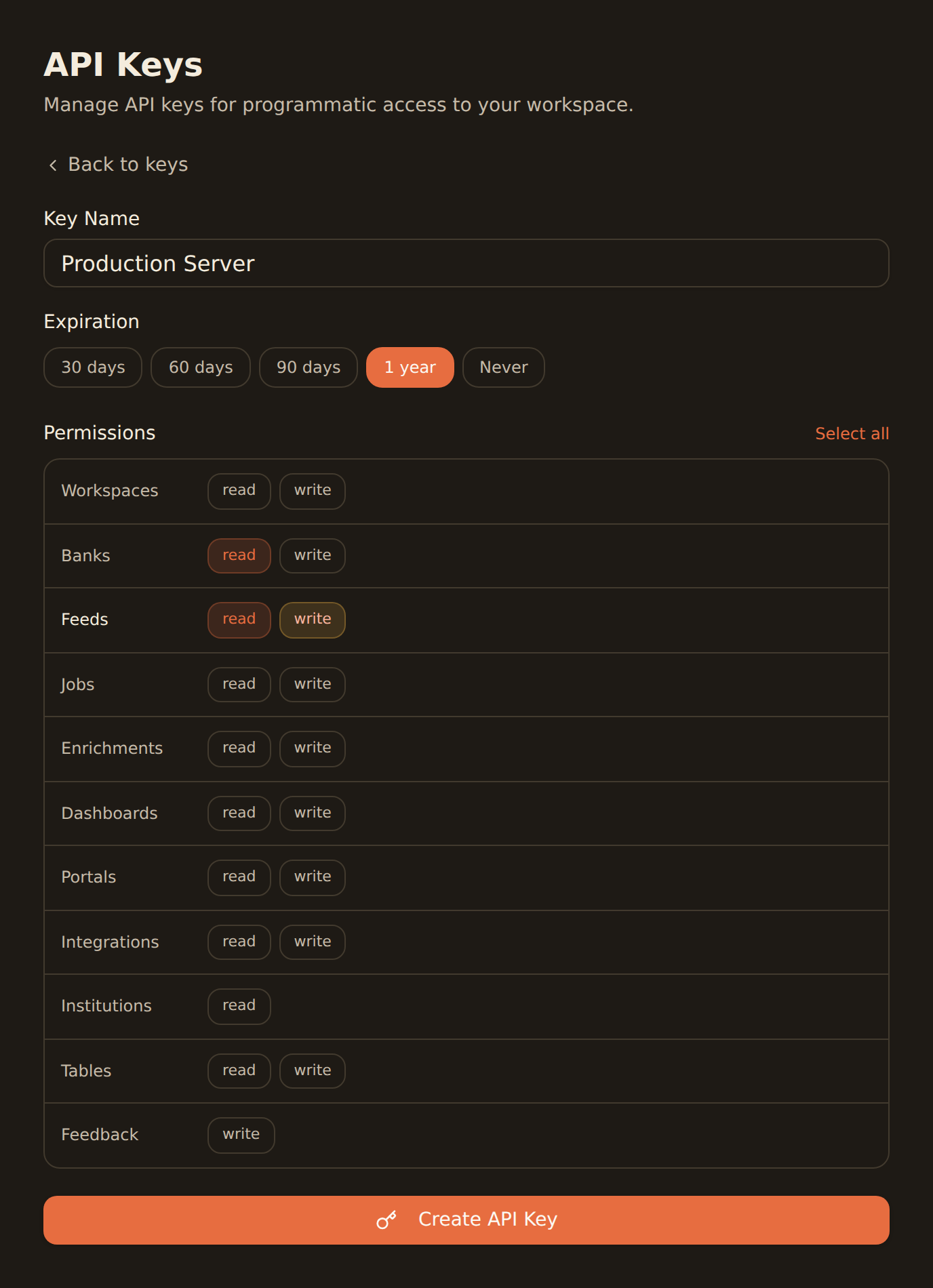
Generate a BankSync API key
Sign up, connect your banks, and create an API key from the Developers section.
Add BankSync MCP to Codex config
Add the MCP server configuration to your Codex config file. Codex loads MCP entries from its plugin system.
Build with financial data
Codex autonomously plans and executes changes using real bank data — transactions, balances, and investments.
MCP Server Configuration
Add to your Codex MCP config file.
{
  "mcpServers": {
    "banksync": {
      "url": "https://mcp.banksync.io",
      "headers": {
        "X-API-Key": "bsk_your_key_here"
      }
    }
  }
}
What you can build
Let Codex autonomously build financial applications with real data context.
Fintech App Development
Let Codex autonomously scaffold budgeting apps, expense trackers, and portfolio dashboards with live bank data context.
Financial Data Analysis
Have Codex write analysis scripts that work with actual transaction fields, balance schemas, and account types from your bank.
Code Generation
Generate production-ready code with accurate type definitions and data models based on real banking data structures.
Test Data Generation
Create test fixtures and mock data based on real transaction patterns from your connected accounts.
API Integration
Let Codex generate API client code with accurate type definitions from BankSync's 36 MCP tool endpoints.
Autonomous Workflows
Codex plans and executes multi-step changes — connect it to BankSync and let it build entire financial features end to end.
Why BankSync for Codex
11,000+ Banks
Access financial data from major US & Canadian institutions through secure open banking connectivity.
36 MCP Tools
From listing banks to triggering syncs — everything your AI coding agent needs.
CLI + IDE + Web
Works with Codex CLI, the VS Code extension, and the OpenAI web app.
Autonomous Agent
Codex plans and executes changes independently — give it bank data and let it build.
Frequently asked questions
How do I add BankSync MCP to OpenAI Codex?
Generate a BankSync API key, then add the MCP server configuration to your Codex config file. Codex supports MCP servers in both the CLI and VS Code extension, so BankSync tools will be available for autonomous coding tasks.
Does OpenAI Codex support remote MCP servers like BankSync?
Yes. OpenAI Codex supports MCP servers through its plugin system. You can configure remote MCP server entries in Codex config, enabling integration with cloud-hosted servers like BankSync.
Where can I use OpenAI Codex with BankSync?
OpenAI Codex is available as a CLI tool, a VS Code extension, and a web application. MCP servers like BankSync can be configured in the CLI and IDE extension for autonomous financial coding workflows.
What can I build with Codex and BankSync?
Build fintech applications with live bank data context, generate code that works with real transaction schemas, automate financial data pipelines, and let Codex autonomously plan and execute changes using real banking data.
Build Fintech Apps with AI
Connect BankSync to OpenAI Codex and let the autonomous agent build with real financial data. 14-day free trial.
14-day free trial • Cancel anytime