Bank data in your terminal
Connect BankSync MCP server to Claude Code and let Anthropic's agentic coding CLI access live transactions, balances, and investments while you build.
Setup in 3 steps
Add live bank data to your terminal-based AI workflow.
one key, every tool
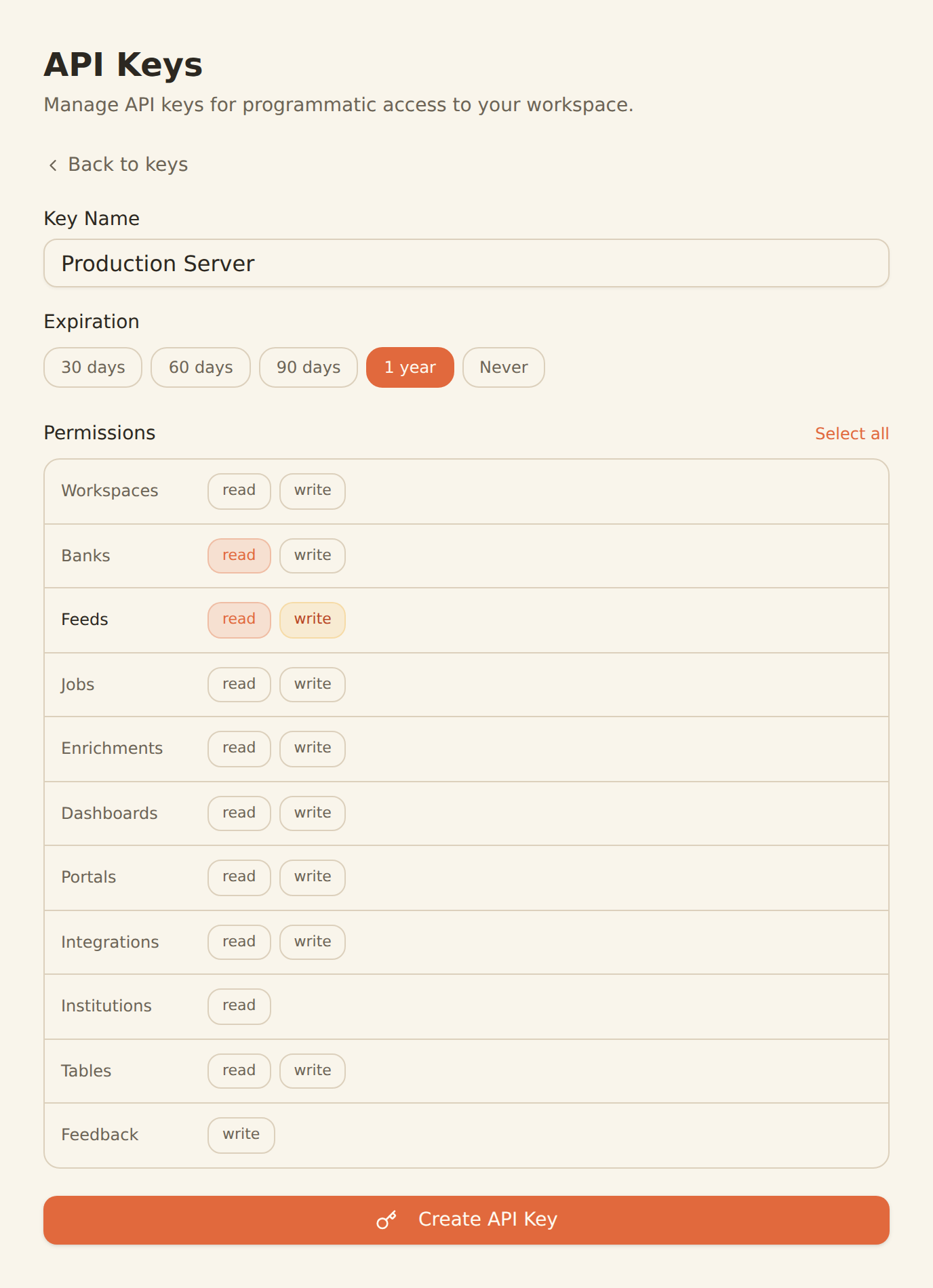
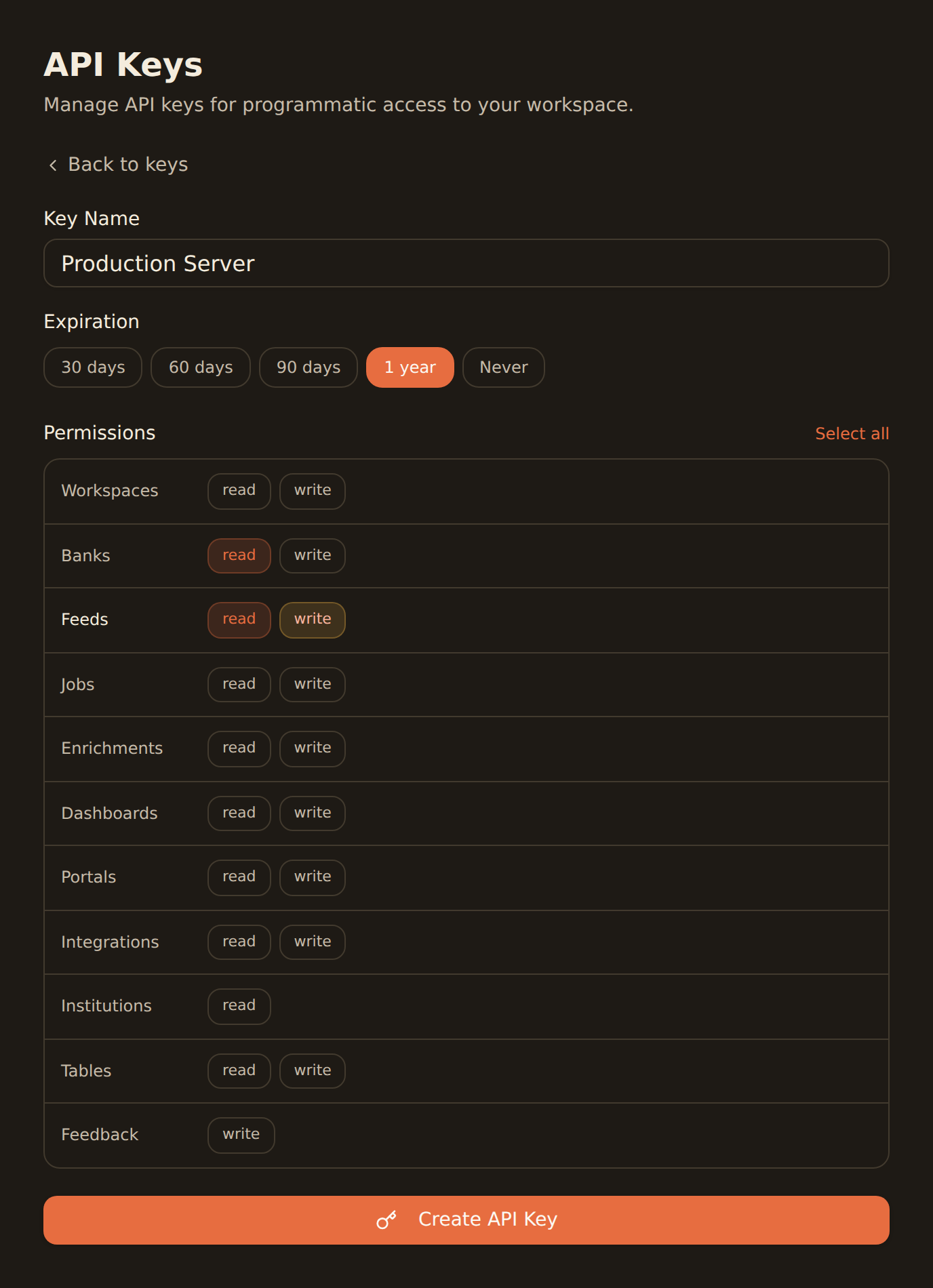
Generate a BankSync API key
Sign up, connect your banks, and create an API key from the Developers section.
Add via CLI
Run `claude mcp add banksync` with the SSE transport URL and your API key header.
Start coding
Launch Claude Code and start building with real financial data context in your terminal.
MCP Server Configuration
Run this command in your terminal to add BankSync.
claude mcp add --transport http banksync https://mcp.banksync.io \
  --header "X-API-Key: bsk_your_key_here"
Using the Claude Desktop app? Skip the CLI and install via the one-click banksync-mcp.mcpb desktop bundle. This bundle is for the Claude Desktop app only.
What you can build
Build financial applications with real data context, powered by Claude from your terminal.
Fintech App Building
Scaffold full-stack fintech applications with Claude Code while it pulls live transaction schemas, account types, and balance data from your bank.
Financial Data Queries
Ask Claude Code to query your bank data using natural language — get spending summaries, transaction breakdowns, and balance reports instantly.
Budget Tool Development
Build budgeting and expense tracking tools with AI assistance that understands your real financial data structure.
Test Data Generation
Generate realistic test fixtures and mock data based on actual transaction patterns from your connected bank accounts.
API Integration Code
Let Claude Code generate API client code, type definitions, and integration layers with accurate schemas from BankSync endpoints.
Portfolio Dashboards
Create investment portfolio dashboards and analytics tools with Claude Code accessing real holdings and balance data via MCP.
Why BankSync for Claude Code
11,000+ Banks
Access financial data from major US & Canadian institutions through secure open banking connectivity.
36 MCP Tools
From listing banks to triggering syncs — everything your AI coding assistant needs.
Terminal-Native
Works directly in your terminal with no IDE or editor extension required. Just run claude mcp add.
Any Project Scope
Configure BankSync globally (user), per-project (project), or locally — fits any workflow.
Frequently asked questions
How do I add BankSync MCP to Claude Code?
Generate a BankSync API key, then run `claude mcp add banksync` in your terminal with the SSE transport URL and your API key header. The BankSync tools will be available in your next Claude Code session.
What MCP scopes does Claude Code support?
Claude Code supports three scopes for MCP servers: --scope user (available globally), --scope project (shared with your team via .mcp.json), and --scope local (local to your machine for a specific project). Use --scope user for BankSync to access bank data across all projects.
Does Claude Code work on my operating system?
Yes. Claude Code runs in any terminal on macOS, Linux, and Windows. Since it is a CLI tool, it works wherever you have a terminal — no IDE or editor extension required.
What can I build with Claude Code and BankSync?
Build fintech applications with live bank data context, query financial data using natural language, generate budget tracking tools, create test fixtures from real transaction patterns, and automate financial data pipelines — all from your terminal.
Build Fintech Apps from Your Terminal
Connect BankSync to Claude Code and code with real financial data context. 14-day free trial.
14-day free trial • Cancel anytime