Ask ChatGPT about your bank data
Connect the BankSync MCP server to ChatGPT Desktop and query transactions, balances, investments, and loans from 11,000+ banks, all through natural conversation.
Setup in 3 steps
Connect your bank data to ChatGPT in minutes.
one key, every tool
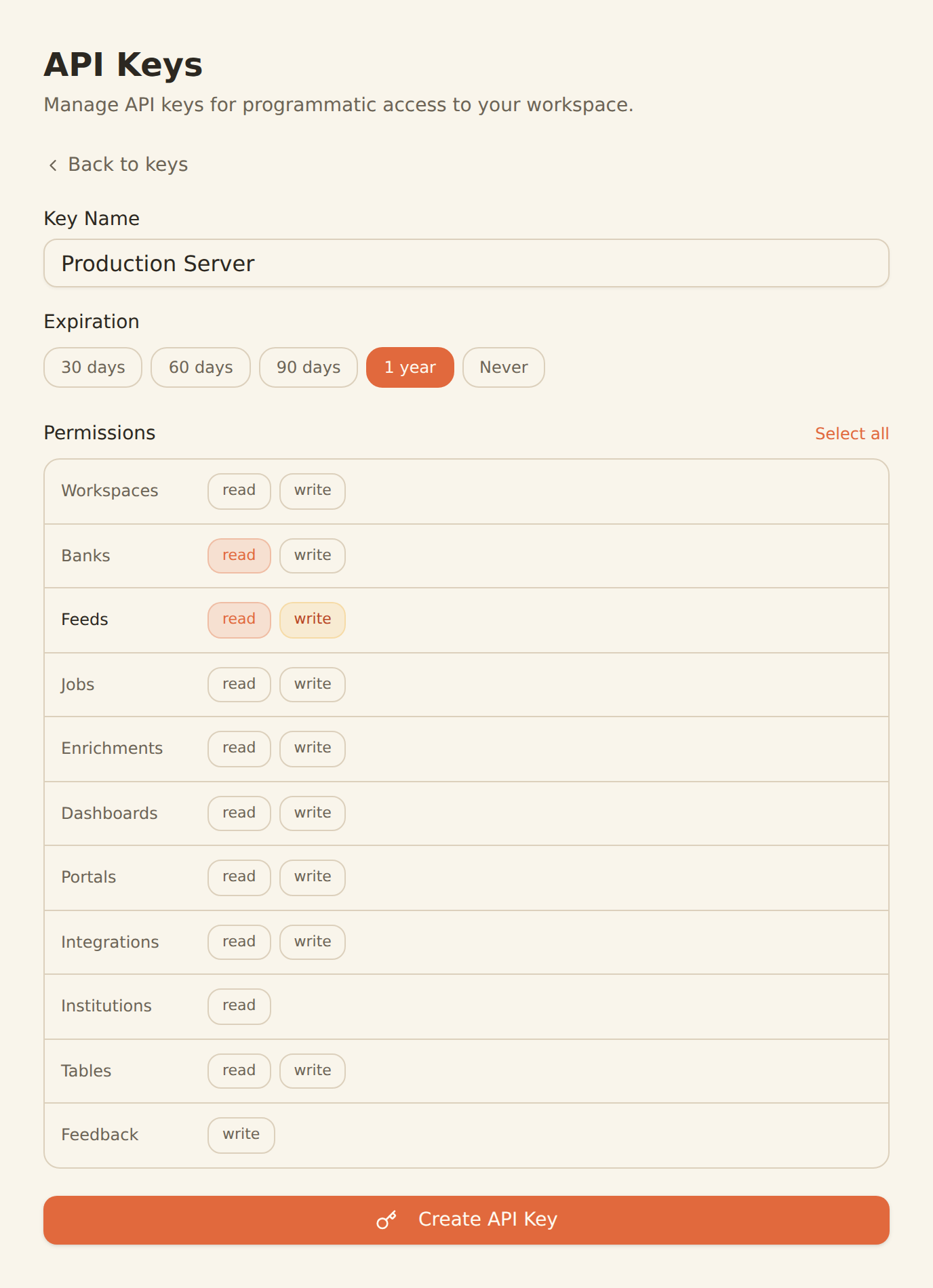
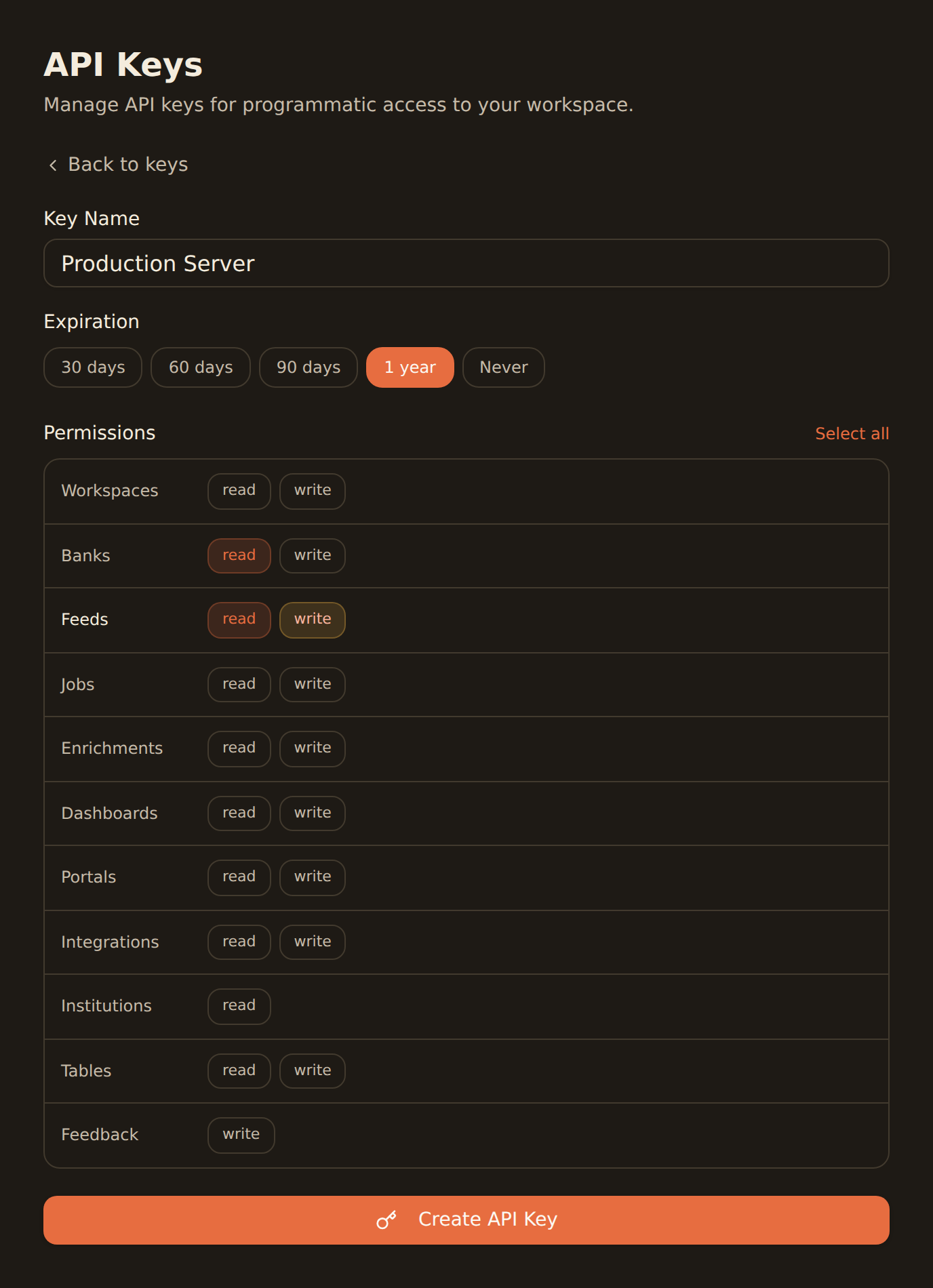
Generate a BankSync API key
Sign up, connect your bank accounts, and create an API key from the Developers section.
Enable Developer Mode in ChatGPT
Open ChatGPT Desktop settings and enable Developer Mode. This unlocks MCP server connections for your account.
Add the BankSync MCP server
Paste the BankSync MCP configuration into ChatGPT. You now have 28 financial data tools available in every conversation.
MCP Server Configuration
Paste this connector URL in ChatGPT Desktop settings.
https://mcp.banksync.ioChatGPT uses OAuth-based authentication. You'll be prompted to authorize during the connector setup flow.
What you can do
From quick balance checks to deep spending analysis, all in natural conversation.
Financial Q&A
Ask ChatGPT natural-language questions about your bank accounts, recent transactions, and current balances in real time.
Spending Analysis
Have ChatGPT break down your spending by category, merchant, or time period and surface trends you might miss.
Budget Planning
Use ChatGPT to create budgets based on your actual spending history and track progress against your goals.
Investment Tracking
Monitor portfolio holdings, analyze performance, and get summaries of your investment positions through conversation.
Expense Reports
Generate detailed expense reports from your transaction data with natural-language prompts, no spreadsheets required.
Account Monitoring
Set up ChatGPT workflows to check balances, flag unusual transactions, and keep tabs on multiple accounts at once.
Why BankSync for ChatGPT
11,000+ Banks
Access financial data from major US & Canadian institutions through secure open banking connectivity.
36 MCP Tools
From listing banks to triggering syncs: everything ChatGPT needs to work with your financial data.
Conversational Interface
Ask about your finances in plain English. ChatGPT translates your questions into MCP tool calls automatically.
Developer Mode
ChatGPT Developer Mode turns the desktop app into an automation hub that connects to external MCP servers like BankSync.
Frequently asked questions
How do I connect ChatGPT to my bank data?
Generate a BankSync API key, enable Developer Mode in ChatGPT Desktop settings, and add the BankSync MCP server configuration. ChatGPT will then have access to 28 financial data tools.
Which ChatGPT plans support MCP?
ChatGPT MCP support is available on Plus, Pro, Business, Enterprise, and Edu plans. You need to enable Developer Mode in the ChatGPT desktop app to connect MCP servers like BankSync.
What bank data can ChatGPT access through BankSync?
ChatGPT can access transactions, balances, investment holdings, trades, and loan data from 11,000+ banks through the BankSync MCP server.
Is the BankSync MCP connection secure with ChatGPT?
Yes. Authentication uses scoped API keys with granular permissions. All communication is encrypted, and you can revoke access anytime from the BankSync dashboard.
Chat with Your Bank Data
Connect BankSync to ChatGPT and ask about your finances in plain English. 14-day free trial.
14-day free trial • Cancel anytime