

Your database is the long-lived financial record behind every model you try. It holds source entries, reviewed corrections, document references and the rules used to produce a report. Choose its write and recovery behaviour first, then connect a local model to restricted reporting views.
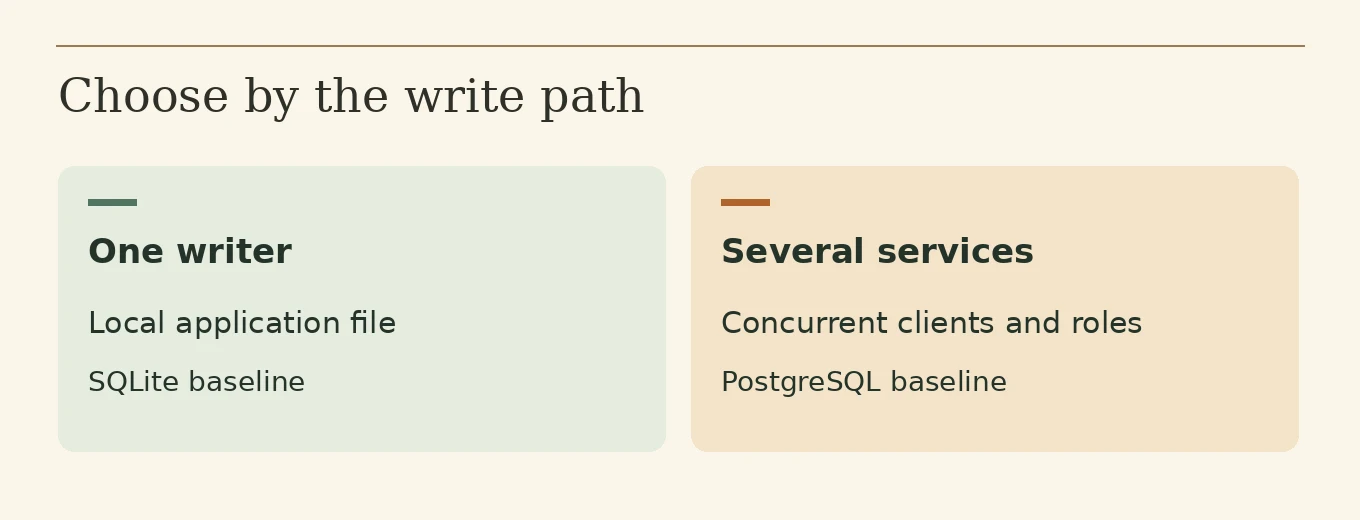
Choose the ledger database by asking who will write to it at the same time. A single importer on a mini PC can work comfortably with SQLite. A reporting app, correction interface and collector sharing data across machines make a strong case for PostgreSQL. DuckDB earns its place when you want to scan analytical snapshots, including Parquet files, without coupling those scans to the live ledger.
SQLite for one machine and a short write transaction
Put the file on a local filesystem and have one service own writes. An import writes a batch inside a short transaction, commits and releases the writer. A local reporting process can read a stable view. SQLite serialises writes. Write-ahead logging improves reader/writer coexistence but still permits one writer at a time. Avoid sharing the live database file across machines over a network mount. A small HTTP reporting service is an easier boundary for a second device. SQLite's deployment guidance · Write-ahead logging
Use SQLite's online backup facilities or a consistent offline backup. Copying only the main file during an active WAL session can miss committed data. Try the restore on another path and compare a closed statement period before trusting the backup.
Keep the ledger usable across model changes
Separate source records, accepted household corrections and generated explanations. A correction should retain its reason and effective date. A report should retain its input cutoff and calculation version. Keep generated prose with references to that report so it can be regenerated when a better local model becomes available.
A vector index can help retrieve a policy clause or merchant note. Keep it rebuildable from the original documents and rows. Calculate balances, totals and date filters through the ledger's structured fields. This gives the household an inspectable answer even when the language model is unavailable.
PostgreSQL when the ledger becomes a service
Use a dedicated writer for ingestion, a separate identity for household corrections and a reporting role restricted to approved views. Keep the original amount, currency and source identity separate from editable category labels. A unique constraint plus an upsert permits safe replay, while a reviewed correction remains intact. If Home Assistant reads one metric, it can receive a count without database credentials.
A PostgreSQL dump is a portable starting point for a small application database. Restore it into an empty instance and verify roles, extensions, row counts and a known monthly total. Capture roles or other cluster-level objects separately where the chosen backup method requires it. An encrypted dump needs a recoverable key. PostgreSQL SQL dumps
Pick the engine by workload
| Engine | Best first use | Operational constraint |
|---|---|---|
| SQLite | Single-host ledger with one writer | Keep live file local and test consistent backups |
| PostgreSQL | Shared ledger with separate read and write roles | Operate and restore a database service |
| DuckDB | Local analytics over Parquet or a snapshot | Control who writes each native file |
| MySQL or MariaDB | Existing relational homelab deployment | Confirm compatible types, permissions and restores |
| MongoDB | Source records with heterogeneous shapes | Define identity, numeric types and reporting rules |
DuckDB as a second reader
For yearly merchant analysis, export a consistent snapshot of selected reporting columns to a dated Parquet file. Include the export cutoff, schema version and currency. Open it with DuckDB and group by merchant or billing month locally. The model receives the query result, so a year's worth of transactions never needs to fit into its prompt. Refresh a snapshot by writing a new file completely before switching the report to it.
DuckDB's native-file concurrency model favours coordinated writes within one process. An analytical snapshot sidesteps fights over who owns the file. Each export is also another copy of private data. Keep its retention policy and encryption aligned with the live database. DuckDB concurrency

A small schema that travels well
For a single-currency euro fixture, this table works as a starting point in SQLite and PostgreSQL: CREATE TABLE ledger (account_id TEXT NOT NULL, source_id TEXT NOT NULL, amount_minor BIGINT NOT NULL, currency TEXT NOT NULL, PRIMARY KEY (account_id, source_id)). Namespace the local account ID by connection. Add dates, posting state and run references before production use. Keep the original source fields distinguishable from any corrected labels. That separation makes a later engine migration much easier to validate.
Three database checks before migrating
Start with the write owner
List every process that imports, edits labels or replaces a corrected record. Put one accountable writer in charge of each kind of change.
Replay two identical records
Verify the unique source identity prevents duplicates while allowing two genuine same-value purchases with distinct IDs.
Move only when you can name the constraint
Measure waiting writers, unavailable reports or slow analytical queries. Those observations tell you whether to change engines or add a snapshot.
Which engines can BankSync write to directly?
BankSync documents PostgreSQL, MySQL and MongoDB as hosted feed destinations when the service can reach the database. SQLite and DuckDB in this design receive data through your local collector or a local export. If you already operate MariaDB and know how to restore it, a MySQL-compatible path may cost less effort than learning a new service. MongoDB can retain variable document shapes, but design stable transaction identities and reporting types before importing. The right choice is the one whose recovery and write behaviour you can demonstrate. BankSync database integrations
Continue building with Sync Bank Transactions to Local PostgreSQL With BankSync and Deploy a Private AI Finance Stack on K3s.