

A streaming payment was €11.99 last month and €14.99 this month. The bank description looks almost identical, so the increase is easy to miss among groceries, transport and transfers.
A useful subscription tracker connects two different records: what the bank actually charged, and what you believe the subscription should cost. Notion can hold both, with a short review view for anything that needs a decision.
This guide uses fictional euro payments. BankSync supplies the supported bank transactions; the subscription register and review decisions are your own Notion setup.
Start with three questions, not a list of every payment
| Subscription | Observed change | What to check |
|---|---|---|
| Streaming service | €11.99 → €14.99 monthly | Price notice or plan change |
| Cloud storage | €24 monthly → €240 once | Annual renewal or a different product |
| Gym membership | Two €35 debits close together | Billing period and whether one entry is pending |
The streaming change is €3 per month, or €36 over 12 future monthly charges if the new price continues. The cloud-storage debit cannot be treated as a tenfold monthly increase until you confirm its billing period. The gym rows need a transaction-status check before you call them a duplicate.
Keep transactions and subscriptions separate
Create a Transactions database for bank rows and a Subscriptions database for the services you want to review. A transaction is a historical charge. A subscription is a continuing agreement with a billing interval, owner and next decision date.
In Transactions, keep Date, Description, Account, transaction ID and debit/credit amounts. Add a manually maintained Service label or relation for confirmed matches. Keep your review properties outside the fields written by the feed.
In Subscriptions, record Service, Expected amount, Currency, Billing interval, Last checked, Renewal date if known, Owner and Decision. Use Unknown for a date you have not verified. A guessed renewal date creates false confidence.
Bring a supported European account into Notion
Prepare compatible properties
Use Date for transaction dates, Number for amounts and Title or Text for descriptions. Keep each currency identifiable.
Authorise the right Notion workspace
Connect Notion through BankSync Integrations and share the target database with the BankSync connection.
Choose the source and destination
Create a Transactions feed from the relevant bank account and select the dedicated Transactions database.
Test the mapping
Run once and compare a known posted subscription charge with the bank. Verify amount, account and date before grouping services.
Keep a repeatable review view
Filter to the relevant period and confirmed recurring-service labels. Group by service and sort by date to compare like-for-like charges.
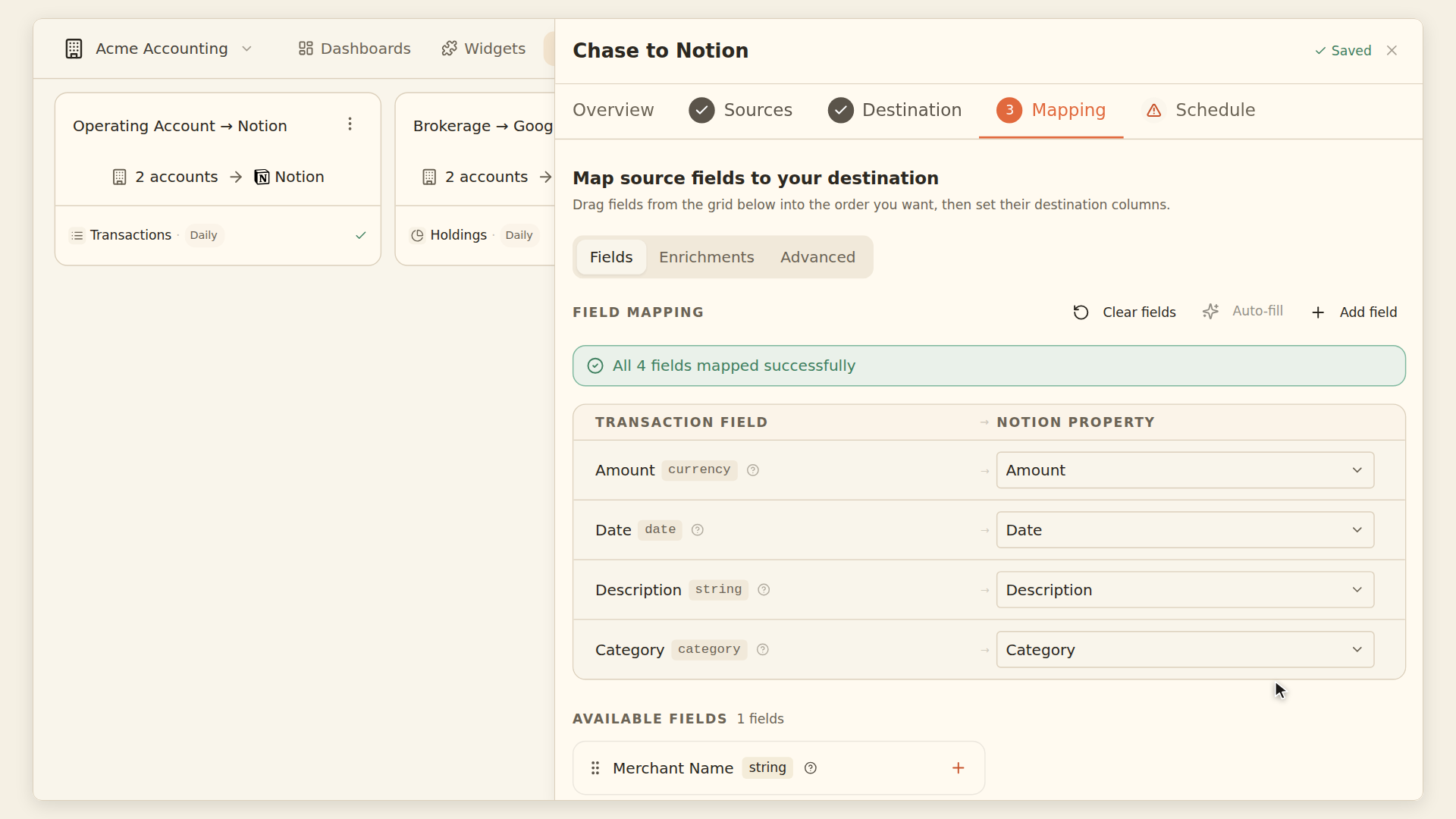
The Notion integration guide explains database permissions and property mapping. Notion’s views, filters and groups guide shows how to create several views of the same database without duplicating the underlying records.
Compare the same thing each time
For the streaming example, confirm that both charges are in EUR, for the same service and billing interval, with no refund or promotional period explaining the difference. Read the invoice or provider notice before recording “price increase”.
For annual services, store the actual renewal amount and interval. You can calculate a monthly planning equivalent, but label it as such. A €240 annual charge is €20 per month for budgeting; it is still a €240 bank payment on one date.
A merchant name alone does not establish a subscription. An app-store debit can cover different products. Link the invoice or receipt when you need to distinguish them.
Turn the review into a decision
Add a Decision field with Keep, Investigate, Cancel requested and Cancellation confirmed. The wording matters: clicking a cancellation link and receiving confirmation are different events. Record the confirmation reference and date in the subscription record.
After a cancellation, keep the historical bank rows. They may explain the final bill or a later refund. Check the next expected billing period rather than deleting the service from the tracker immediately.
For a household, assign an owner to shared services so two people do not separately cancel or renew the same account. Share only the database and views they need; financial admin does not require every private purchase to be visible.
What this review will miss
A short bank-history window may omit annual renewals. Search your existing invoices and previous statements before declaring the subscription list complete. Cash payments and charges on unconnected accounts also need their own evidence.
If the database stops updating, check the bank connection and the feed’s last successful run. If the destination database disappears from the picker, check that it is still shared with BankSync. The feed guide describes the destination check.