

Sync Axis Sharia to Securo
BankSync may support connections to Axis Sharia accounts through third-party open banking providers, then route the supported account data shown below to Securo. Setup takes about 2 minutes and requires no code.
How to sync Axis Sharia to Securo
Search for Axis Sharia in BankSync
Sign up for BankSync and, if Axis Sharia is available, link your account through a provider-hosted or bank-hosted authorization flow. BankSync does not store your online banking credentials.
Authorize Securo
Authorise BankSync to write data to your Securo workspace. Select the database, table, or sheet where the supported account data should land.
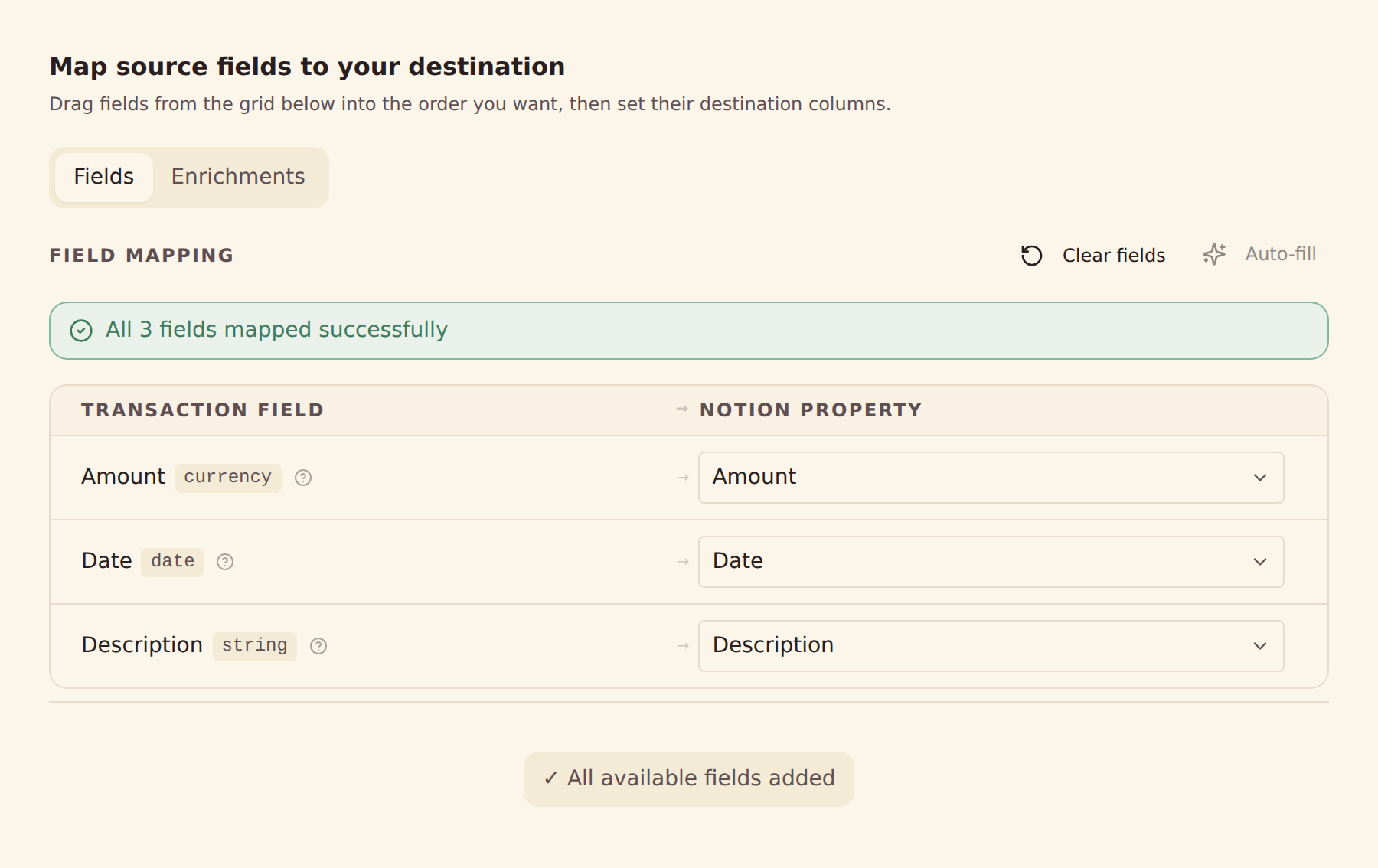
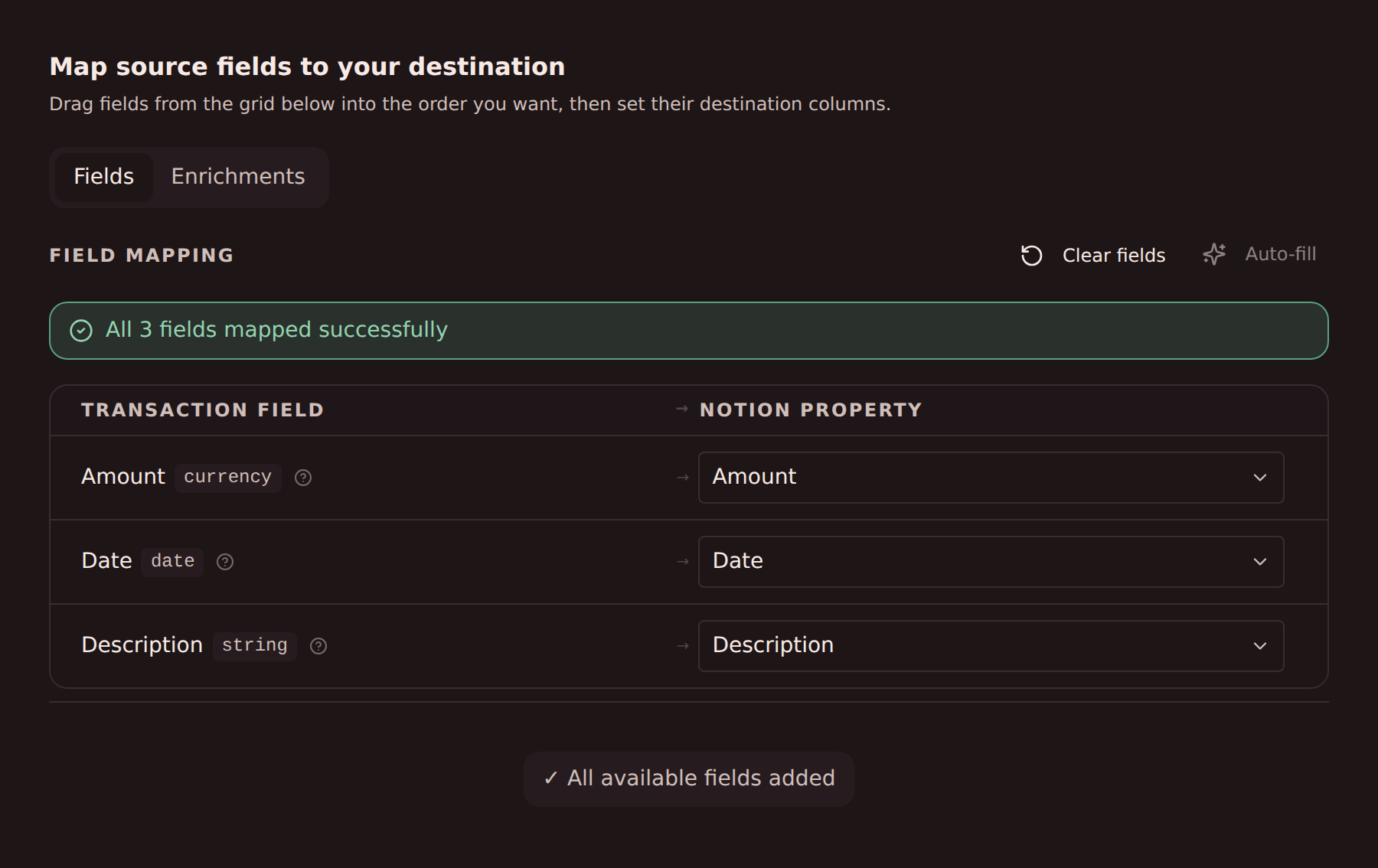
Configure field mappings
Map the supported Axis Sharia fields supplied by the provider to columns in Securo.
Set your sync schedule
Choose hourly, daily, or weekly automatic syncs based on your plan, or run a manual sync at any time.
What gets synced from Axis Sharia to Securo
Transactions
Sync available Axis Sharia transaction history and provider-supplied fields such as dates, amounts, descriptions, merchants, and categories.
Balances
Sync current and available balances for supported Axis Sharia accounts.
Account details
Use provider-supplied account names, masked identifiers, and types to organise data in Securo.
Custom field mappings
Map any Axis Sharia field to any column in Securo — fully configurable.
Sync schedules
Choose hourly, daily, or weekly automatic syncs based on your plan, or run a manual sync at any time.
Ready to sync Axis Sharia with Securo?
Start your 14-day free trial. Connect your bank, configure your sync, and have data flowing into Securo in minutes.
Get Started FreeSync Axis Sharia somewhere else
The same Axis Sharia connection can feed any of these destinations.
- Sync Axis Sharia to Actual Budget
- Sync Axis Sharia to Airtable
- Sync Axis Sharia to Firefly III
- Sync Axis Sharia to Google Sheets
- Sync Axis Sharia to Home Assistant
- Sync Axis Sharia to Microsoft Excel
- Sync Axis Sharia to MongoDB
- Sync Axis Sharia to MySQL
- Sync Axis Sharia to Notion
- Sync Axis Sharia to PostgreSQL
- Sync Axis Sharia to SimpleFIN
- Sync Axis Sharia to Sure
Other banks that sync to Securo
Institutions in the same market that can also route account data to Securo.
- Sync CommBank to Securo🇦🇺 Australia
- Sync Westpac to Securo🇦🇺 Australia
- Sync NATIONAL AUSTRALIA BANK to Securo🇦🇺 Australia
- Sync ANZ to Securo🇦🇺 Australia
- Sync Macquarie Bank Limited to Securo🇦🇺 Australia
- Sync ING BANK (Australia) Ltd to Securo🇦🇺 Australia
- Sync Up to Securo🇦🇺 Australia
- Sync Bankwest to Securo🇦🇺 Australia
BankSync is not affiliated with, endorsed by, or an official partner of Axis Sharia or Securo. All trademarks belong to their respective owners. Bank connections are established through regulated open banking providers.