
Use Claude Cowork with Bank of Melbourne
BankSync's MCP server can let Claude Cowork query supported Bank of Melbourne account data that you have connected through BankSync and authorized for API access. Query your finances in natural language without spreadsheets or exports.
BankSync is not affiliated with, endorsed by, sponsored by, or partnered with Bank of Melbourne or Claude Cowork. Names are used only to describe potential account-data coverage and client compatibility.
How to connect Claude Cowork to Bank of Melbourne
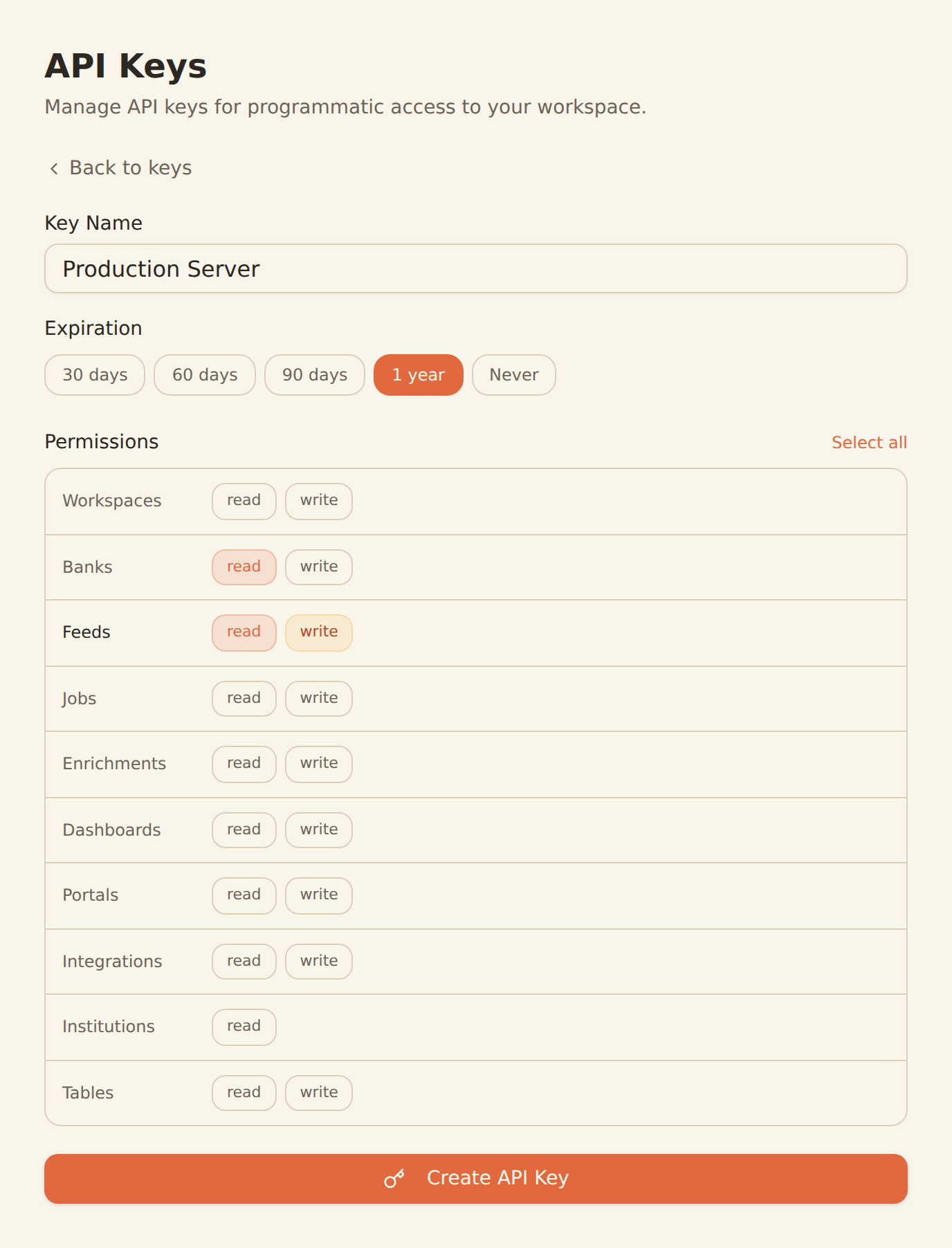
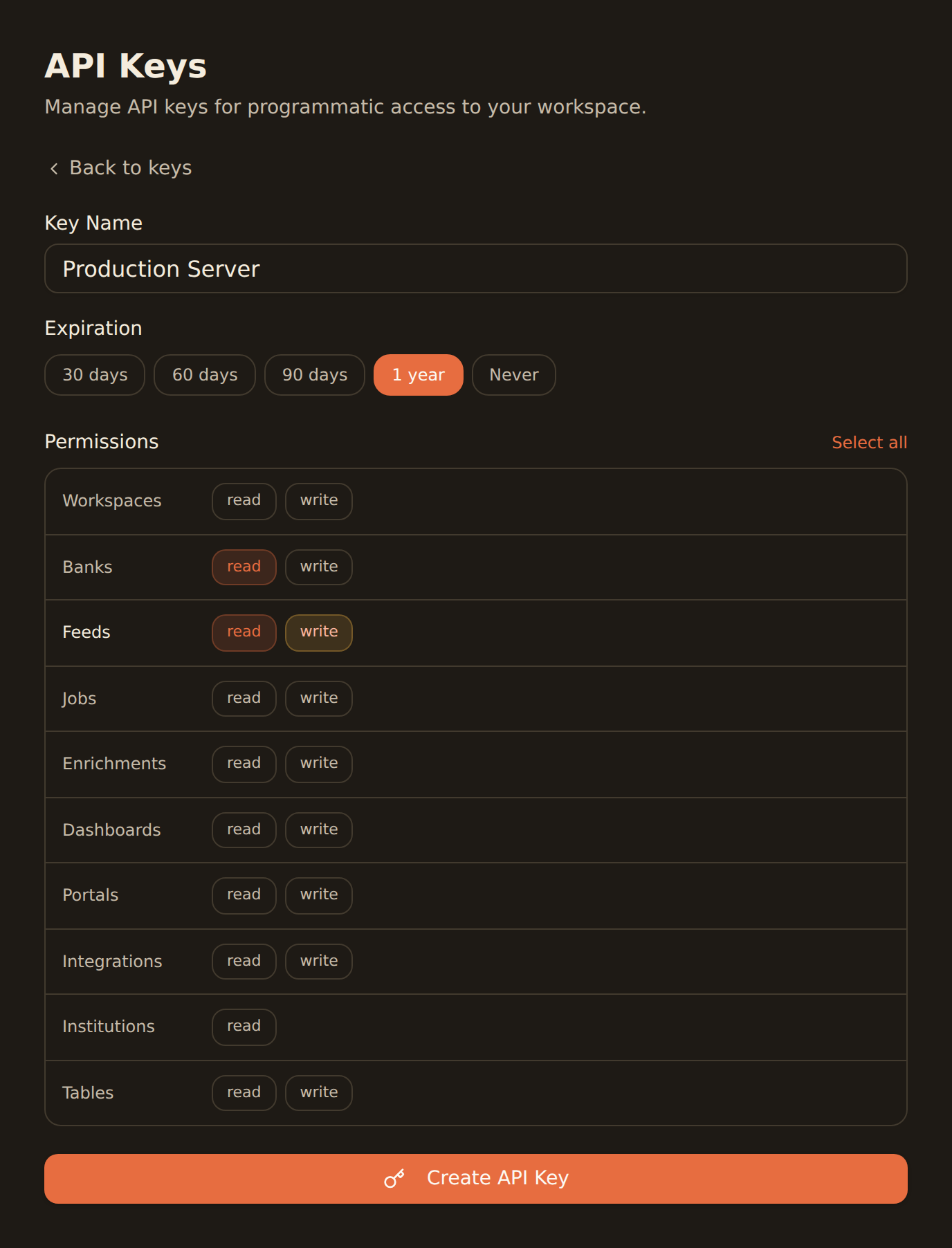
one key, every agent
Search for Bank of Melbourne in BankSync
Sign up for BankSync and, if Bank of Melbourne is available, link your account through a provider-hosted or bank-hosted authorization flow.
Generate an API key
Create an API key from the Developers section of your BankSync workspace.
Configure Claude Cowork
Add the BankSync MCP server to Claude Cowork using your API key. Follow our Claude Cowork setup guide for step-by-step instructions.
Start querying
Ask Claude Cowork about supported Bank of Melbourne transactions, balances, and more using natural language.
Claude Cowork MCP Configuration
Add this configuration to let Claude Cowork query supported Bank of Melbourne account data through BankSync.
Also use the Claude Desktop app? Install via the one-click banksync-mcp.mcpb desktop bundle. This bundle is for the Claude Desktop app only.
{
  "mcpServers": {
    "banksync": {
      "url": "https://mcp.banksync.io",
      "headers": {
        "X-API-Key": "bsk_your_key_here"
      }
    }
  }
}
What Claude Cowork can access from Bank of Melbourne
Accounts
List the Bank of Melbourne accounts connected through BankSync and visible to the API key scopes you grant.
Transactions
Query supported Bank of Melbourne transactions with provider-supplied dates, descriptions, amounts, merchants, and categories.
Balances
Get current and available balances for supported Bank of Melbourne accounts.
Ready to connect Claude Cowork to Bank of Melbourne?
Start your 14-day free trial. Connect your bank, generate an API key, and start querying data in minutes.
keep exploring ✦
Use Bank of Melbourne with another agent
The same BankSync MCP server and API key work with every one of these.
- Use Bank of Melbourne with ChatGPTOpenAI
- Use Bank of Melbourne with Claude CodeAnthropic
- Use Bank of Melbourne with Claude DesktopAnthropic
- Use Bank of Melbourne with CursorAnysphere
- Use Bank of Melbourne with GeminiGoogle
- Use Bank of Melbourne with Hermes AgentNousResearch
- Use Bank of Melbourne with OpenClawOpenClaw
- Use Bank of Melbourne with VS Code CopilotMicrosoft
Other banks you can use with Claude Cowork
Institutions in the same market that Claude Cowork can query through BankSync MCP.
- Use NATIONAL AUSTRALIA BANK with Claude Cowork🇦🇺 Australia
- Use CommBank with Claude Cowork🇦🇺 Australia
- Use ANZ with Claude Cowork🇦🇺 Australia
- Use ANZ Plus with Claude Cowork🇦🇺 Australia
- Use Westpac with Claude Cowork🇦🇺 Australia
- Use Macquarie Bank Limited with Claude Cowork🇦🇺 Australia
- Use AMP - My AMP with Claude Cowork🇦🇺 Australia
- Use ING BANK (Australia) Ltd with Claude Cowork🇦🇺 Australia
BankSync is not affiliated with, endorsed by, or an official partner of Claude Cowork or Bank of Melbourne. All product names and trademarks are the property of their respective owners. Bank connections are established through regulated open banking providers.