
Coverage and setup checked: 28 October 2026.
YNAB supports selected European banks, but Europe is not one banking market with one connection list. Country, local banking entity, account type and currency all matter.
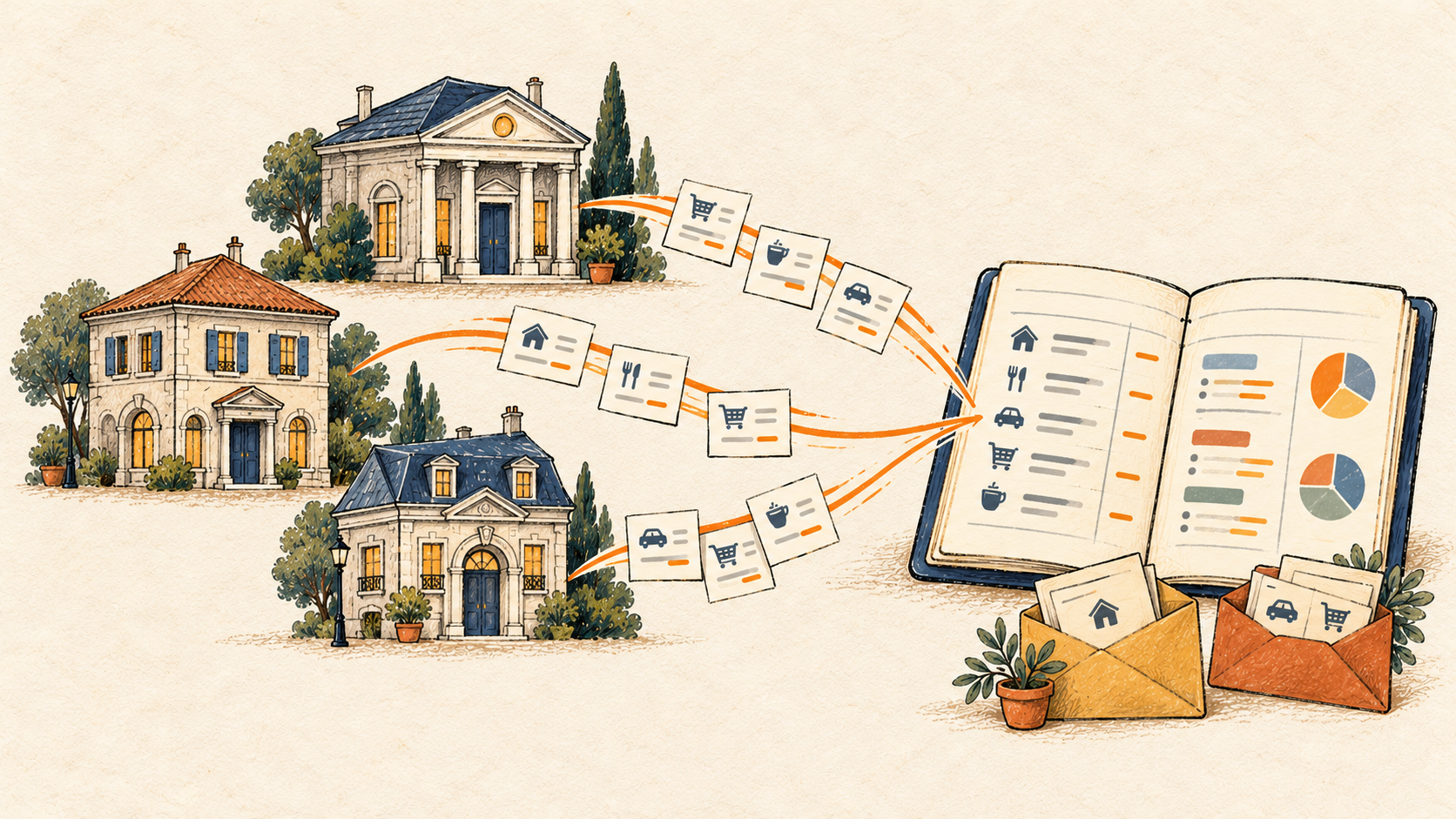
For a European account missing from YNAB, BankSync's YNAB destination is a route to investigate: check whether the exact bank is available in BankSync, confirm access to the destination, then match the account to a YNAB plan in the same currency.
Which European countries does YNAB support?
According to YNAB's Direct Import in Europe guide, its supported-country list means at least one bank is available in each listed country. It is not comprehensive coverage of every bank.
The EU countries on that list are Austria, Belgium, Denmark, Estonia, Finland, France, Germany, Ireland, Italy, Latvia, Lithuania, the Netherlands, Poland, Portugal, Spain and Sweden. Norway and the United Kingdom also appear, but neither is an EU member.
The EU countries not shown on that list at the time of this check are Bulgaria, Croatia, Cyprus, Czechia, Greece, Hungary, Luxembourg, Malta, Romania, Slovakia and Slovenia. Treat this as a dated summary of YNAB's published list, not a permanent guarantee of availability or unavailability.
Always check the current list and in-app bank search before choosing a connection.
Country coverage is only the first check
A European banking group may operate separate institutions in several countries. Search for the local entity that holds the account rather than assuming a group name represents one universal connection.
BankSync's European connection guide uses ING in the Netherlands and ING in Poland as an example of separate institutions with separate consents. It also explains that local banking networks can have many individually listed members.
Run four checks:
- Country: Where is the account actually held?
- Institution: Which local legal entity or member bank serves it?
- Account: Is the specific current, savings or card account exposed through the connection?
- Currency: Does that account's currency match the intended YNAB plan?
A successful result at one level does not answer the next. This matters especially when you have moved country, use more than one European bank or hold balances in several currencies.
How BankSync connects European bank accounts
BankSync's documentation describes European connections through Salt Edge and a PSD2 consent flow, with coverage across the EEA. The EEA includes the EU plus Norway, Iceland and Liechtenstein; it does not include every European country.
That regional description is not a promise that every institution or account is available. Confirm your bank in BankSync's current search and check the accounts offered during authorisation before making plans around a feed.
In Banks → Connect a new bank, search the local bank name and filter by country. Review the data-access disclosure, authenticate with your bank and complete its verification steps. Select only the accounts you want to share.
When you return, verify that the expected accounts are visible and the connection is active. For a missing account, check the institution and consent selection before troubleshooting YNAB.
Connect the account to YNAB
Once YNAB is enabled in your workspace, the destination setup is account-based rather than spreadsheet-style field mapping.
- Open or create the relevant BankSync feed and go to Destination.
- Choose YNAB, sign in through the popup and approve access.
- Pick the YNAB plan and check the currency displayed beside it.
- In Mapping, send each bank account to an existing YNAB account, create a new one, or choose Don't send.
- Review the suggested account type before creating a new account.
- Choose Today or intentionally include the available historical transactions.
- Run the feed and review the imported transactions in YNAB.
Each feed writes into one selected plan. An account whose currency does not match that plan is marked Not sent. This makes the plan choice a functional setup requirement, not just a display preference.

A EUR and PLN example
Suppose you have a euro current account and a Polish-zloty account. Sending both balances into a euro plan as if they were the same unit would make the combined figures misleading.
BankSync does not convert the PLN transactions to EUR. To use its YNAB destination for both accounts, prepare a matching-currency plan for each and route them through separate feeds.
Keep the associated reviews separate as well. A transfer involving currency conversion can include different amounts and a fee on either side. BankSync sends the posted records; it does not decide how you should represent that cross-currency movement in your plans.
For an entirely EUR household, several eligible euro accounts can instead be matched to separate accounts within the same EUR plan. Keeping separate account registers makes checking each bank balance easier.
Choose a clean starting point
Today is BankSync's default starting option. Bringing in history is a deliberate choice, with 7-, 30- or 90-day options limited by what the bank provides.
Historical entries can affect earlier months in YNAB and require categorisation there. More history is useful only if you intend to review it. For an existing plan, first identify what is already present.
Use one import method per YNAB account. If it currently uses Direct Import, unlink that method before routing a BankSync feed to it. Avoid overlapping File Imports too. Stable BankSync import IDs prevent repeated BankSync syncs from duplicating entries, but they do not reconcile two independent import sources.
Keep the connection useful after setup
Review the first sync against a handful of known posted transactions. BankSync sends cleared, unapproved entries; categories, flags and splits remain for review in YNAB.
Pending transactions are not sent. Transfers between connected accounts arrive as separate entries rather than automatically linked YNAB transfers.
Watch the bank consent information shown in BankSync and renew when prompted. If access to YNAB itself stops working, reconnect it from Integrations. If the destination account was closed or deleted, choose a valid replacement account for the feed.
Frequently asked questions
Start with your exact bank and currency
Check the institution, connect the account and confirm YNAB early access. Then follow the setup guide with a matching-currency plan and a deliberate import start date.
For UK-specific connection questions, read the UK bank-sync guide. For Australian accounts, see the CDR and YNAB guide.