
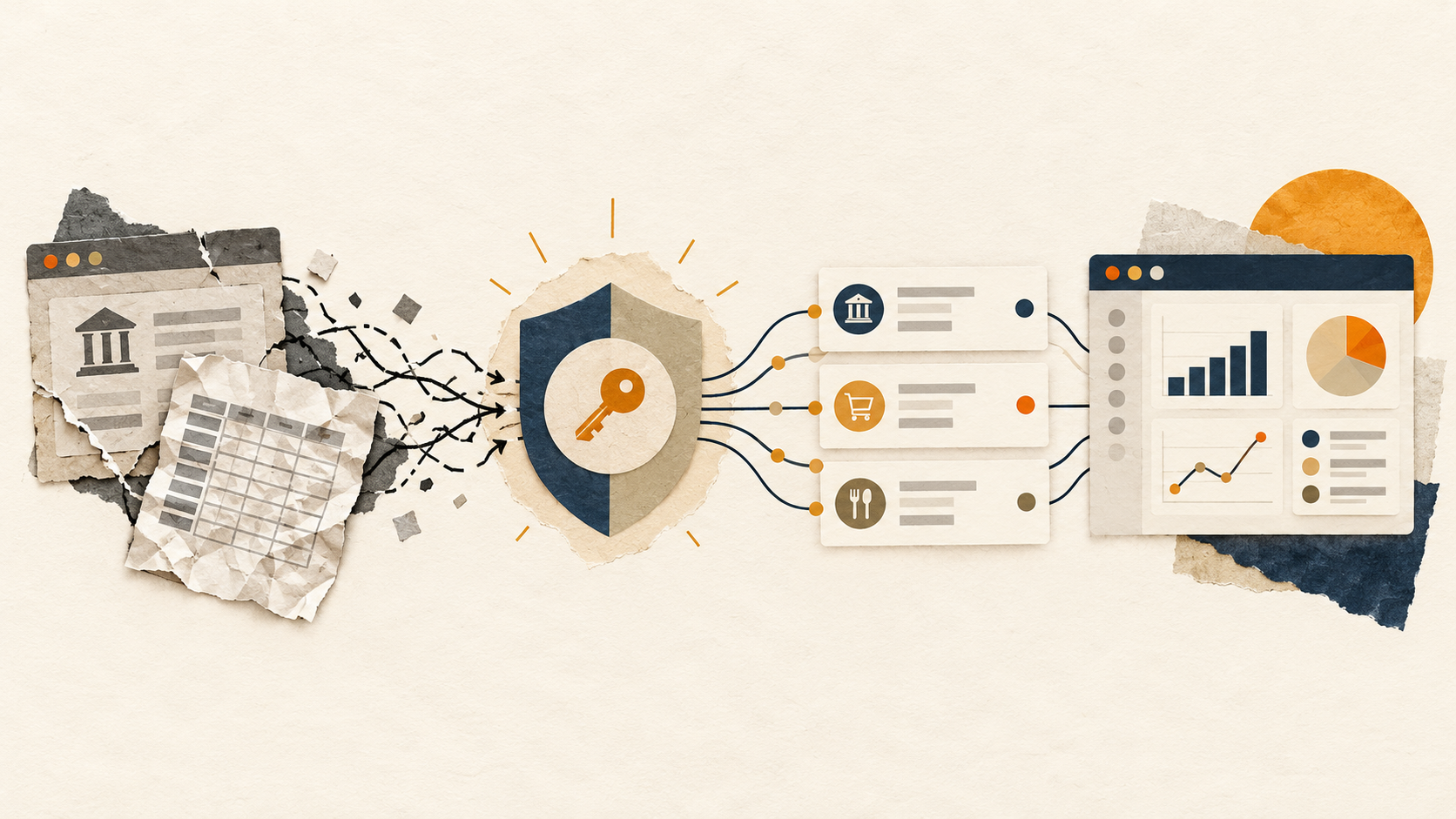
Bank data connectivity used to mean downloading a statement, exporting a CSV and hoping the columns still matched last month’s spreadsheet. Then came tools that automated the login-and-copy step. Today, the strongest connections use a consent flow controlled by the bank or an authorised data provider, followed by structured, permissioned access.
That distinction matters to anyone building a cash-flow view, reconciling accounts, preparing client work or giving an AI assistant a tightly scoped view of financial data. The connection method determines how reliable the feed is, what data can be shared, who can revoke it and how much manual repair sits behind the “automation.”
The first era: manual files and repeated clean-up
The original workflow was simple but expensive in time:
- Download a statement or CSV from online banking.
- Import it into a spreadsheet or accounting file.
- Re-map columns, remove duplicates and correct formats.
- Repeat next week or month.
Manual exports are still useful as a fallback and keep a person in direct control. But they make every report stale almost as soon as it is made. They also turn routine tasks—cash checks, reconciliation, spending reviews and client reporting—into a repeated data-preparation job.
The second era: credential-based aggregation and screen scraping
Screen scraping gave users their first taste of automatic feeds. Software would imitate a browser session, sign in to online banking and read what appeared on the screen.
That reduced CSV work, but it came with structural limitations. A redesigned bank page, a changed multi-factor authentication step or a new account view could break a connection. Data fields could vary between institutions, so downstream systems still needed repairs and exceptions.
The bigger question was control. Some legacy connections asked users to provide internet-banking credentials to a third party. Even where the intent was read-only, that model made it harder for people to see exactly what had been authorised, to limit the scope of access or to confidently revoke it later.
The third era: consented, structured API access
A modern bank-data flow usually sends the customer into a bank or authorised provider’s own authentication and consent experience. Instead of an application handling the customer’s bank password, the bank or provider returns an authorisation that is constrained by the data and purpose approved.
That makes several practical improvements possible:
- Clearer permissions. A person can see which accounts and data types they are allowing a service to use.
- Read-only boundaries. A data feed can be designed to retrieve transactions, balances or holdings without being able to move money or change bank settings.
- Structured records. Transactions arrive as fields rather than screen pixels, making them easier to map into reporting, databases and automation.
- More resilient operations. A documented data interface is less exposed to visual website changes than a workflow built around clicking through pages.
- Revocation and auditability. Modern frameworks can give users a way to disconnect access and make the consent relationship visible.
An API is not a magic word
“API” describes a structured way for systems to communicate; it does not automatically make every connection equally safe, fresh or widely available. Coverage, refresh frequency, available data types and consent controls still differ by country, bank and provider.
The useful test is whether the connection is explicit and bounded: are you authenticating in a trusted flow, granting only the data required, able to revoke access, and sending the result to a destination you control? In Australia, for example, the Consumer Data Right (CDR) makes the consent and data-sharing relationship a regulated part of the experience. BankSync’s CDR consent guide explains what that looks like when financial data leaves the regulated environment for a chosen destination.
The fourth era: connected finance, not just connected banks
Once data arrives as structured, permissioned records, it does not need to stop at a budgeting screen. The same authorised feed can keep a spreadsheet current, populate a Notion database, power a dashboard, update a database or support a narrowly scoped AI query.
That is the shift from “getting bank data out” to building a financial operating system around it. A finance team can watch cash movement without recurring file imports. An accountant can work from a live, consistent transaction table. A developer can use the same approved data in a product workflow. An individual can keep a custom spreadsheet without doing the maintenance by hand.
What good bank data connectivity looks like
When evaluating a bank-data platform, look beyond a list of supported institutions:
- Authentication happens in a trusted, disclosed flow. You should not need to hand your online-banking password to an app just to obtain a feed.
- Access is genuinely read-only. A data service should not be able to make payments, trade or change account settings.
- Consent can be managed. You should know what is connected, what is being shared and how to stop it.
- The output is usable. Clean, mapped fields and duplicate handling are more valuable than a raw connection that still needs hours of reconciliation.
- Destinations are deliberate. The safety of the connection is only part of the picture; the spreadsheet, database or AI client receiving the data needs appropriate access controls too.
- Operations are visible. A reliable feed has a schedule, job history and a clear way to handle a bank or destination interruption.
What this looks like with BankSync
BankSync uses read-only bank-data routes appropriate to each market, including regulated open-banking pathways where they apply. You choose the accounts and data you want to use, then direct that data to a destination such as Google Sheets, Excel, Notion, Airtable, a database, a webhook or a compatible AI client.
The product is designed around a simple boundary: BankSync can read authorised data but cannot move money, trade, change passwords or alter bank settings. Its default model is pass-through to the destination you choose; managed storage is an explicit product choice rather than a hidden consequence of connecting an account. The security overview and privacy policy explain those boundaries in more detail.
For a practical example, a business might connect operating accounts to a Google Sheet for a live cash view, while a finance lead uses the same feed in a dashboard or asks an approved AI assistant a read-only question about spending. The value is not that the bank connection exists—it is that the data arrives where the work already happens, without rebuilding the connection for every workflow.
Moving away from a fragile workflow
If your current process relies on exports or a connection you do not fully understand, a sensible migration path is:
- List the reports, reconciliations or alerts that truly need fresh data.
- Choose a read-only, consent-based connection where your institution supports one.
- Start with one destination you already trust, such as a controlled spreadsheet or database.
- Map only the fields you need, then add automation once the feed is dependable.
- Review access and revoke old connections you no longer use.
The evolution of bank connectivity is not about making financial data available to every tool by default. It is about making authorised data available to the right tool, for a clear purpose, with the user still in control.