
Use Claude Desktop with Hagnauer Volksbank eG
BankSync's MCP server can let Claude Desktop query supported Hagnauer Volksbank eG account data that you have connected through BankSync and authorized for API access. Query your finances in natural language without spreadsheets or exports.
BankSync is not affiliated with, endorsed by, sponsored by, or partnered with Hagnauer Volksbank eG or Claude Desktop. Names are used only to describe potential account-data coverage and client compatibility.
How to connect Claude Desktop to Hagnauer Volksbank eG
one key, every agent
Search for Hagnauer Volksbank eG in BankSync
Sign up for BankSync and, if Hagnauer Volksbank eG is available, link your account through a provider-hosted or bank-hosted authorization flow.
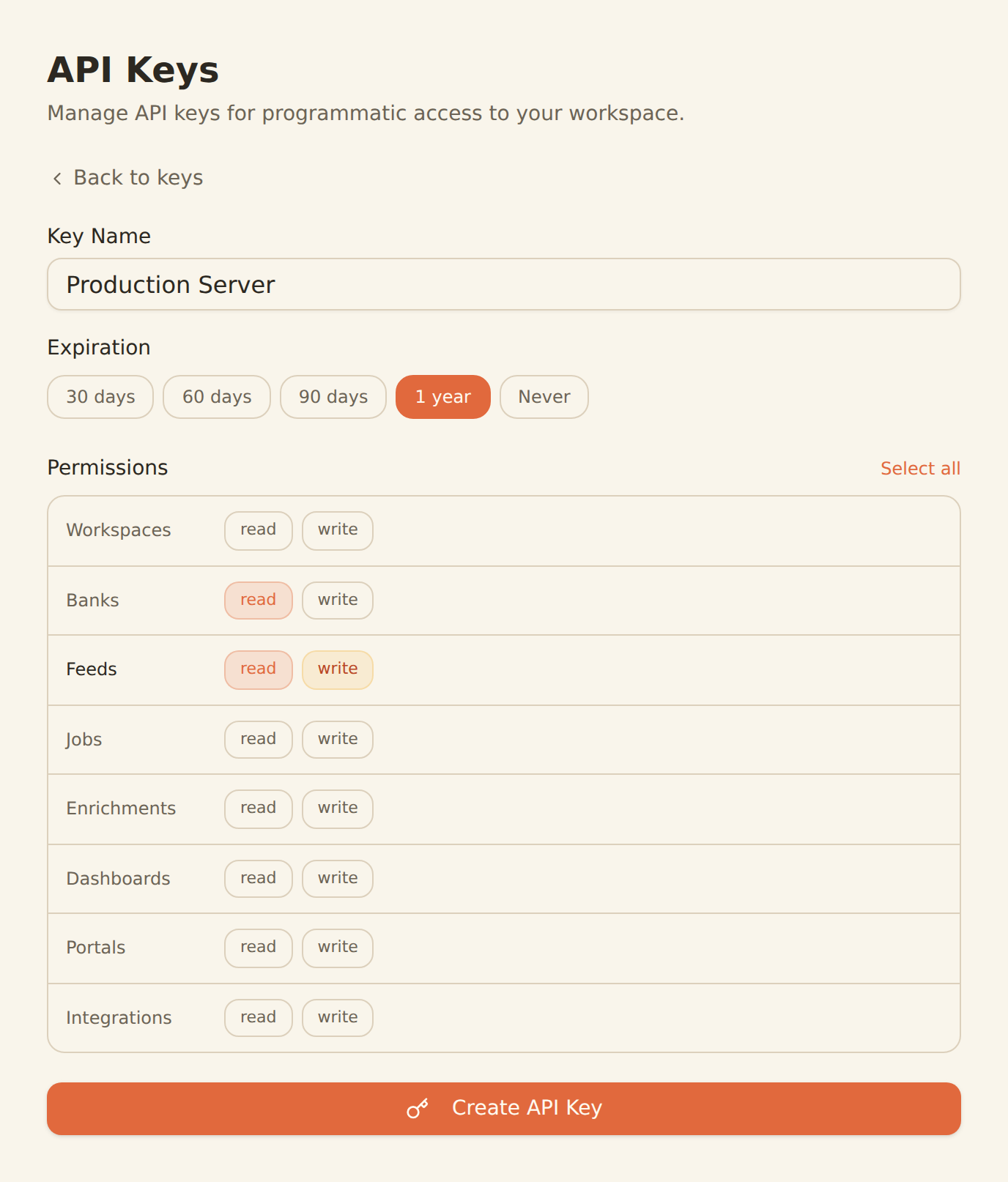
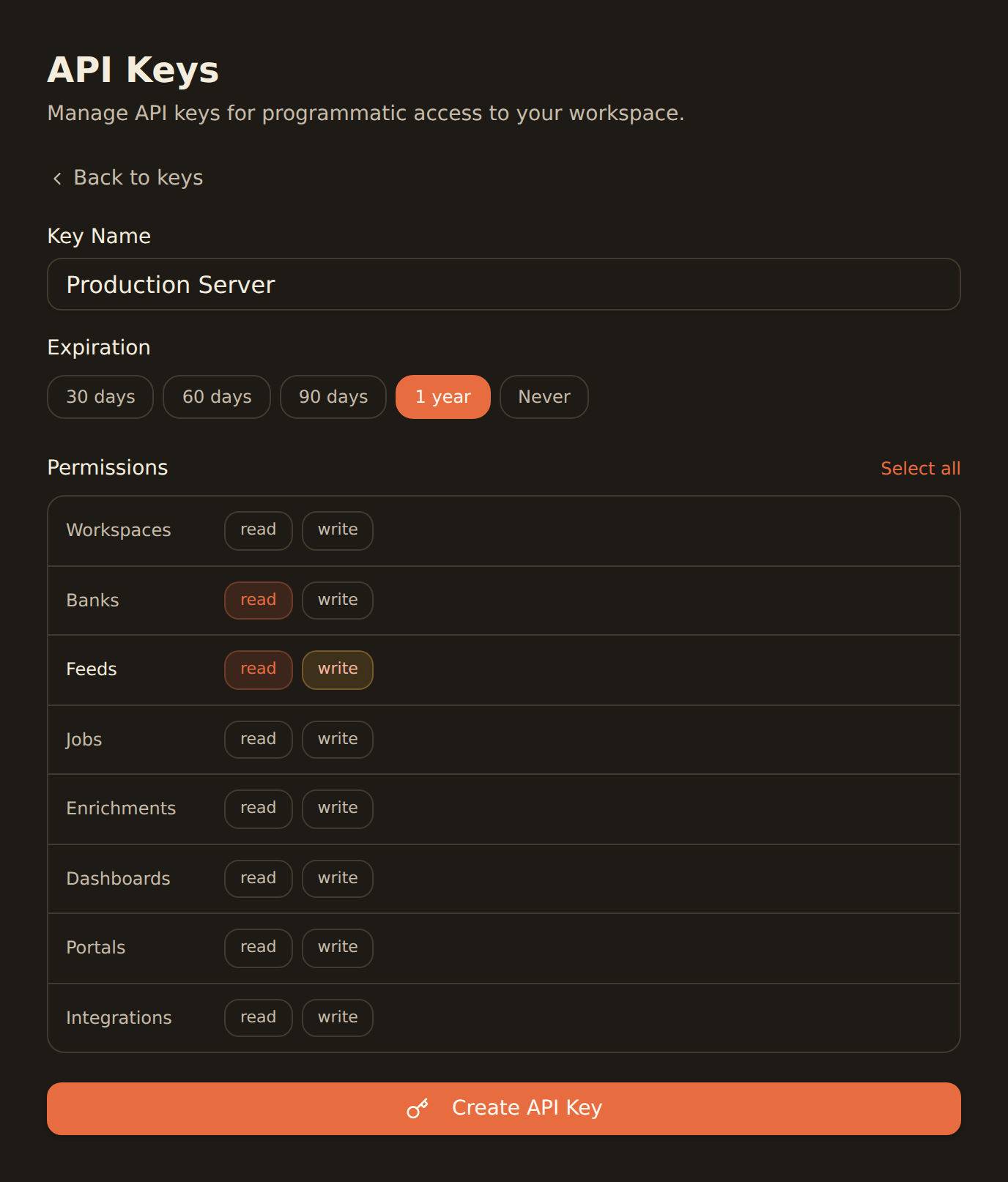
Generate an API key
Create an API key from the Developers section of your BankSync workspace.
Configure Claude Desktop
Add the BankSync MCP server to Claude Desktop using your API key. Follow our Claude Desktop setup guide for step-by-step instructions.
Start querying
Ask Claude Desktop about supported Hagnauer Volksbank eG transactions, balances, and more using natural language.
Claude Desktop MCP Configuration
Add this configuration to let Claude Desktop query supported Hagnauer Volksbank eG account data through BankSync.
One-click install for the Claude Desktop app
Skip the JSON. Download the BankSync Desktop Extension and open it with the Claude Desktop app, and you'll be prompted for your API key during install. The link always serves the latest release.
Download banksync-mcp.mcpb{
"mcpServers": {
"banksync": {
"url": "https://mcp.banksync.io",
"headers": {
"X-API-Key": "bsk_your_key_here"
}
}
}
}What Claude Desktop can access from Hagnauer Volksbank eG
Accounts
List the Hagnauer Volksbank eG accounts connected through BankSync and visible to the API key scopes you grant.
Transactions
Query supported Hagnauer Volksbank eG transactions with provider-supplied dates, descriptions, amounts, merchants, and categories.
Balances
Get current and available balances for supported Hagnauer Volksbank eG accounts.
Ready to connect Claude Desktop to Hagnauer Volksbank eG?
Start your 14-day free trial. Connect your bank, generate an API key, and start querying data in minutes.
BankSync is not affiliated with, endorsed by, or an official partner of Claude Desktop or Hagnauer Volksbank eG. All product names and trademarks are the property of their respective owners. Bank connections are established through regulated open banking providers.