

Securityplus Federal Credit UnionをMicrosoft Excelに同期
BankSyncは、サードパーティのオープンバンキングプロバイダーを通じてSecurityplus Federal Credit Unionの口座への接続に対応している場合があり、以下に示す対応する口座データをMicrosoft Excelに送ります。設定は約5分で、コードは不要です。
Securityplus Federal Credit UnionをMicrosoft Excelに同期する方法
BankSyncでSecurityplus Federal Credit Unionを検索
BankSyncに登録し、Securityplus Federal Credit Unionが利用可能であれば、プロバイダーまたは銀行がホストする認証フローで口座を接続します。BankSyncがオンラインバンキングのログイン情報を保存することはありません。
Microsoft Excelへのアクセスを許可
Microsoft Excelワークスペースへのデータ書き込みをBankSyncに許可します。対応する口座データの書き込み先となるデータベース、テーブル、シートを選びます。
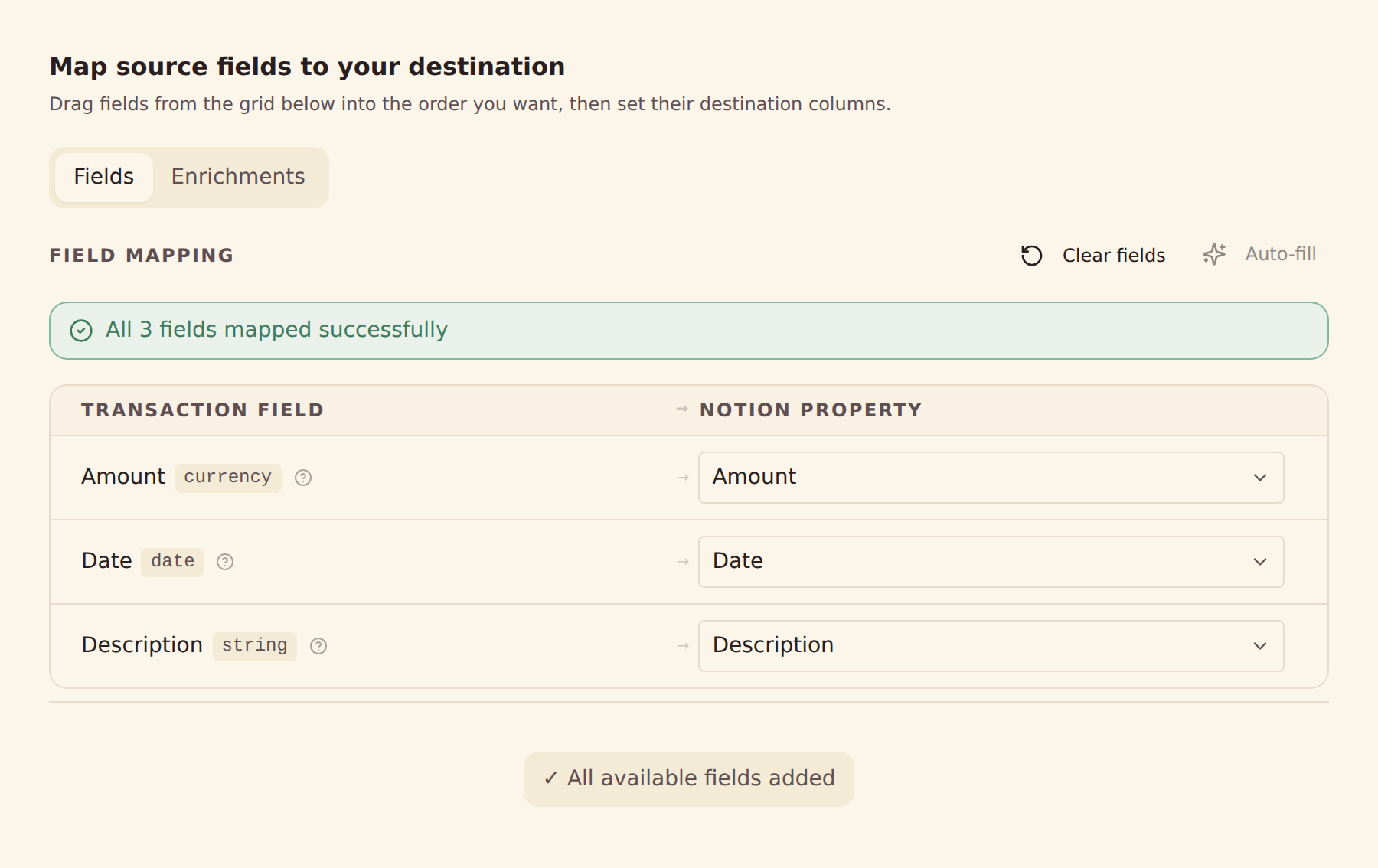
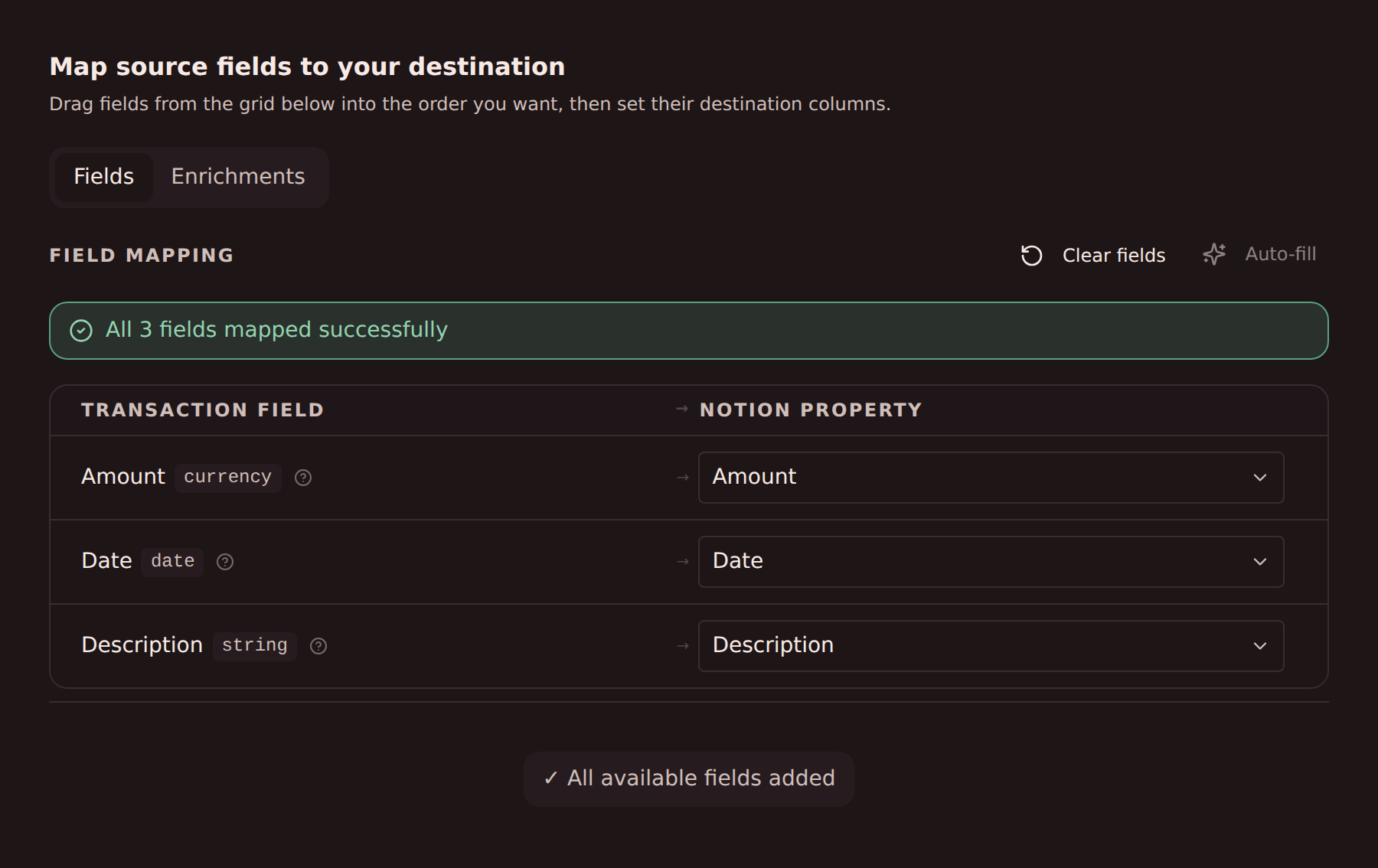
項目のマッピングを設定
プロバイダーが提供する、対応するSecurityplus Federal Credit Unionの項目をMicrosoft Excelの列にマッピングします。
同期スケジュールを設定
プランに応じて毎時、毎日、毎週の自動同期を選べるほか、いつでも手動で同期できます。
Securityplus Federal Credit UnionからMicrosoft Excelに同期されるデータ
取引
取得可能なSecurityplus Federal Credit Unionの取引履歴と、日付、金額、摘要、加盟店、カテゴリーなど、プロバイダーが提供する項目を同期します。
残高
対応するSecurityplus Federal Credit Unionの口座の現在残高と利用可能残高を同期します。
保有資産
Securityplus Federal Credit Unionの対応する投資ポジション、数量、時価を同期します。
売買
Securityplus Federal Credit Unionの対応する投資の売買履歴とアクティビティ履歴を同期します。
ローン
Securityplus Federal Credit Unionの対応するローン残高と、プロバイダーが提供する負債の詳細を同期します。
口座の詳細
プロバイダーが提供する口座名、マスクされた識別子、種類を使って、Microsoft Excelでデータを整理できます。
カスタム項目マッピング
Securityplus Federal Credit Unionのどの項目もMicrosoft Excelのどの列にもマッピングでき、自由に設定できます。
同期スケジュール
プランに応じて毎時、毎日、毎週の自動同期を選べるほか、いつでも手動で同期できます。
Securityplus Federal Credit UnionをMicrosoft Excelと同期する準備はできましたか?
14日間の無料トライアルを始めましょう。銀行を接続して同期を設定すれば、数分でMicrosoft Excelにデータが届き始めます。
無料で始めるSecurityplus Federal Credit Unionをほかの同期先に同期
同じSecurityplus Federal Credit Unionの接続で、これらのどの同期先にもデータを送れます。
- Securityplus Federal Credit UnionをActual Budgetに同期
- Securityplus Federal Credit UnionをAirtableに同期
- Securityplus Federal Credit UnionをFirefly IIIに同期
- Securityplus Federal Credit UnionをGoogle Sheetsに同期
- Securityplus Federal Credit UnionをHome Assistantに同期
- Securityplus Federal Credit UnionをMongoDBに同期
- Securityplus Federal Credit UnionをMySQLに同期
- Securityplus Federal Credit UnionをNotionに同期
- Securityplus Federal Credit UnionをPostgreSQLに同期
- Securityplus Federal Credit UnionをSecuroに同期
- Securityplus Federal Credit UnionをSimpleFINに同期
- Securityplus Federal Credit UnionをSureに同期
Microsoft Excelに同期できるほかの銀行
同じ市場で、口座データをMicrosoft Excelに送れるほかの金融機関です。
- ChaseをMicrosoft Excelに同期🇺🇸 アメリカ合衆国
- American ExpressをMicrosoft Excelに同期🇺🇸 アメリカ合衆国
- Capital OneをMicrosoft Excelに同期🇺🇸 アメリカ合衆国
- Bank of AmericaをMicrosoft Excelに同期🇺🇸 アメリカ合衆国
- Citibank OnlineをMicrosoft Excelに同期🇺🇸 アメリカ合衆国
- Wells FargoをMicrosoft Excelに同期🇺🇸 アメリカ合衆国
- FidelityをMicrosoft Excelに同期🇺🇸 アメリカ合衆国
- PayPalをMicrosoft Excelに同期🇺🇸 アメリカ合衆国
BankSyncはSecurityplus Federal Credit UnionおよびMicrosoft Excelと提携しておらず、承認を受けたものでも公式パートナーでもありません。すべての商標は各所有者に帰属します。銀行接続は、規制を受けたオープンバンキングプロバイダーを通じて確立されます。