Sync US bank data to Notion
Pipe transactions, balances, and holdings from any §1033-accessible US bank into Notion on a schedule. Database-driven dashboards and trackers.
Authorize Notion once, then sync bank data into your databases.
Quick answer
BankSync syncs supported US account data from §1033-accessible banks to Notion. Choose hourly, daily, or weekly automatic syncs based on your plan, or run a manual sync at any time. Connect through the regulated §1033 consent flow; banking credentials are never stored.
Four steps to sync
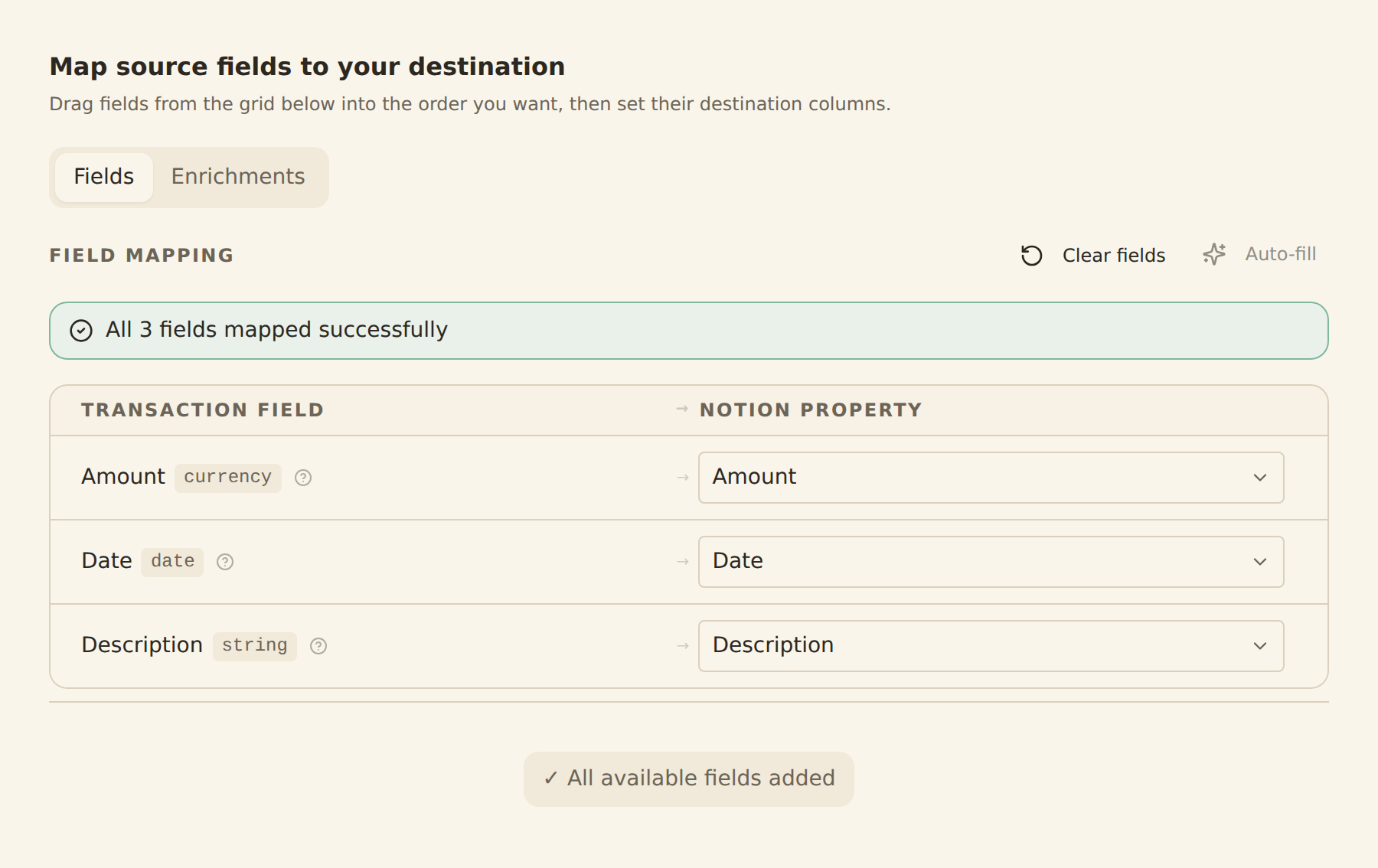
map your columns once
Sign up for BankSync
Create a BankSync account and start your 14-day trial. Your card is not charged during the trial.
Connect your US bank
Pick your bank from the list (Big 4, neobanks, regional, brokerage) and authorise the §1033 consent. Your credentials never touch BankSync.
Choose Notion as the destination
Connect your Notion workspace. Select from the data types supported for your account and choose an available schedule.
Map fields and confirm
Map BankSync fields to Notion columns or properties. Save the sync — your bank data appears in Notion on the next run.
CFPB §1033 Open Banking
Regulator: Consumer Financial Protection Bureau (CFPB)
The CFPB's §1033 rule gives US consumers a right to share their bank data with third parties of their choice. BankSync routes through Plaid, the most widely-integrated US data provider.
US banks we support
BankSync covers 0+ US financial institutions.










Credit unions

Prefer a different destination?
 US → Google Sheets
 US → Airtable
 US → Excel
Frequently asked questions
Sync US bank data to Notion
Free 14-day trial. §1033-regulated. Cancel anytime.
14-day free trial • Cancel anytime