BankSync Tables template
Year in Money
Your last twelve months: what came in, where it went, your places, your week.
By  BankSyncVerified by BankSyncVerified by BankSync Verified
BankSyncVerified by BankSyncVerified by BankSync VerifiedItem 1 of 1: Your last twelve months: the story, every day, and where it went.
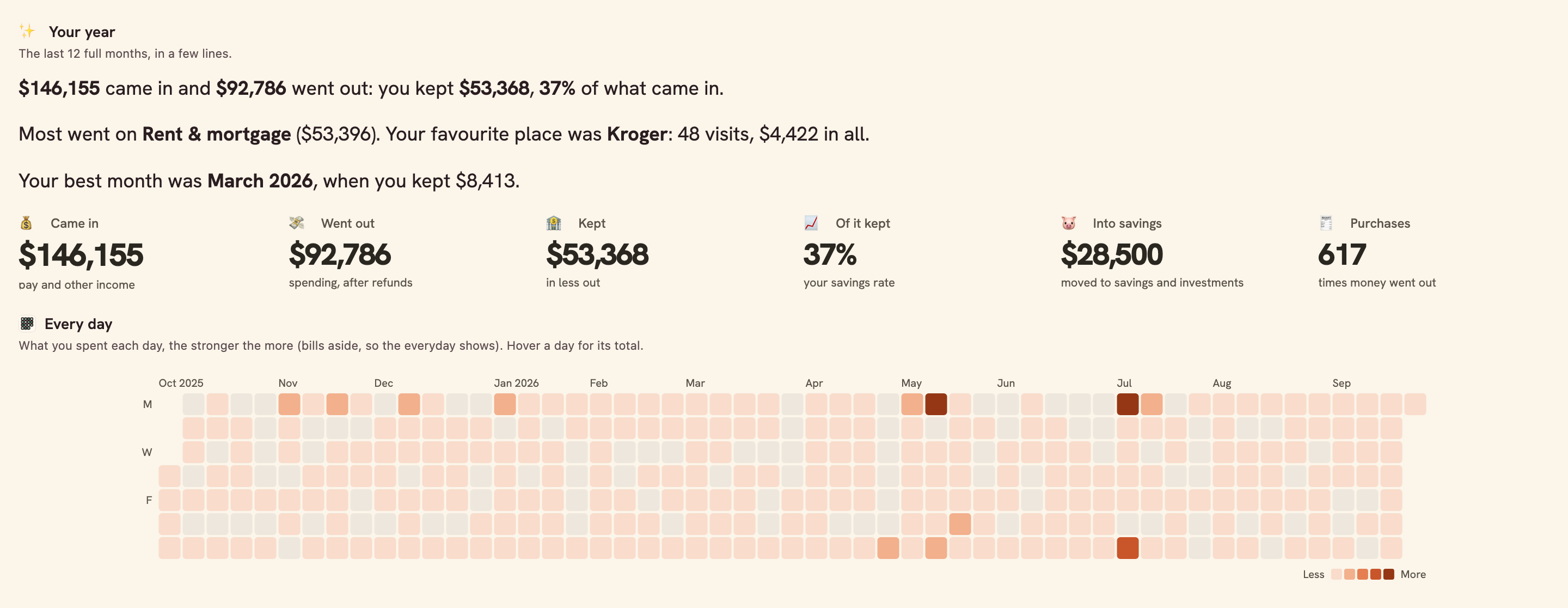
Your last twelve months: the story, every day, and where it went.
Overview
Year in Money is your last twelve months, told: what came in and went out, where most of it went, the places you went back to, the day of the week you spend, and the year’s biggest purchases.
What you see
- Your year in a few lines, beside the year in numbers.
- Every day of the year as a calendar.
- Month by month in and out with what you kept, and where it went by group and category.
- Places you paid most, your week, and the biggest purchases.
Set up in two minutes
- Pick your bank: the accounts your money moves through. You can connect a bank right there in the install.
- Install. BankSync sets up your Categories and Transactions (shared with Money Map and Monthly Budget), a sync each morning and the dashboard.
- Open it any time: it always shows the last twelve full months.
- Switch on the yearly note if you would like the year in a line on the 1st of January.
Good to know
- It reaches as far back as your bank sends transactions: often a year or two, sometimes only 90 days.
- Bills (rent or mortgage, loans, utilities, insurance, fees) are left out of the calendar, your week, your places and the biggest purchases, so the everyday shows; they count in every total.
- Places are named from what the bank sends; the same shop under two names counts twice.
- Totals are in the currency most of your recent transactions use; money in another currency is left out of them, never added as if it were the same.
- The yearly note arrives on the 1st of January at 09:00 your time, and only after you switch it on.
- Overview
- Annual
- Breakdown
- Consumer
What you get
- DashboardA dashboard laid out and wired to your data.
- AutomationAn automation. Off until an owner or admin approves it.
- Bank feedA bank feed that keeps the data flowing in on its own.
- TableA table with the columns already set up.
- EnrichmentAn enrichment that tidies and categorises as data arrives.
Works with BankSync Tables.
More from BankSync
View profile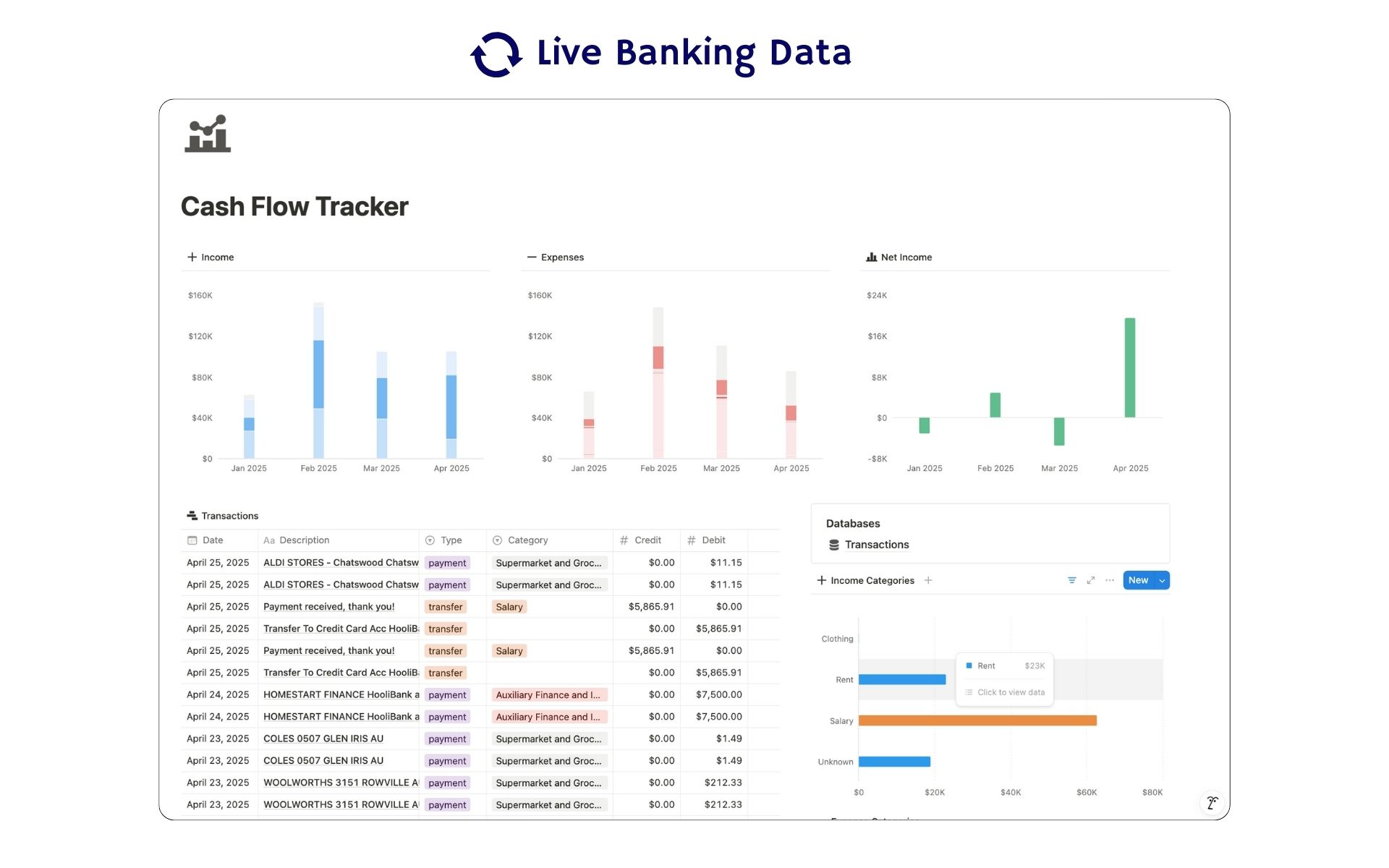 Featured
Cash Flow Tracker
Cash flow in Notion: your transactions imported for you, with monthly statements.
ByBankSyncVerified by BankSync- External template
Free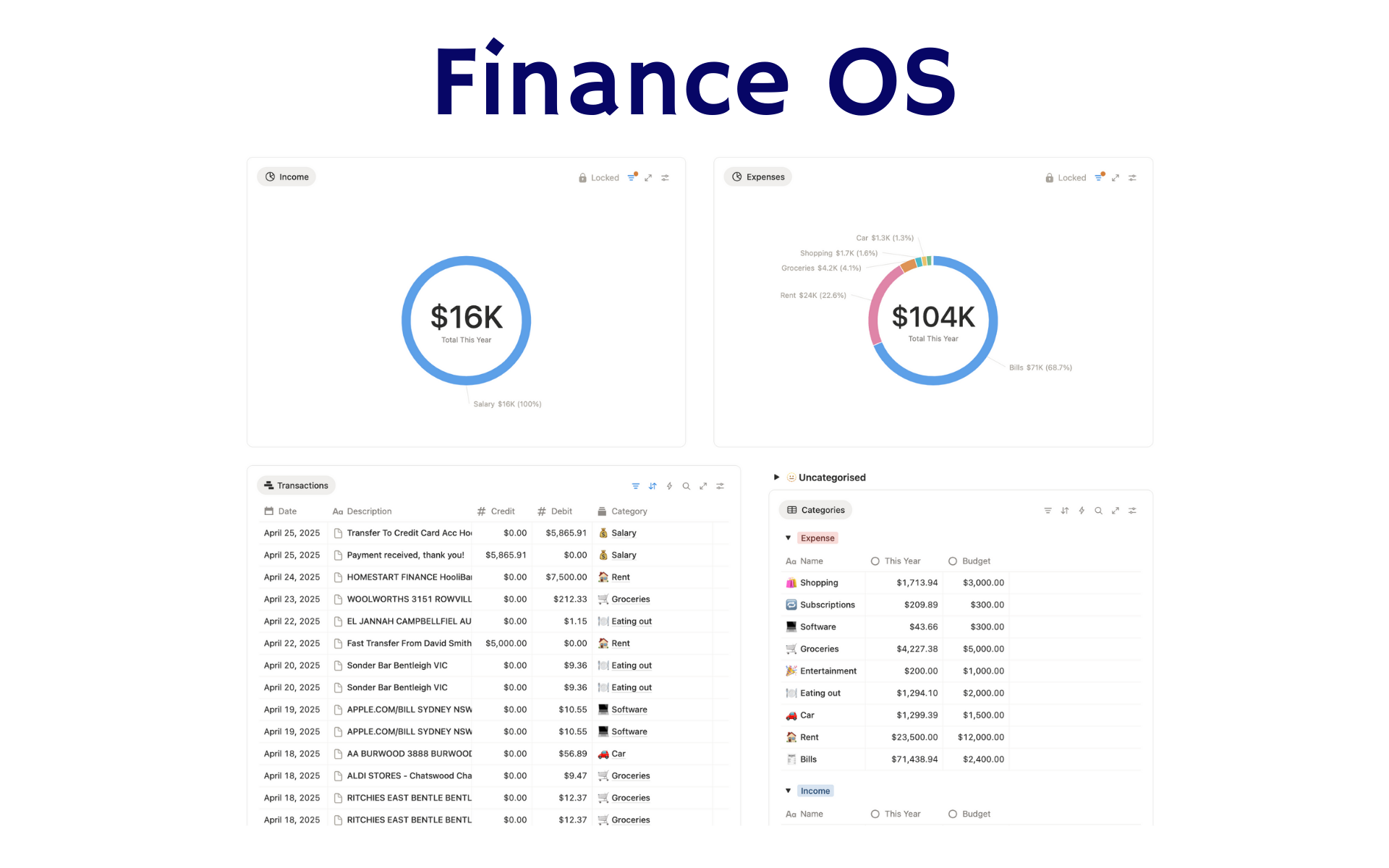 Featured
Finance OS
Your whole financial life in one Notion workspace: goals, investments, net worth and debt.
ByBankSyncVerified by BankSync- External template
Pro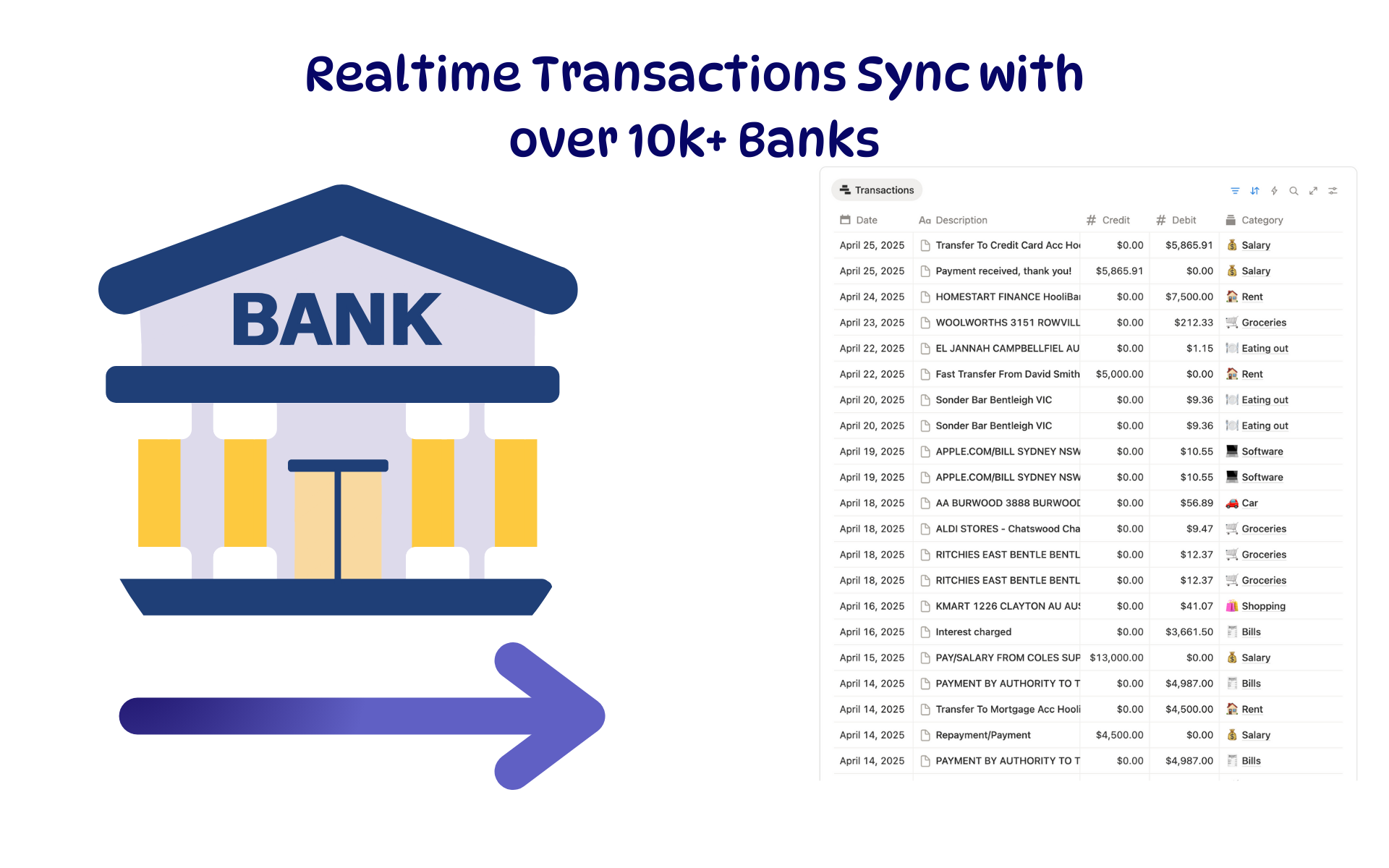 Featured
Budget Tracker
A Notion budget kept current by bank sync: spending against budget, month by month.
ByBankSyncVerified by BankSync- External template
Free