BankSync Tables template
Team Card Spend
Every team card against its limit, who spends on what, and the receipts still missing.
By  BankSyncVerified by BankSyncVerified by BankSync Verified
BankSyncVerified by BankSyncVerified by BankSync VerifiedItem 1 of 1: Every card against its limit, who spends on what, and month by month.
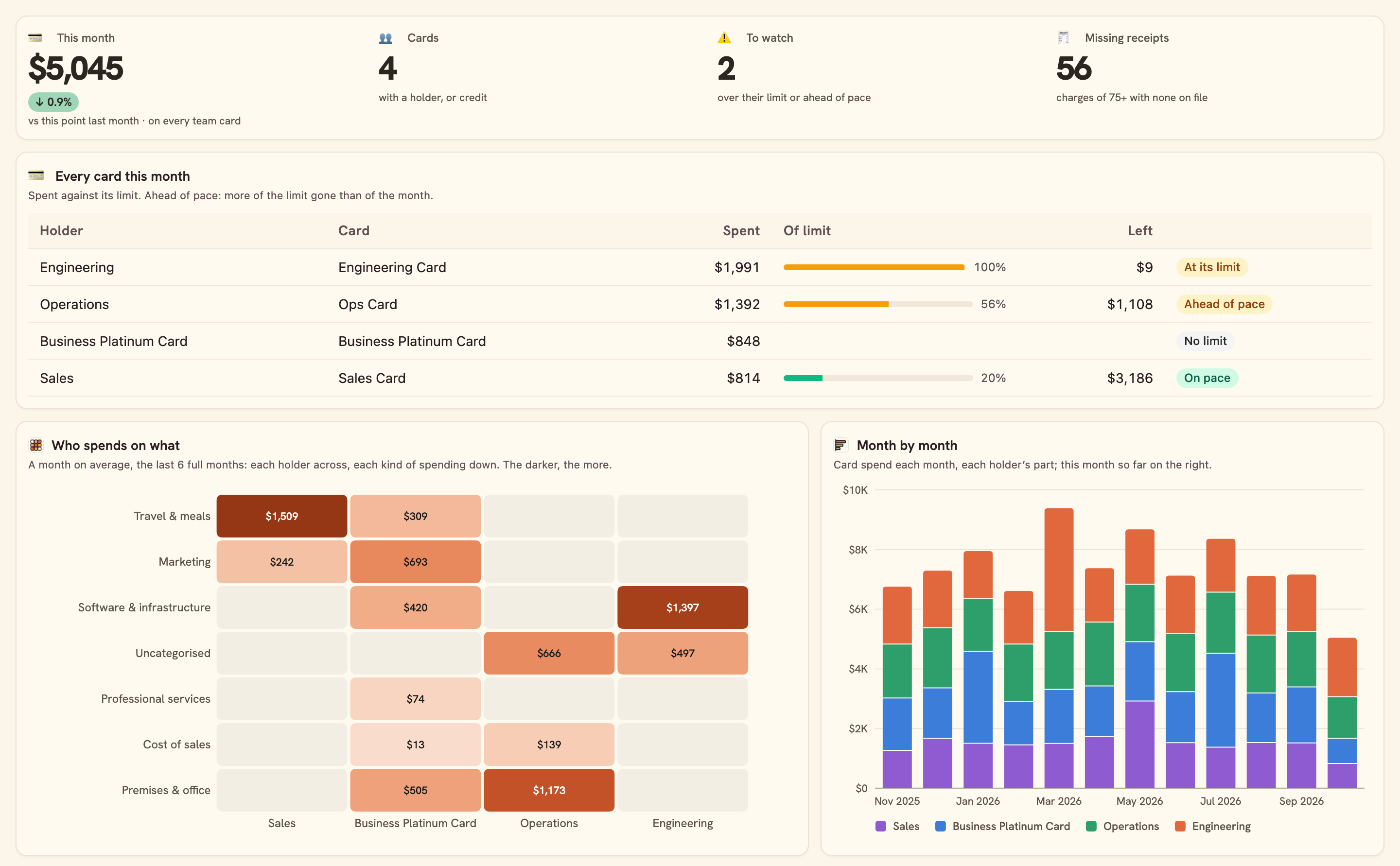
Every card against its limit, who spends on what, and month by month.
Overview
Team Card Spend puts every company card side by side: who spent what this month against their limit, what kind of spending it was, and which charges still need a receipt.
What you see
- Card spend this month against last, cards to watch, and receipts still missing.
- Every card this month: spent, what it owes, of its limit, what is left, and whether it is ahead of pace.
- Who spends on what: holders across, kinds of spending down.
- Month by month, where the cards go, and every charge that still needs a receipt.
Set up in two minutes
- Pick the bank your team cards are with. You can connect one right there in the install.
- Install. BankSync sets up your Ledger, Business accounts, Chart of accounts and Receipts (shared with Business Finance OS and Receipts & Tax) and the dashboard.
- In Business accounts, give each card its Card holder (a person or a team) and, if you like, a Monthly limit: without one, the card’s credit limit from your bank is its limit (marked Credit limit); 0 means no limit.
- Switch on the Monday note if you would like last week’s charges to receipt in your inbox.
Good to know
- A card is an account the bank reports as credit, or one you give a holder. Cards on another bank need that bank connected.
- Spend is what went out on the card, refunds netted; its repayment is a transfer, never spending.
- A receipt matches a charge of the same amount (to the cent) dated within 7 days; a receipt in another currency, or for a charge split in two, is not matched.
- Ahead of pace compares the share of the limit gone with the share of the month gone, plus 15%: a big first-week purchase reads ahead. A card with no Monthly limit is measured against its credit limit and marked Credit limit, never paced: what it owes is what is used, and Left is the limit less what it owes.
- The Monday note lists every team-card charge of the threshold or more last week, receipt or not.
- Monitoring
- Monthly
- Breakdown
- SMB
What you get
- DashboardA dashboard laid out and wired to your data.
- AutomationAn automation. Off until an owner or admin approves it.
- Bank feedA bank feed that keeps the data flowing in on its own.
- TableA table with the columns already set up.
- EnrichmentAn enrichment that tidies and categorises as data arrives.
Works with BankSync Tables.
More from BankSync
View profile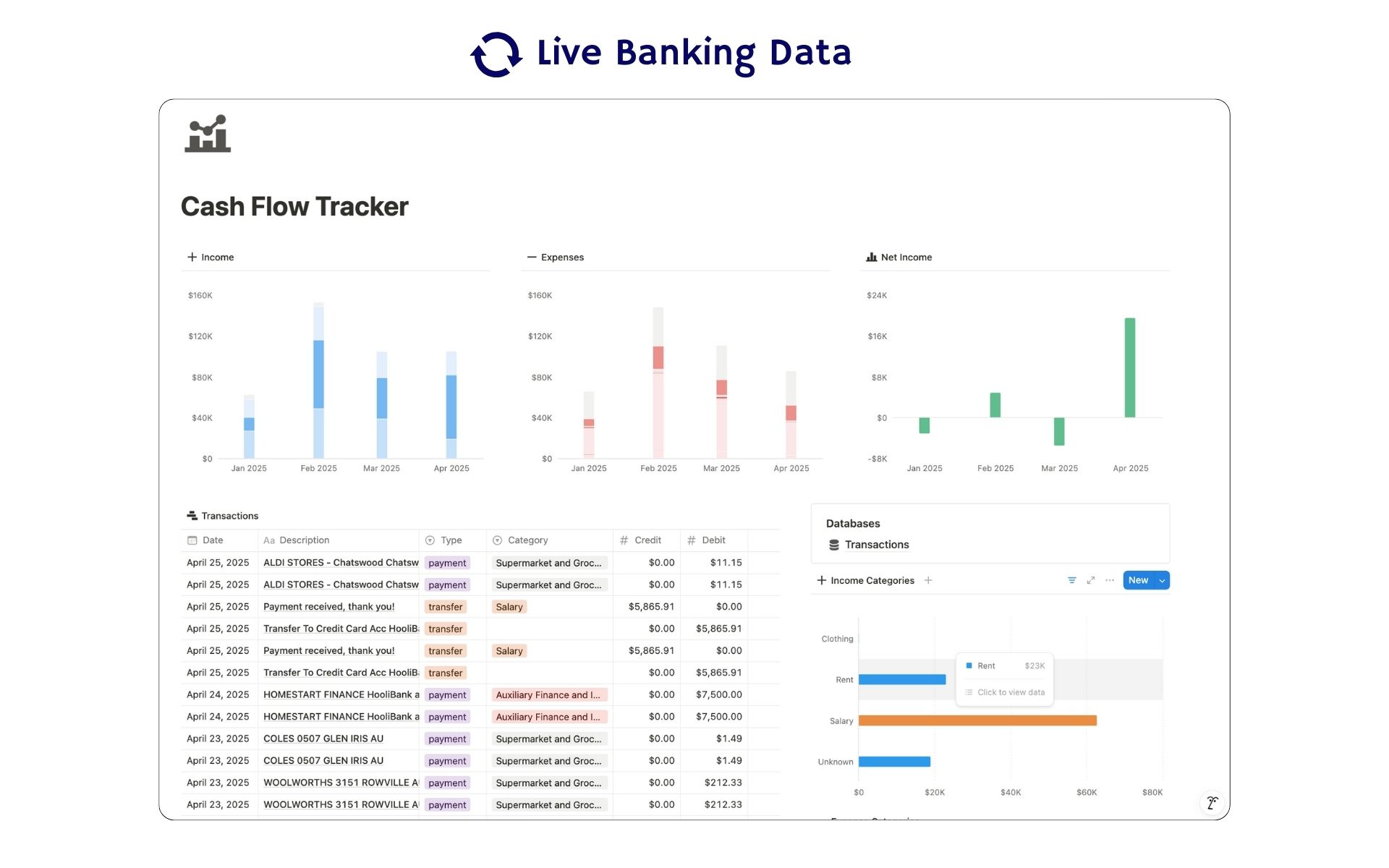 Featured
Cash Flow Tracker
Cash flow in Notion: your transactions imported for you, with monthly statements.
ByBankSyncVerified by BankSync- External template
Free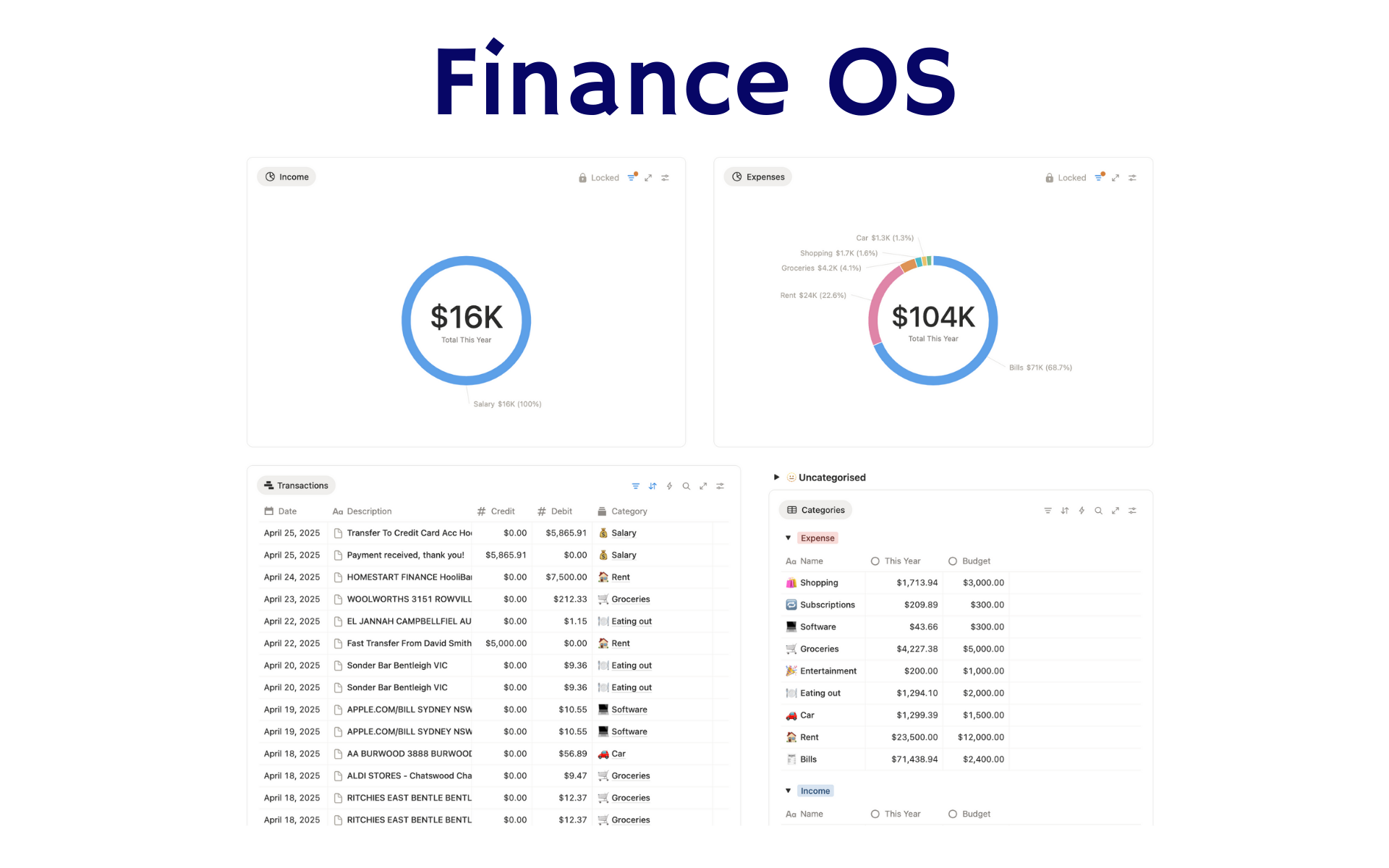 Featured
Finance OS
Your whole financial life in one Notion workspace: goals, investments, net worth and debt.
ByBankSyncVerified by BankSync- External template
Pro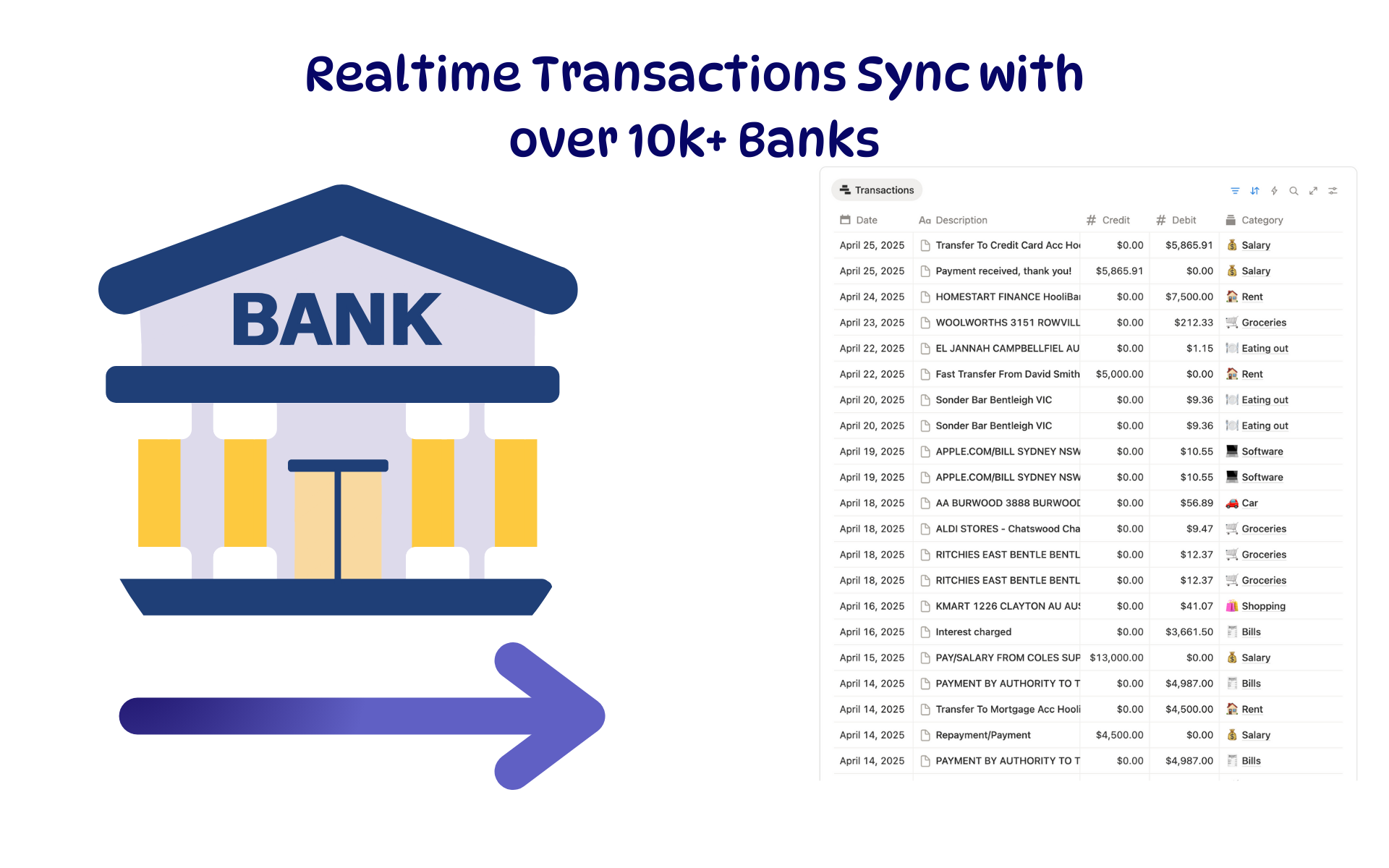 Featured
Budget Tracker
A Notion budget kept current by bank sync: spending against budget, month by month.
ByBankSyncVerified by BankSync- External template
Free