BankSync Tables template
Shared Expenses
Who has paid what for the household, and who owes whom: what you paid comes from your bank.
By  BankSyncVerified by BankSyncVerified by BankSync Verified
BankSyncVerified by BankSyncVerified by BankSync VerifiedItem 1 of 1: Who owes whom, this month, and everyone’s balance.
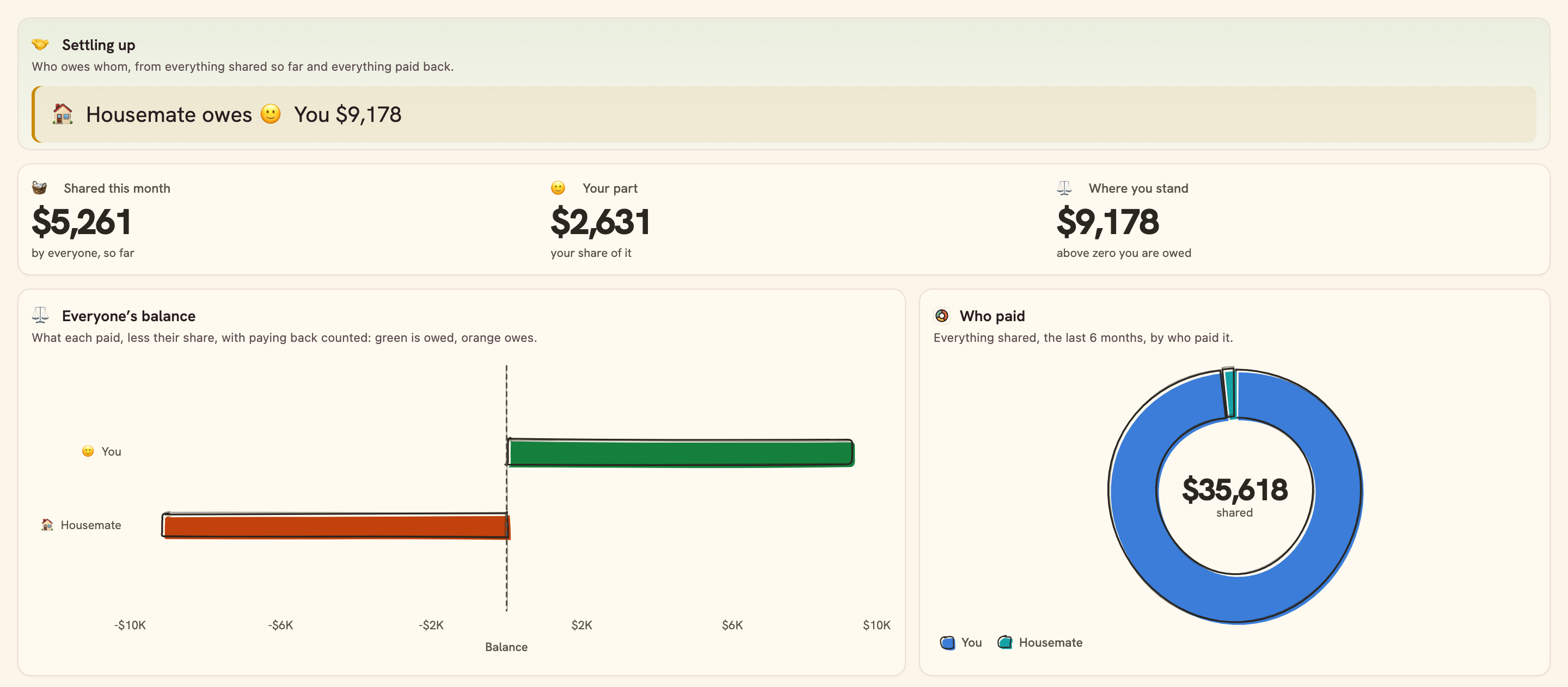
Who owes whom, this month, and everyone’s balance.
Overview
Shared Expenses keeps a household’s split honest without a spreadsheet: what you pay for everyone comes from your bank, what others pay goes in one table, and who owes whom is always one line.
What you see
- Settling up: who owes whom, in words.
- This month: what was shared, your part, and where you stand.
- Everyone’s balance, who paid, and month by month by what it was.
- Everything shared, the latest first.
Set up in two minutes
- Pick your bank: the account the household’s costs come out of. You can connect one right there in the install.
- Install. BankSync sets up People, Shared costs, your Transactions (with a Split column) and the dashboard.
- In People, rename You and Housemate and add anyone else who shares; give a bigger share to whoever takes more.
- Rent, bills and groceries count as shared; set Split on any transaction to say otherwise. Add what others paid, and money paid back, in Shared costs.
Good to know
- Only your bank is connected: a cost someone else paid goes in Shared costs by hand.
- Every shared cost is split by the People shares; a cost only some of you share is not split differently.
- A cost in Shared costs with no Paid by is left out of the balances until you set who paid.
- Settling up names the biggest debt: with three or more people, settle that, then look again.
- Balances add the currency most of your bank’s transactions are in; a shared charge in another is left out.
- The monthly note arrives on the 1st at 09:00 your time, and only after you switch it on.
- Reconciliation
- Monthly
- Table-heavy
- Consumer
What you get
- DashboardA dashboard laid out and wired to your data.
- AutomationAn automation. Off until an owner or admin approves it.
- Bank feedA bank feed that keeps the data flowing in on its own.
- TableA table with the columns already set up.
- EnrichmentAn enrichment that tidies and categorises as data arrives.
Works with BankSync Tables.
More from BankSync
View profile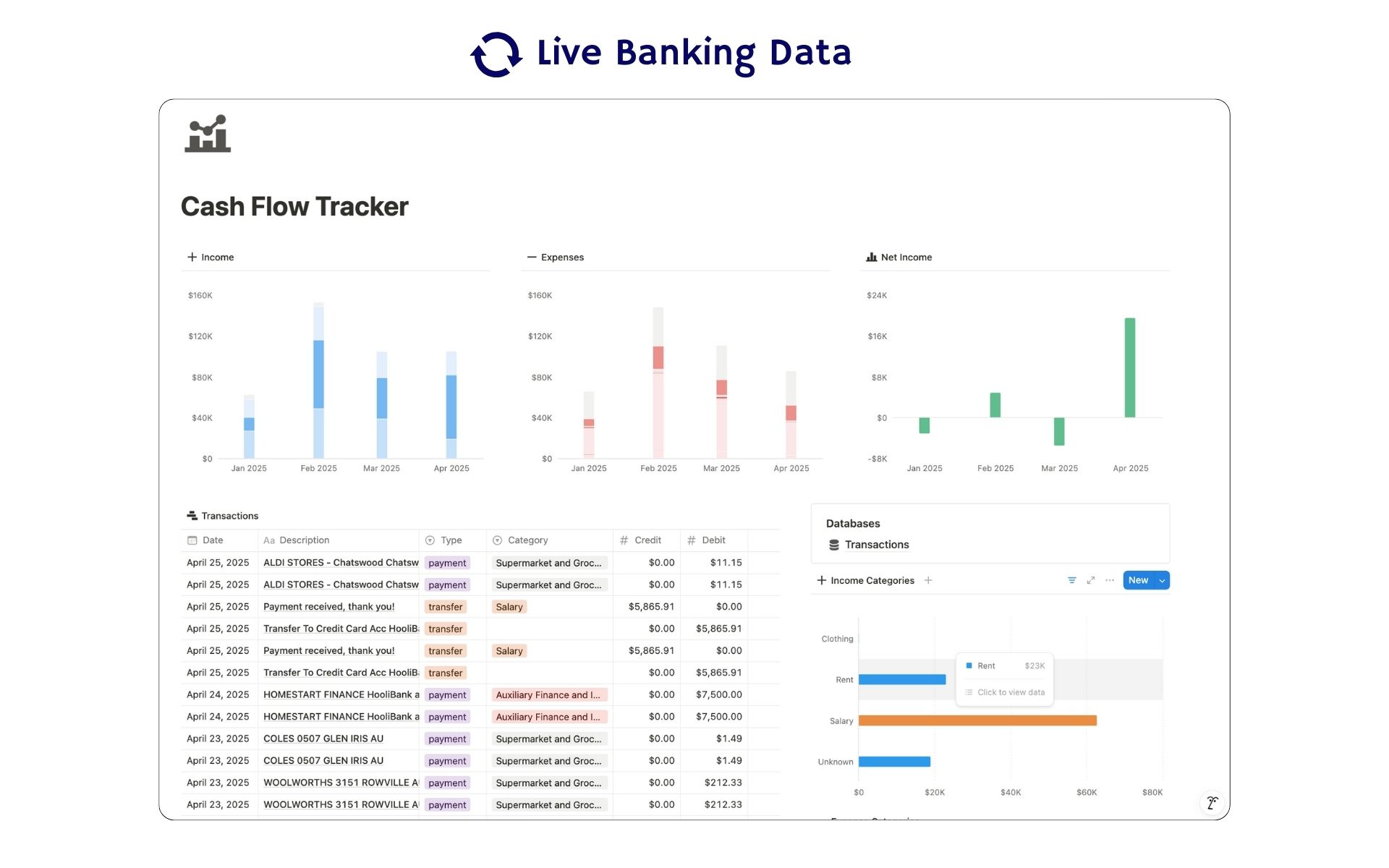 Featured
Cash Flow Tracker
Cash flow in Notion: your transactions imported for you, with monthly statements.
ByBankSyncVerified by BankSync- External template
Free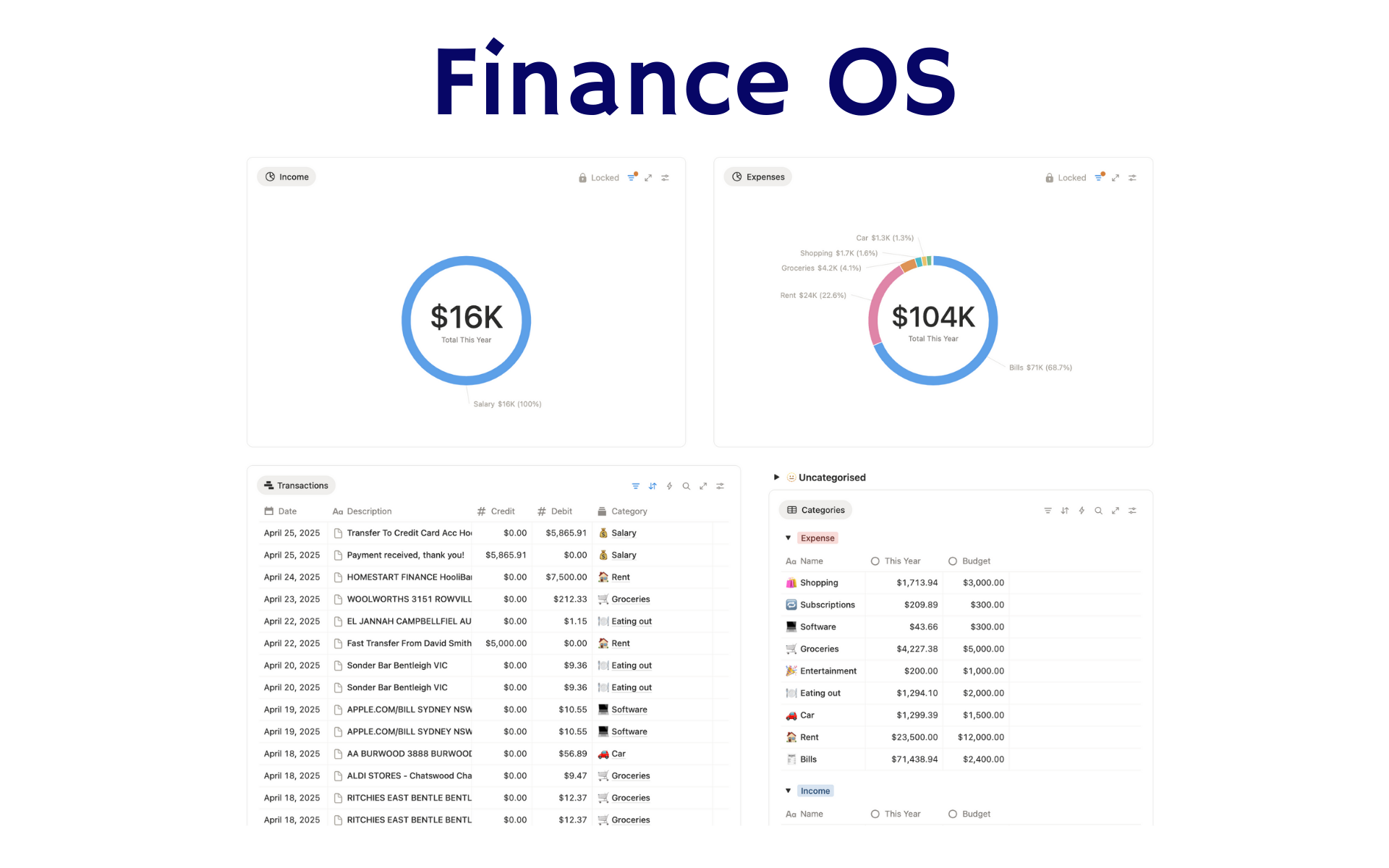 Featured
Finance OS
Your whole financial life in one Notion workspace: goals, investments, net worth and debt.
ByBankSyncVerified by BankSync- External template
Pro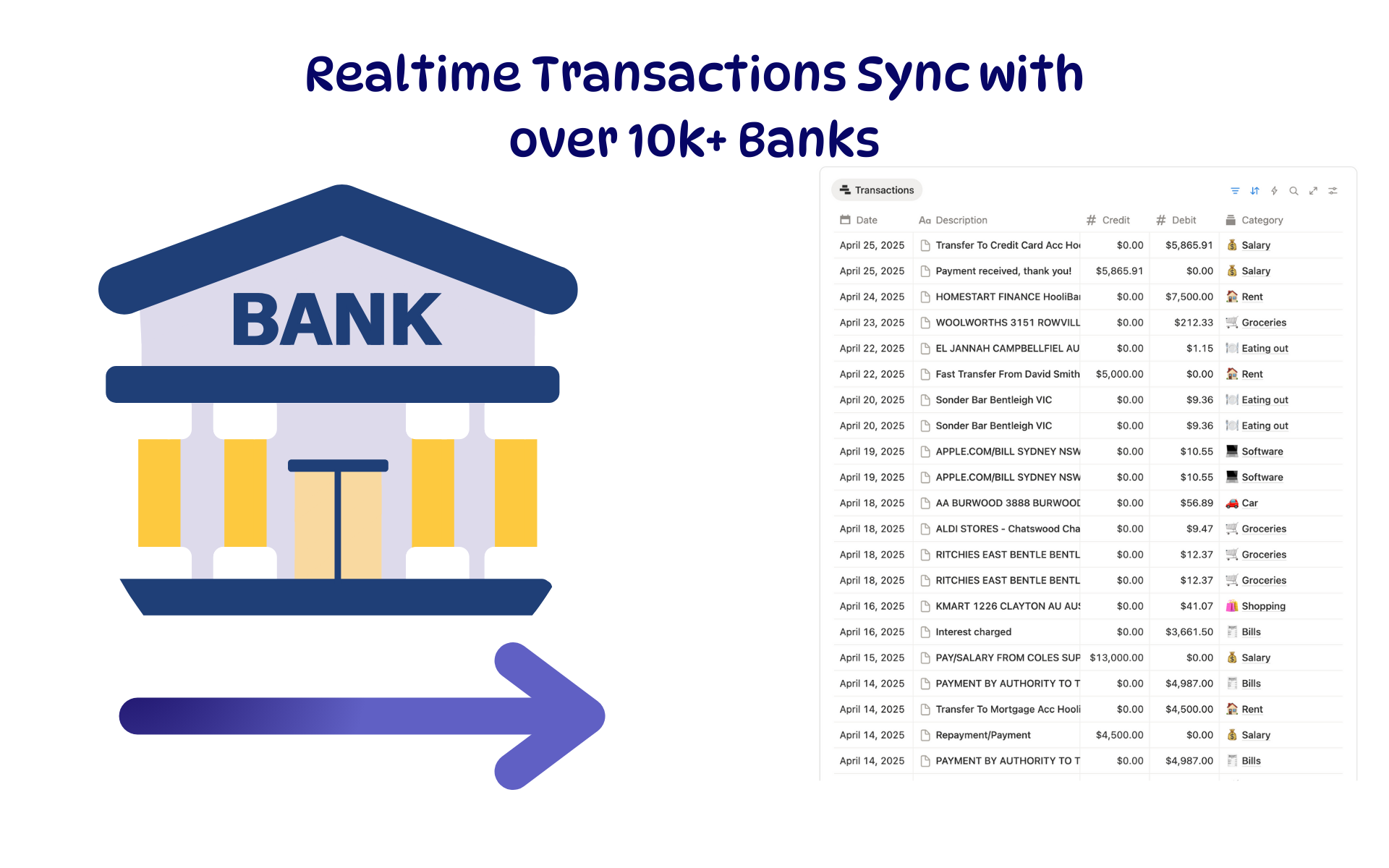 Featured
Budget Tracker
A Notion budget kept current by bank sync: spending against budget, month by month.
ByBankSyncVerified by BankSync- External template
Free