BankSync Tables template
Receipts & Tax
Every receipt matched to its cost, and this quarter’s GST, VAT or sales tax estimated.
 BankSyncVerified by BankSyncVerified by BankSync Verified
Item 1 of 1: This quarter’s tax estimates, receipts on file, and tax by quarter.
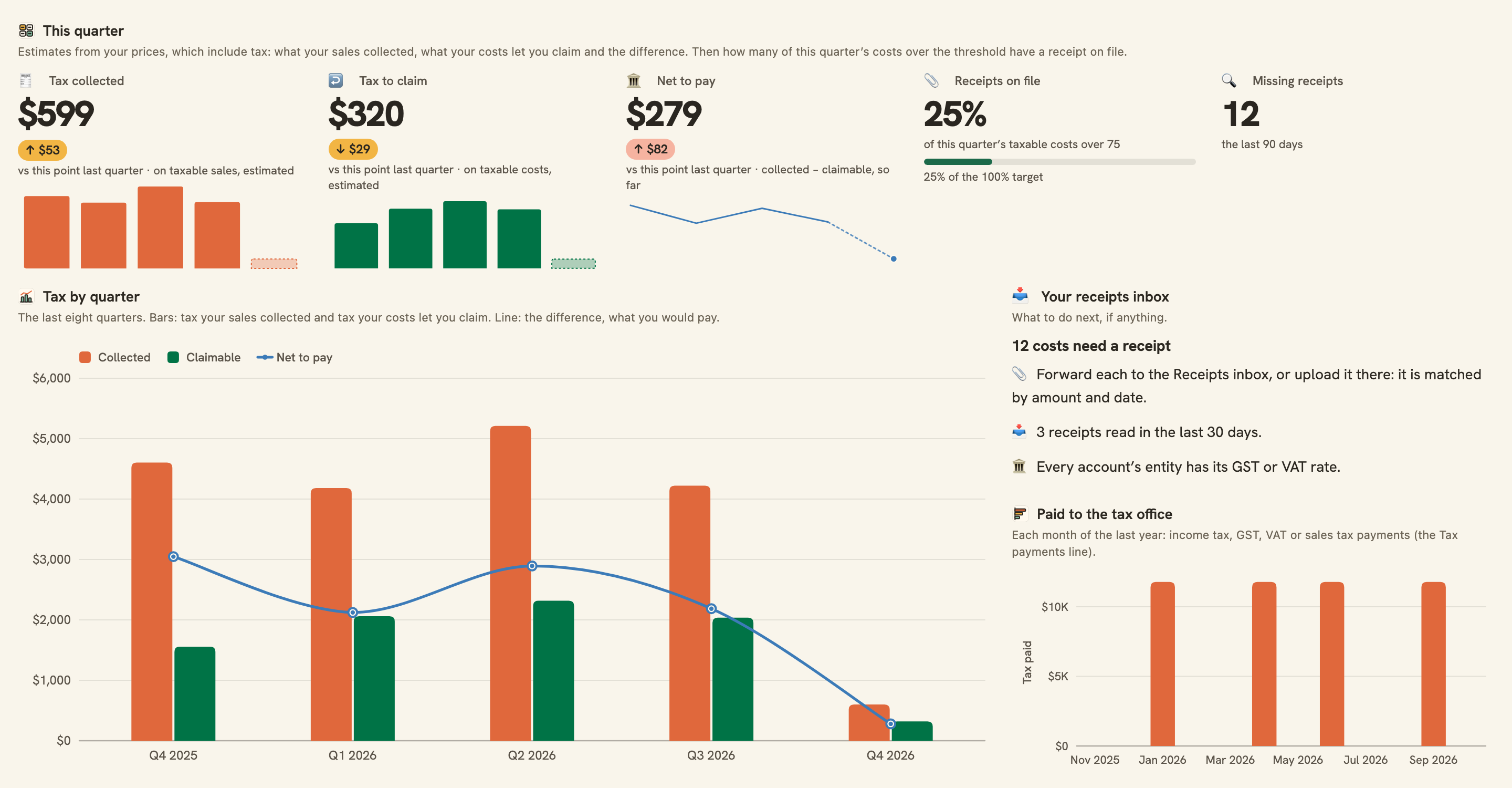
This quarter’s tax estimates, receipts on file, and tax by quarter.
Overview
Receipts & Tax keeps a small business’s paperwork in order: a receipts inbox that reads every document you forward, each matched to its cost from your bank, and a running estimate of the quarter’s GST, VAT or sales tax.
What you see
- This quarter: tax your sales collected and tax your costs let you claim (estimates), the difference, how many of the quarter’s costs have a receipt on file and how many are missing.
- Tax by quarter for the last eight quarters, and what you paid to the tax office each month.
- Needs a receipt: every taxable cost over the threshold with no matching receipt, biggest first, beside the inbox’s latest receipts and whether each matches.
- Receipts, month by month, and costs by line, with the lines usually deductible marked.
The receipts inbox
The install gives you an inbox address. Forward a receipt or invoice to it, or upload one, and AI reads the merchant, date, total, tax, number and type into the Receipts table. The dashboard matches it to the cost of the same amount within a week.
Set up in five minutes
- Pick your business bank. You can connect one right there in the install.
- Install. BankSync sets up your Chart of accounts, Ledger, Business accounts and Entities (shared with Business Finance OS), a Receipts table and a Receipts inbox with its own address.
- In Entities, set your GST or VAT rate (0.1 for 10%, 0.2 for 20%) on the business, and in Business accounts pick the entity each account belongs to.
- Forward receipts and invoices to the inbox address on the Receipts inbox feed’s Sources tab, or upload them there. Switch on the Monday receipts nudge if you would like a reminder.
Good to know
- Tax figures are estimates, not a return: they assume tax-inclusive prices and use each line’s treatment and your entity’s rate. Lodge your accountant’s figures.
- Sales tax that is added on top of prices (as in most of the US) is not estimated: leave the rate blank and use the receipts side.
- A receipt matches a cost of exactly the same amount within 7 days either side. A receipt in another currency, split across charges or paid in cash shows as No transaction yet.
- “Needs a receipt” lists taxable costs of 75 or more (in their own currency); smaller costs are never asked for.
- Reading documents uses your plan’s document allowance. Quarters are calendar quarters.
- The Monday nudge arrives at 08:00 your time, once you switch it on.
- Reconciliation
- Monitoring
- Quarterly
- Table-heavy
- SMB
What you get
- DashboardA dashboard laid out and wired to your data.
- AutomationAn automation. Off until an owner or admin approves it.
- Bank feedA bank feed that keeps the data flowing in on its own.
- TableA table with the columns already set up.
- EnrichmentAn enrichment that tidies and categorises as data arrives.
Works with BankSync Tables.
More from BankSync
View profile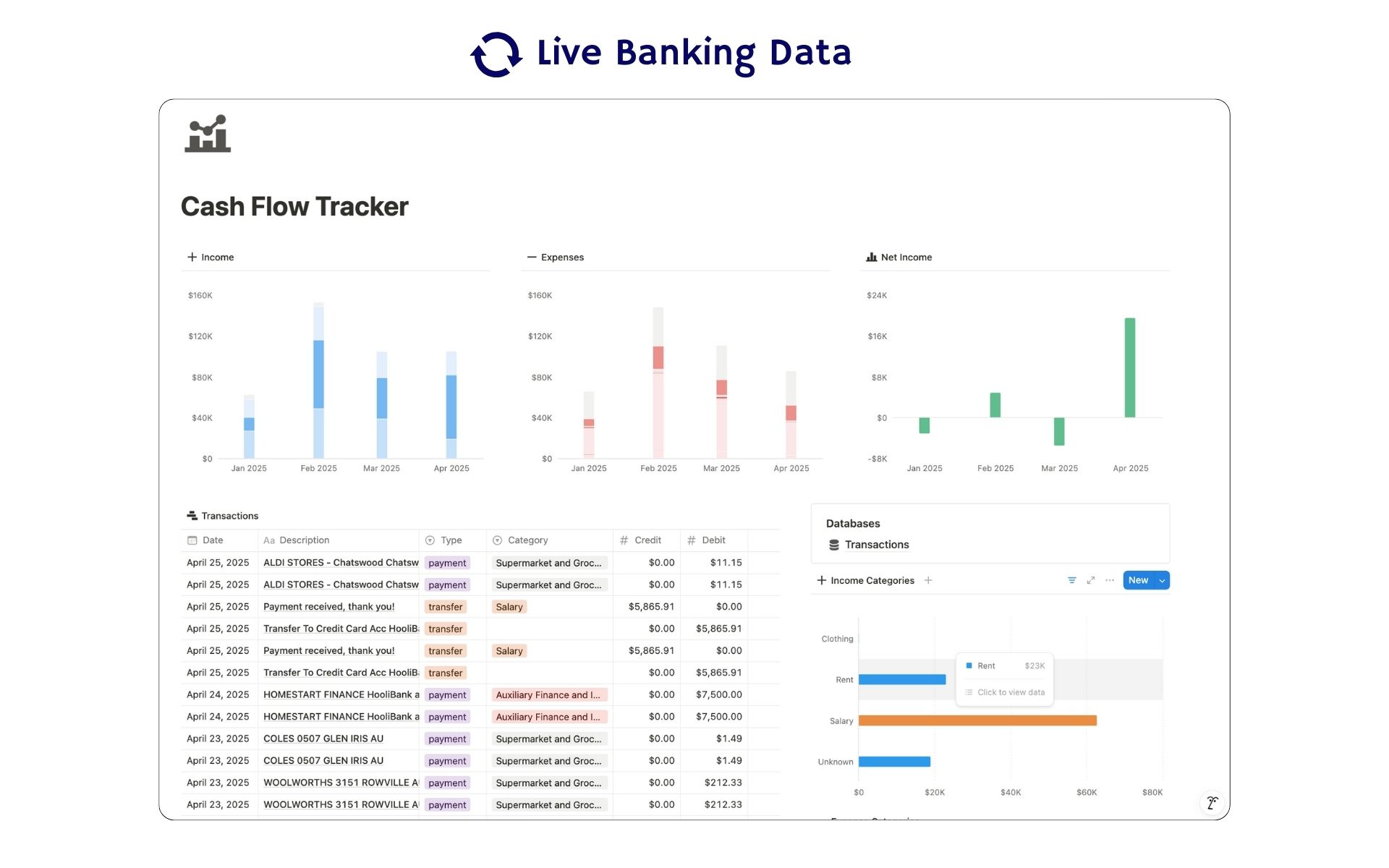 Featured
Cash Flow Tracker
Cash flow in Notion: your transactions imported for you, with monthly statements.
ByBankSyncVerified by BankSync- External template
Free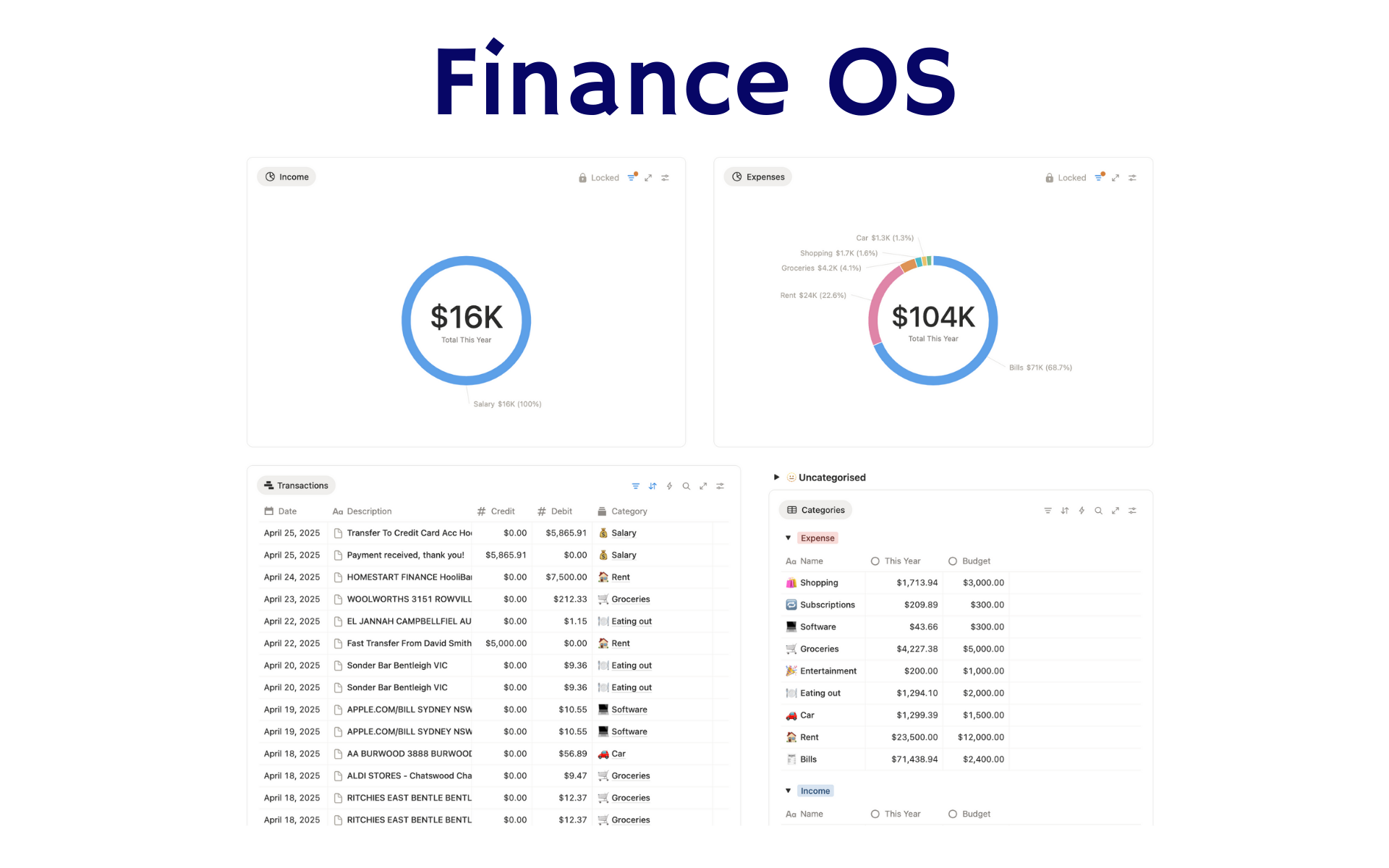 Featured
Finance OS
Your whole financial life in one Notion workspace: goals, investments, net worth and debt.
ByBankSyncVerified by BankSync- External template
Pro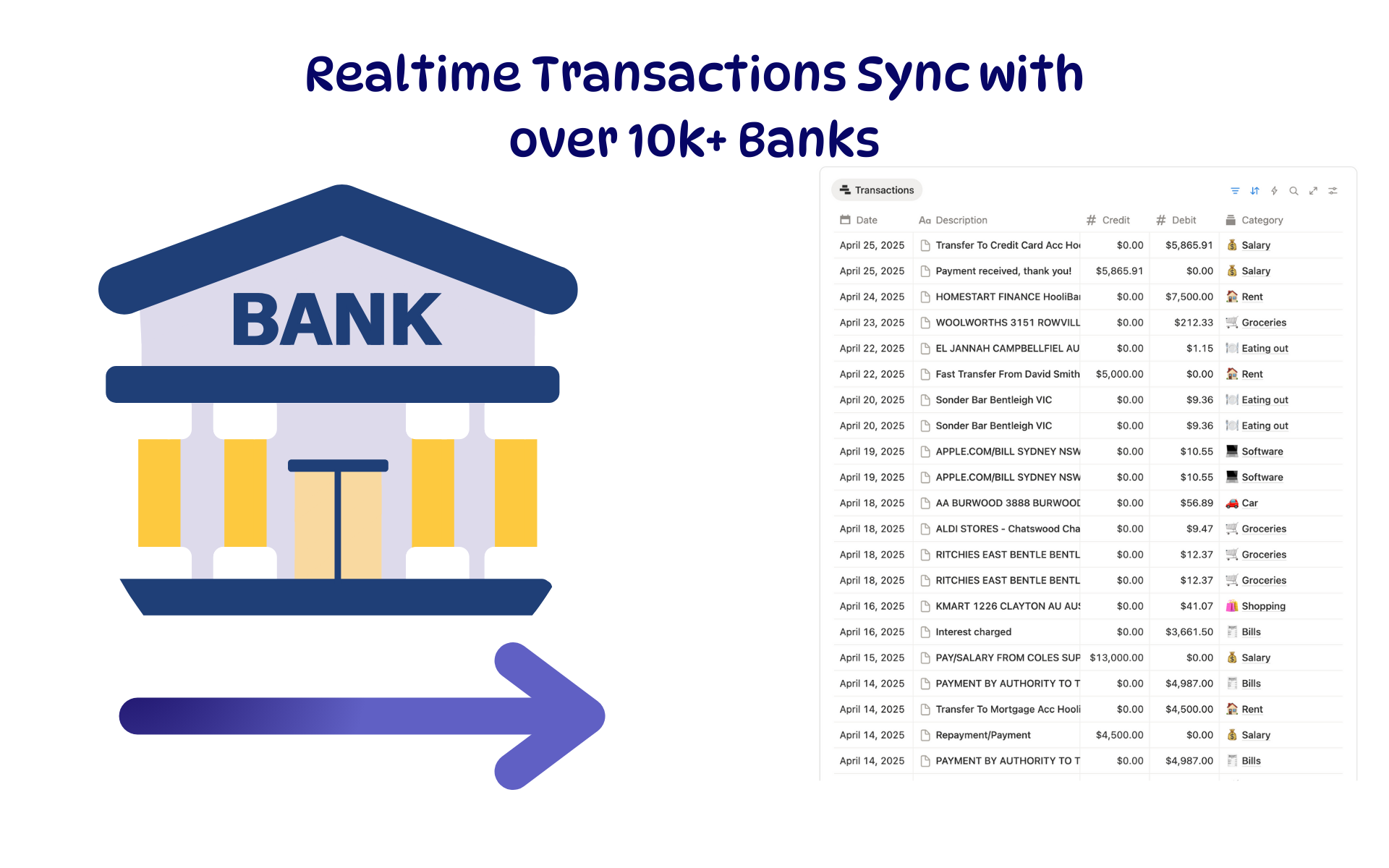 Featured
Budget Tracker
A Notion budget kept current by bank sync: spending against budget, month by month.
ByBankSyncVerified by BankSync- External template
Free