BankSync Tables template
Monthly Budget
Know what you can safely spend today, with budget vs actual filled in from your bank.
 BankSyncVerified by BankSyncVerified by BankSync Verified
Item 1 of 1: Safe to spend today, this month so far, your pace and every budget used.
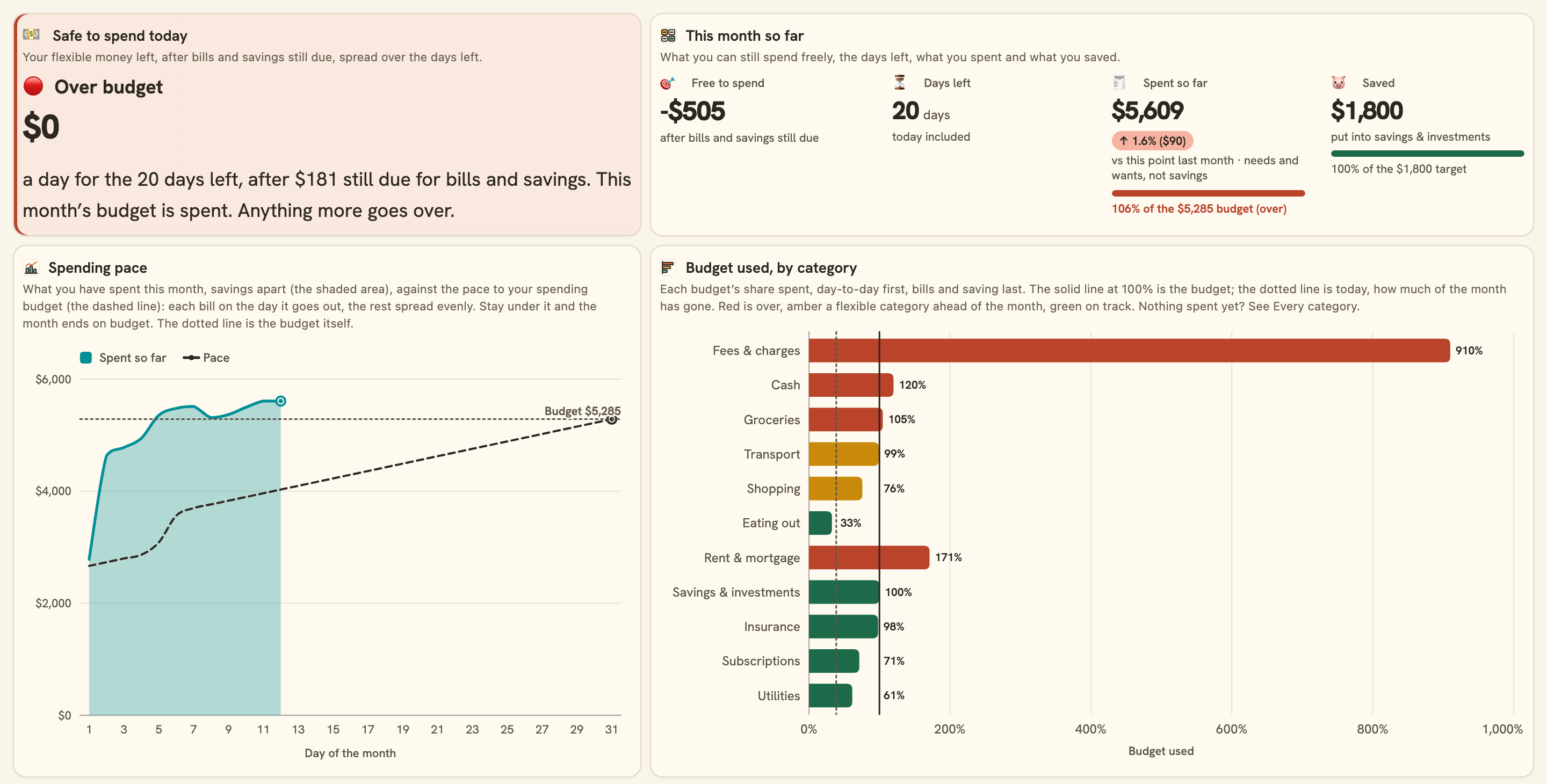
Safe to spend today, this month so far, your pace and every budget used.
Overview
Monthly Budget answers one question every day: how much can I safely spend? Connect your bank, set a budget for each category, and it keeps budget vs actual up to date on its own. No spreadsheet to paste into, no receipts to type up.
What you see
- Safe to spend today: your flexible money left, after bills and savings still due this month, spread over the days left.
- This month so far: what you can still spend freely, the days left, what you spent against your spending budget and this point last month, and what you saved against your savings budget.
- Budget used, by category: the categories you have spent in, day-to-day spending first (most used first), then bills and saving: red when one is over, amber when a flexible one is running ahead of the month (a quarter of its budget or more beyond the share of the month gone) and green when it is on track.
- Spending pace: your spending day by day against the pace to your budget (each bill on its usual day, the rest spread evenly).
- Needs, wants and savings: each group’s budget beside what has gone out of it so far.
- Still to sort: how many of the last 90 days’ transactions still need a category, so nothing slips through.
- Every category: its budget, a suggested one, this month, what is left and where it stands, with last month beside it.
What it sets up
- A Categories table with twenty-one everyday categories (eighteen in Needs, Wants and Savings, plus Income and Transfers), each with an emoji, and a Budgets view of your Needs, Wants and Savings with a Monthly budget column for your amounts and a Fixed box for bills that are the same each month. Add your own rows, or move one to another group: the dashboard follows.
- A Transactions table your bank fills each morning. Card repayments and transfers between your accounts are kept out of your spending.
- Weekly budget check-in: a Monday notification with what you have spent and saved, what is left, a safe daily amount and any category over budget. It arrives switched off.
Set up in five minutes
- Install and connect your bank: the accounts you spend from, usually your everyday account and your credit card, and your savings account so money moved there counts as saved.
- Open Categories, switch to its Budgets view and fill in a Monthly budget for each category you budget for. Not sure? Start from the dashboard’s Suggested column.
- Check Still to sort on the dashboard, and fix any category that looks wrong in Transactions.
- Switch on the weekly check-in if you want a Monday summary.
Works as a household budget, a personal budget planner or a 50/30/20-style budget. A budget template like one in Google Sheets, Excel or Notion, except it fills itself in.
- Monthly
- Monitoring
- Planning
- Comparison
- Consumer
What you get
- DashboardA dashboard laid out and wired to your data.
- AutomationAn automation. Off until an owner or admin approves it.
- Bank feedA bank feed that keeps the data flowing in on its own.
- TableA table with the columns already set up.
- EnrichmentAn enrichment that tidies and categorises as data arrives.
Works with BankSync Tables.
More from BankSync
View profile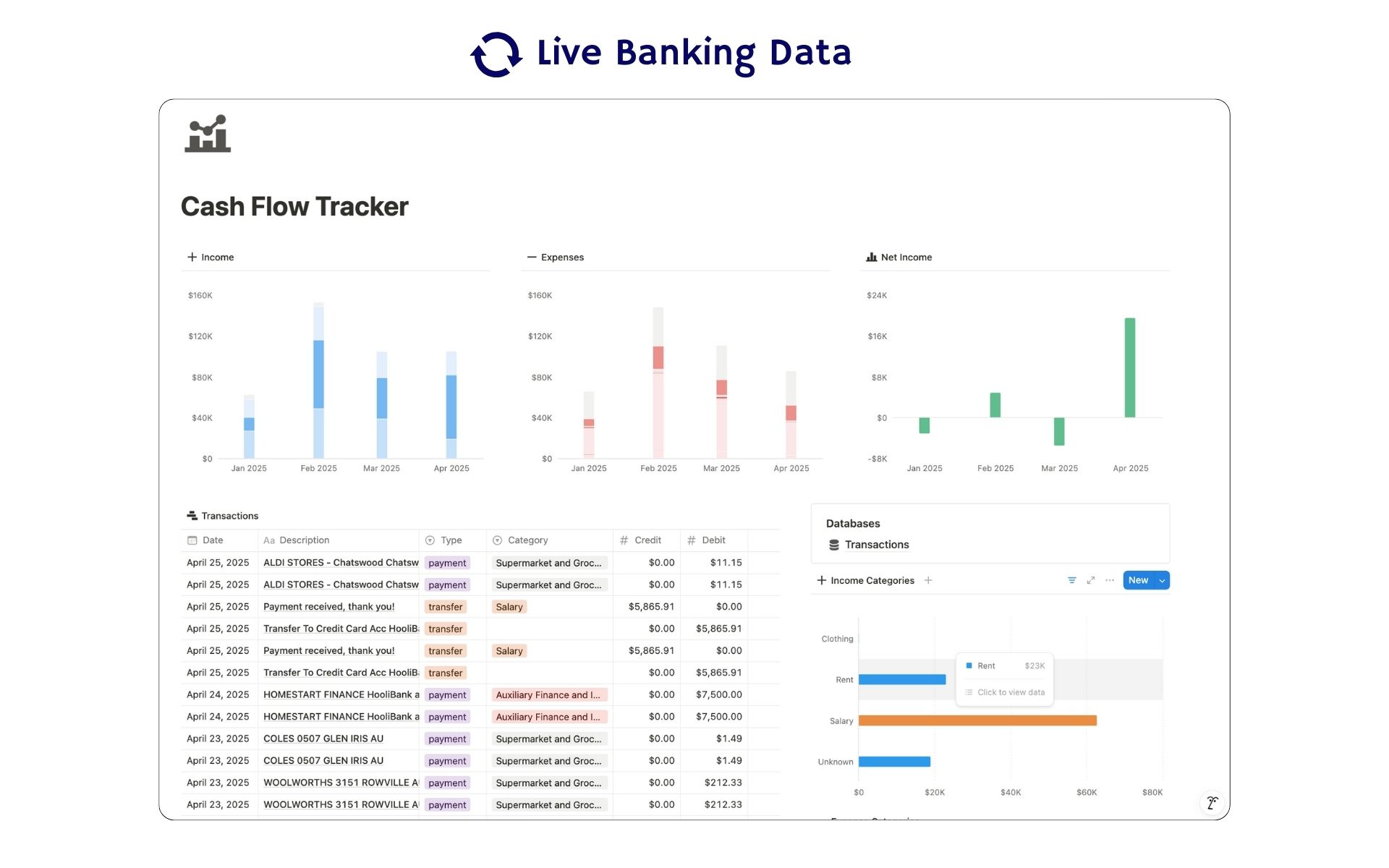 Featured
Cash Flow Tracker
Cash flow in Notion: your transactions imported for you, with monthly statements.
ByBankSyncVerified by BankSync- External template
Free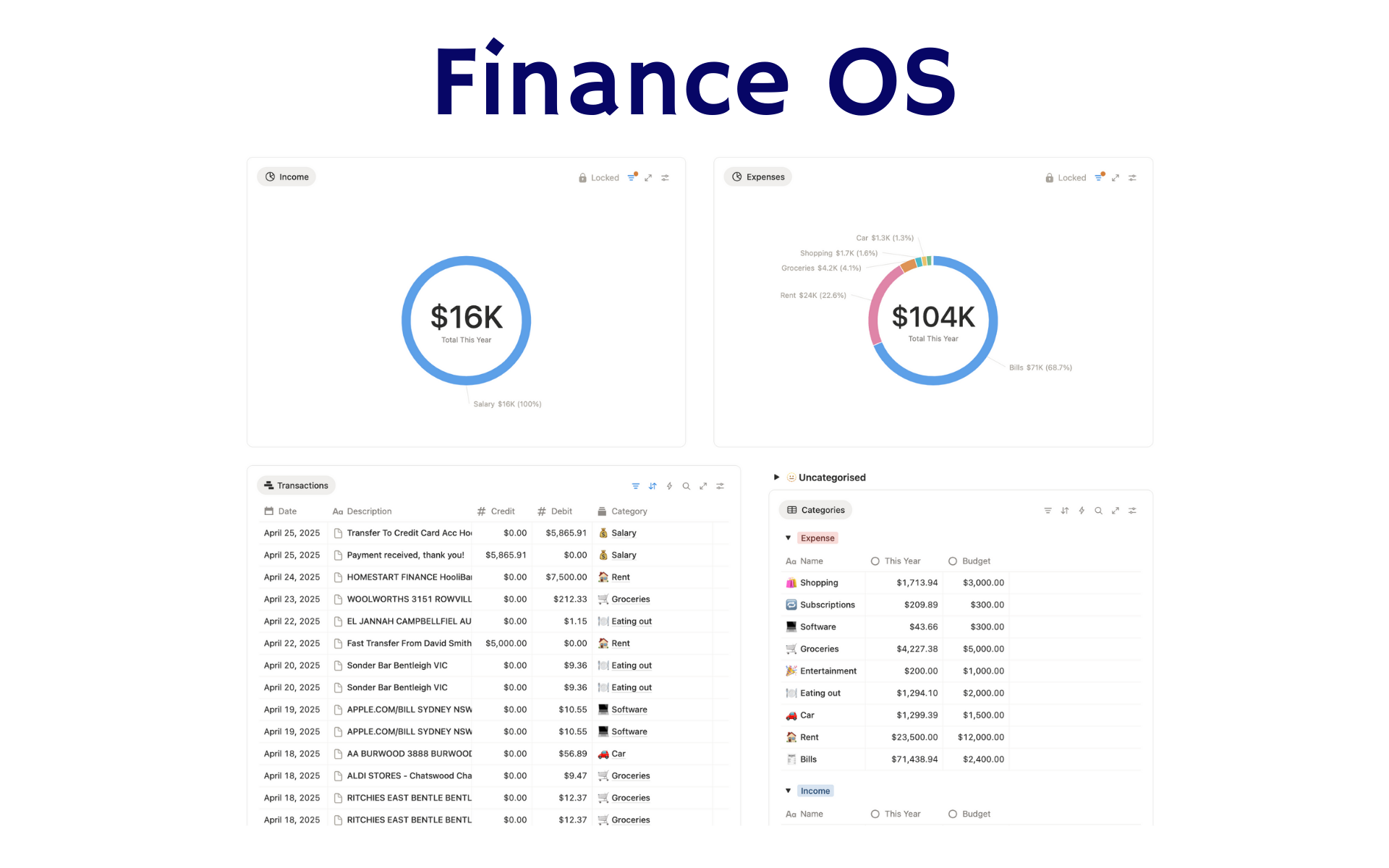 Featured
Finance OS
Your whole financial life in one Notion workspace: goals, investments, net worth and debt.
ByBankSyncVerified by BankSync- External template
Pro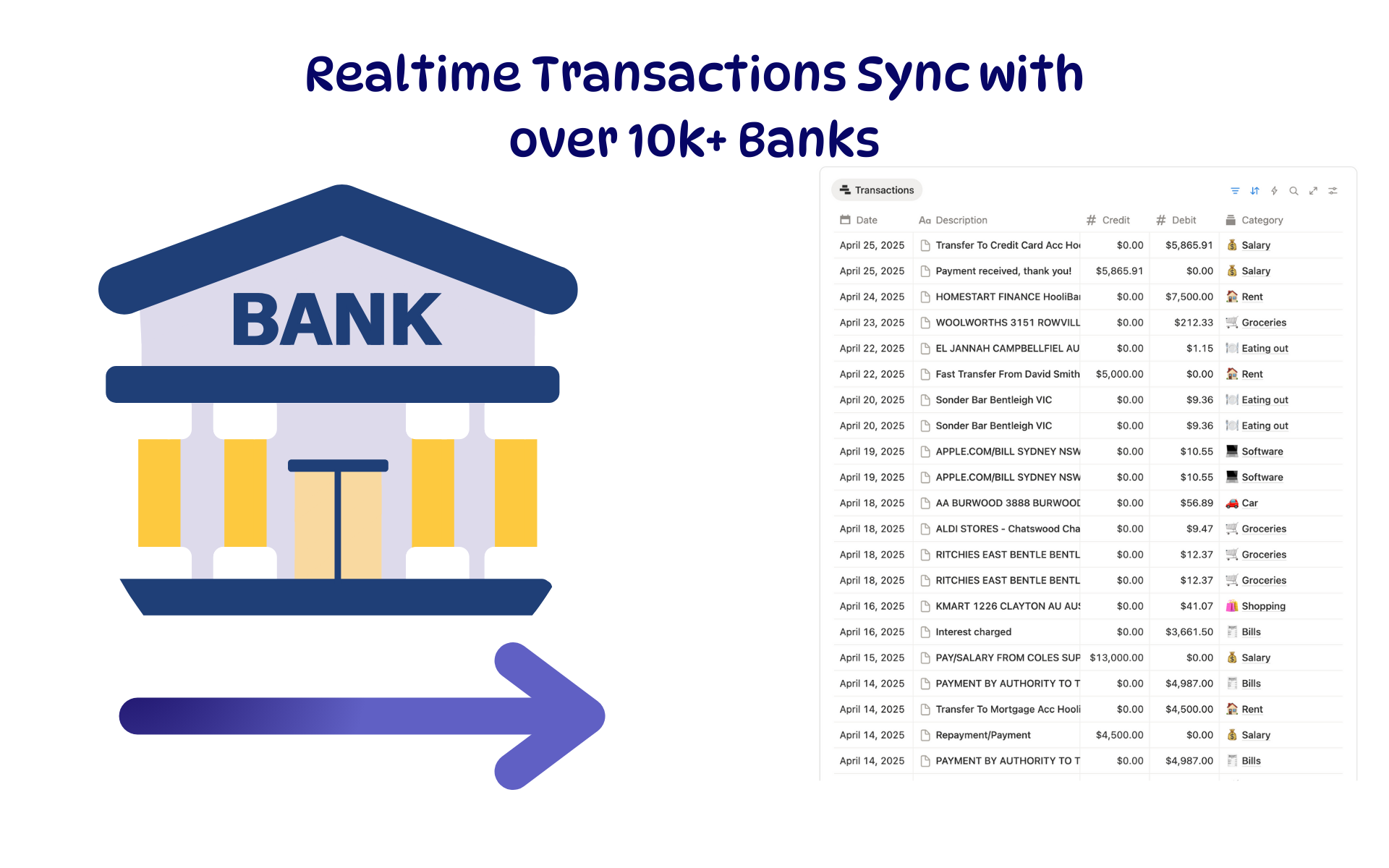 Featured
Budget Tracker
A Notion budget kept current by bank sync: spending against budget, month by month.
ByBankSyncVerified by BankSync- External template
Free