BankSync Tables template
Money Map
See where your money goes each month, mapped live from your bank.
 BankSyncVerified by BankSyncVerified by BankSync Verified
Item 1 of 1: This month so far, where last month went and your spending mix.
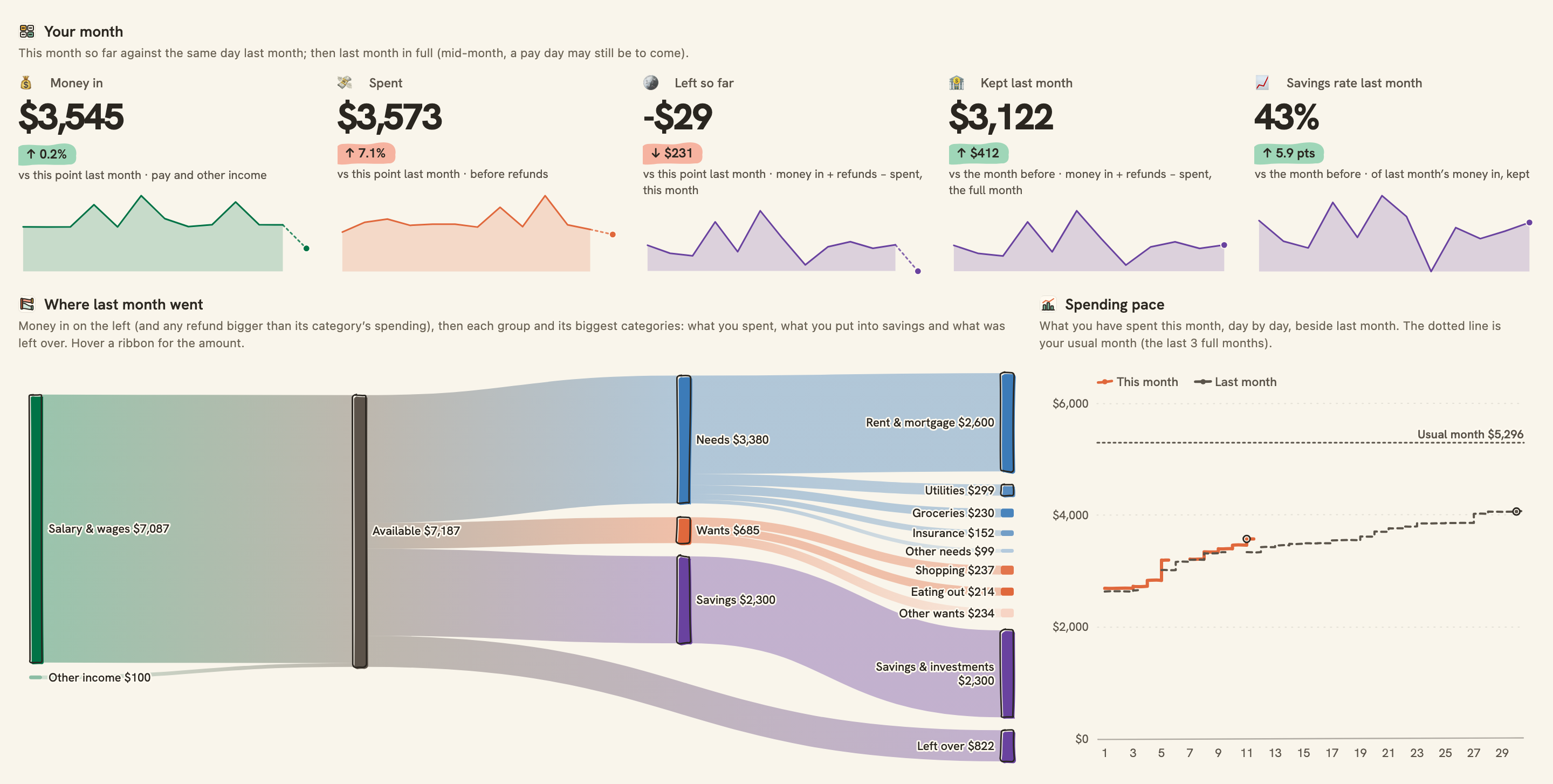
This month so far, where last month went and your spending mix.
Overview
Money Map shows where your money goes, without a spreadsheet to keep up. It reads your bank, sorts each transaction into one of twenty-one everyday categories, and draws the month as a map: money in on one side, every category it went to on the other.
What you see
- This month so far: money in, what you spent and refunds against the same point last month, and what you kept and your savings rate last month, in full.
- Where last month went: a Sankey map from your income through Needs, Wants and Savings to each category, what you put into savings and what was left over.
- Spending pace: this month day by day against last month and your usual month, and a calendar of what you spent each day (rent, mortgage and loan repayments aside).
- Money in vs money out for the last year, month by month, with what you kept.
- Categories by month: every category against its usual month, with a six-month trend, and your top merchants of the last 30 days.
- Latest transactions and Needs a look: possible duplicates, refunds, transfers and anything without a category, flagged.
How it sorts your spending
Each morning your new transactions arrive in your Transactions table. Card repayments and transfers between your own accounts go to Transfers, and money moved into your savings to Savings & investments. Then your bank’s own category is matched to yours, then well-known merchants such as Netflix, Uber or Walmart, and AI categorising fills in the rest, on plans that include it. Change a category by hand and the map updates at once.
Set up in two minutes
- Pick your bank: the accounts you spend from, usually checking and your credit card, and your savings account so money moved there counts as saved. You can connect a bank right there in the install.
- Install. BankSync sets up your Categories and Transactions tables, a sync each morning and the dashboard, and brings in your first transactions.
- Glance at Needs a look on the dashboard. Anything your bank and the well-known-merchant rules could not sort is listed in Transactions → Needs a category; pick one for each.
- Make it yours: add a row in Categories for anything you track that is not there yet.
Good to know
- How far back the map goes depends on your bank: often a year or two, sometimes only 90 days.
- Sorting by your bank’s categories and well-known merchants works on every plan. AI categorising sorts what the rules can’t, and duplicate flagging marks possible duplicates, on plans that include them.
- Automatic sorting uses the twenty-one starter categories. A category you add is one the AI can pick, or you can pick it yourself.
- Card repayments and transfers between your own accounts are counted as Transfers, never as spending or income, when your bank or the description marks them. A transfer into a savings or investment account you connected counts as saved, under Savings & investments.
- “This month” turns over overnight on the 1st, so early that morning it may still show the month before.
- Totals are in the currency most of your transactions use. Transactions in any other currency are left out of them and counted under Needs a look.
- Overview
- Breakdown
- Trend
- Comparison
- Monthly
- Consumer
What you get
- DashboardA dashboard laid out and wired to your data.
- Bank feedA bank feed that keeps the data flowing in on its own.
- TableA table with the columns already set up.
- EnrichmentAn enrichment that tidies and categorises as data arrives.
Works with BankSync Tables.
More from BankSync
View profile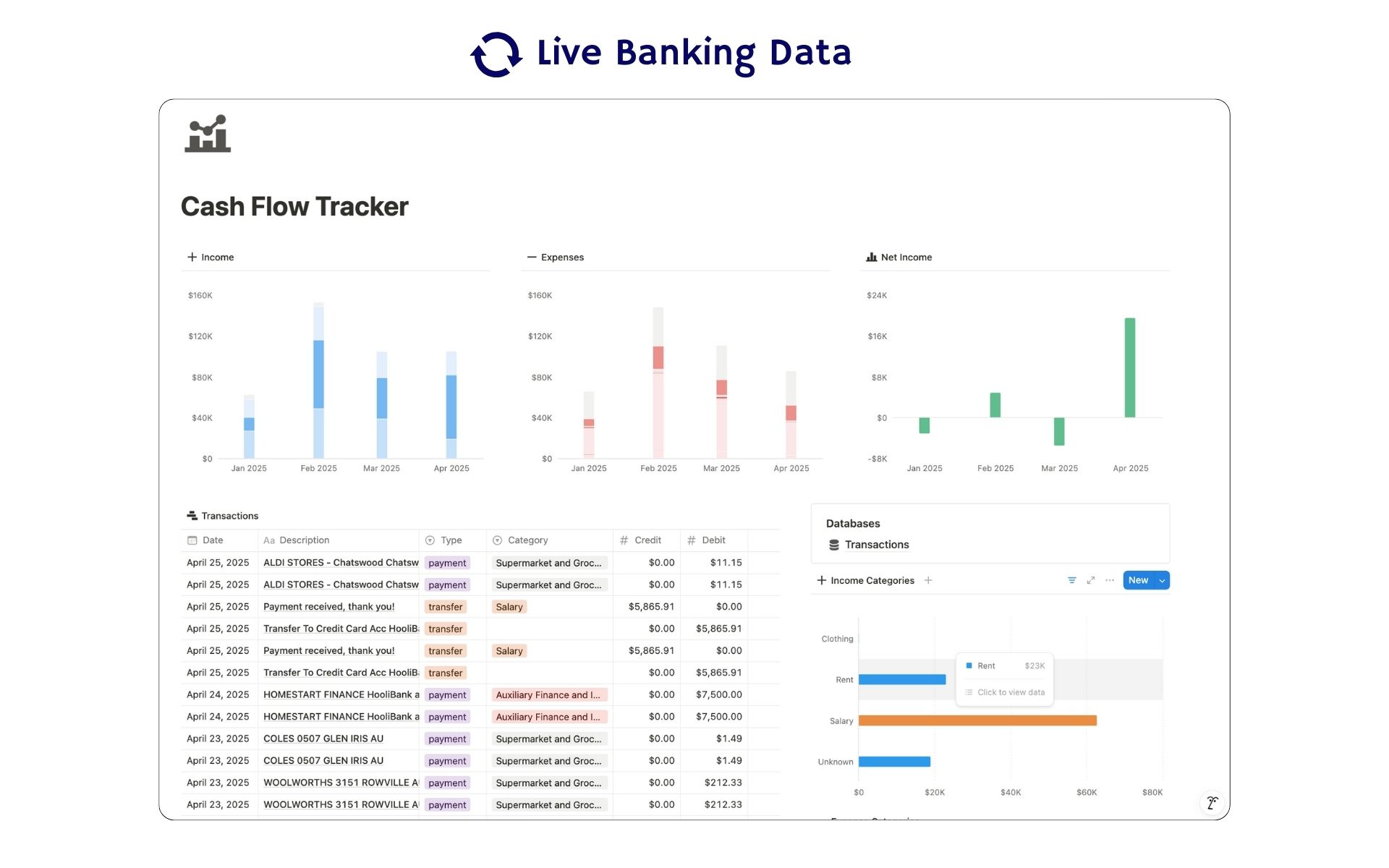 Featured
Cash Flow Tracker
Cash flow in Notion: your transactions imported for you, with monthly statements.
ByBankSyncVerified by BankSync- External template
Free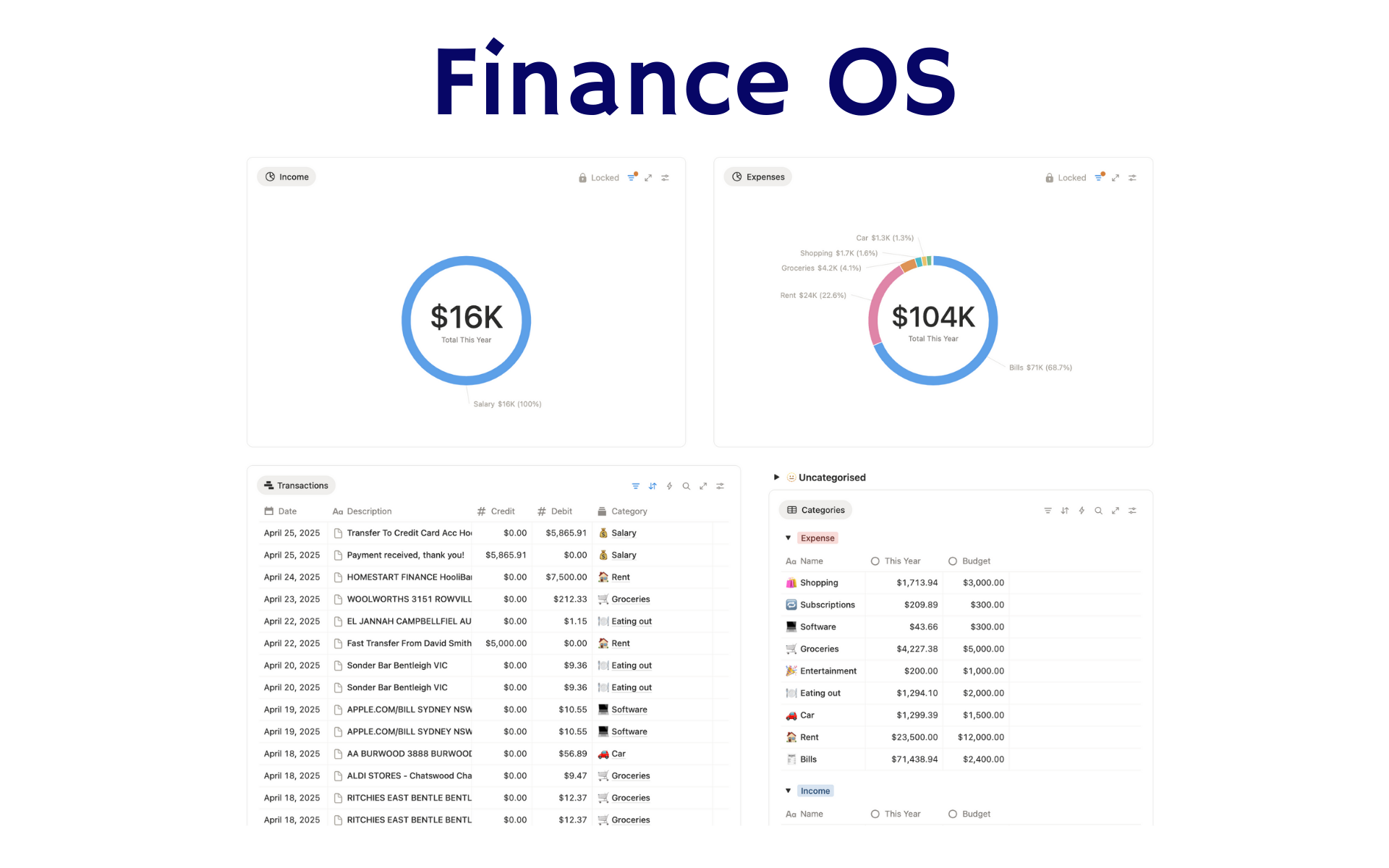 Featured
Finance OS
Your whole financial life in one Notion workspace: goals, investments, net worth and debt.
ByBankSyncVerified by BankSync- External template
Pro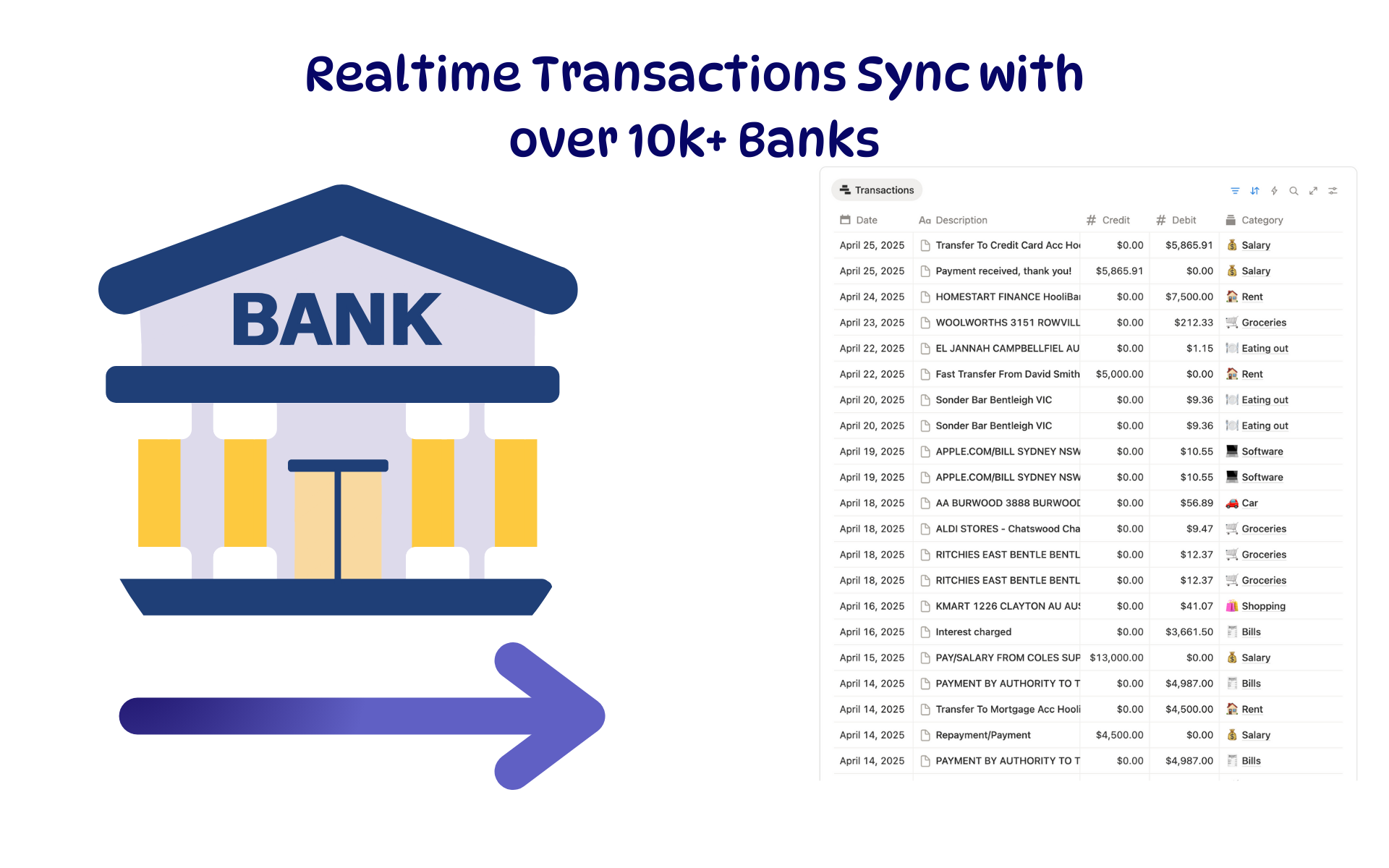 Featured
Budget Tracker
A Notion budget kept current by bank sync: spending against budget, month by month.
ByBankSyncVerified by BankSync- External template
Free