BankSync Tables template
Invoices & Getting Paid
Who owes you, what is overdue, what comes in when, and who pays late: paid comes from your bank.
By  BankSyncVerified by BankSyncVerified by BankSync Verified
BankSyncVerified by BankSyncVerified by BankSync VerifiedItem 1 of 1: What is owed and how late, what comes in, every invoice paid from the bank.
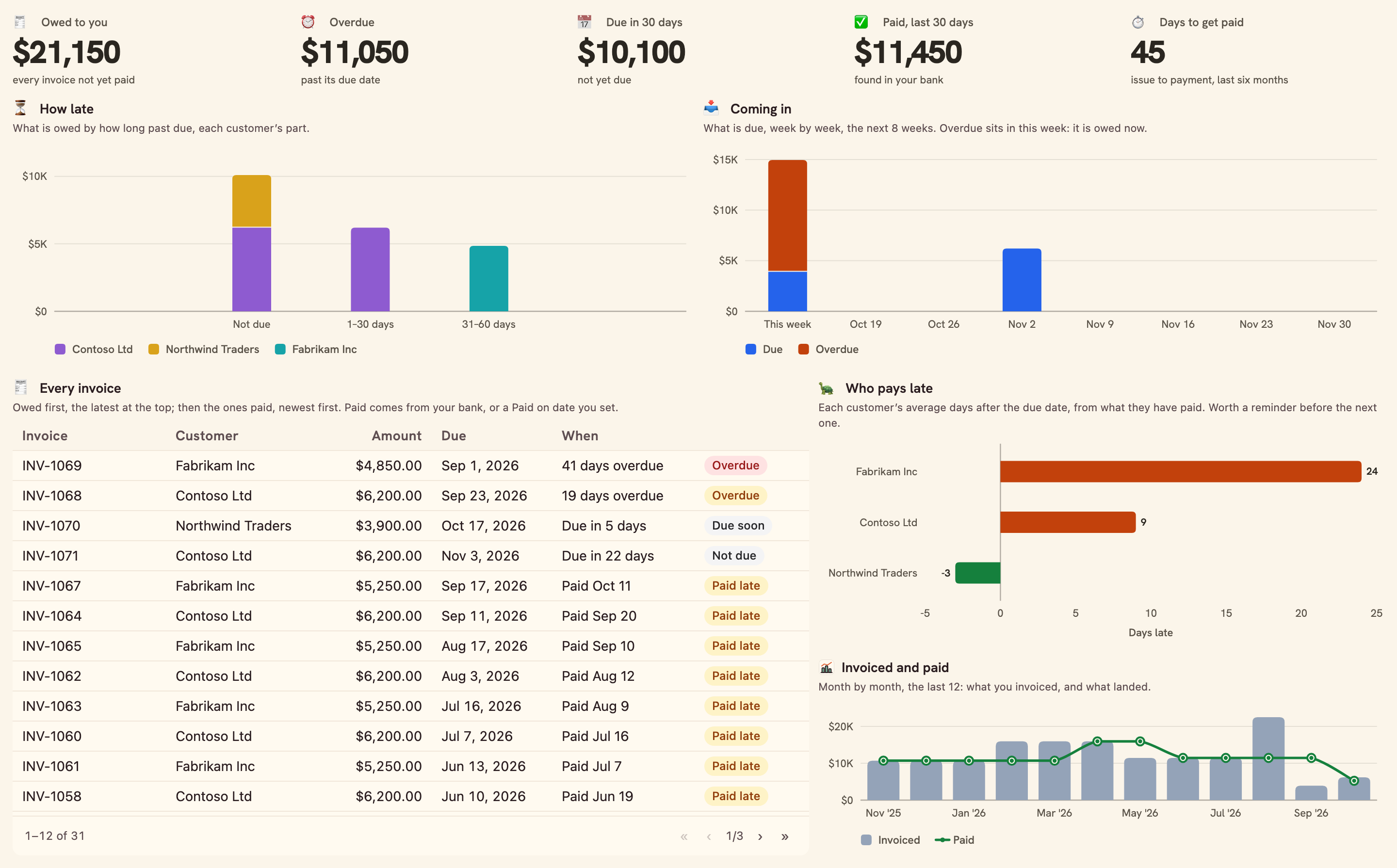
What is owed and how late, what comes in, every invoice paid from the bank.
Overview
Invoices & Getting Paid keeps your invoices next to your bank, so you know who owes you without ticking anything: an invoice is paid the day its money lands.
What you see
- Getting paid: owed to you, overdue, due in 30 days, paid in the last 30, and days to get paid.
- How late by customer, and coming in week by week.
- Every invoice: owed first, with when it is due or was paid.
- Who pays late, and invoiced and paid month by month.
Set up in two minutes
- Pick your business bank: where customers pay you. You can connect one right there in the install.
- Install. BankSync sets up an Invoices table, your Ledger, Business accounts and Chart of accounts (shared with Business Finance OS), a sync each morning and the dashboard.
- Add your invoices, or import a CSV from your invoicing tool (number, customer, issued, due, amount). There is nothing to tick when one is paid: the dashboard finds it in your bank.
- Switch on the Monday note if you would like what is overdue in your inbox.
Good to know
- An invoice is paid by a deposit of its exact amount on or after its issue date that names its number, else from a customer whose name the bank shows, else within 30 days of the due date. A deposit that names a customer with no open invoice of its amount can settle another customer's: set Paid on to correct it. A part payment, a payment net of fees or one bundled with another is not found: set Paid on.
- A deposit pays one invoice. Two open invoices of the same amount, paid by deposits that name neither, are told apart by their due dates: check them if they fall close together.
- Paid on a date you set wins over the bank.
- The Monday note reads the Invoices table only: an invoice paid in the bank but with no Paid on date is listed until you set one, for up to 90 days past due; the dashboard shows every one.
- Money is in the invoices’ currency; keep to one currency for a true total.
- Monitoring
- Weekly
- Table-heavy
- SMB
What you get
- DashboardA dashboard laid out and wired to your data.
- AutomationAn automation. Off until an owner or admin approves it.
- Bank feedA bank feed that keeps the data flowing in on its own.
- TableA table with the columns already set up.
- EnrichmentAn enrichment that tidies and categorises as data arrives.
Works with BankSync Tables.
More from BankSync
View profile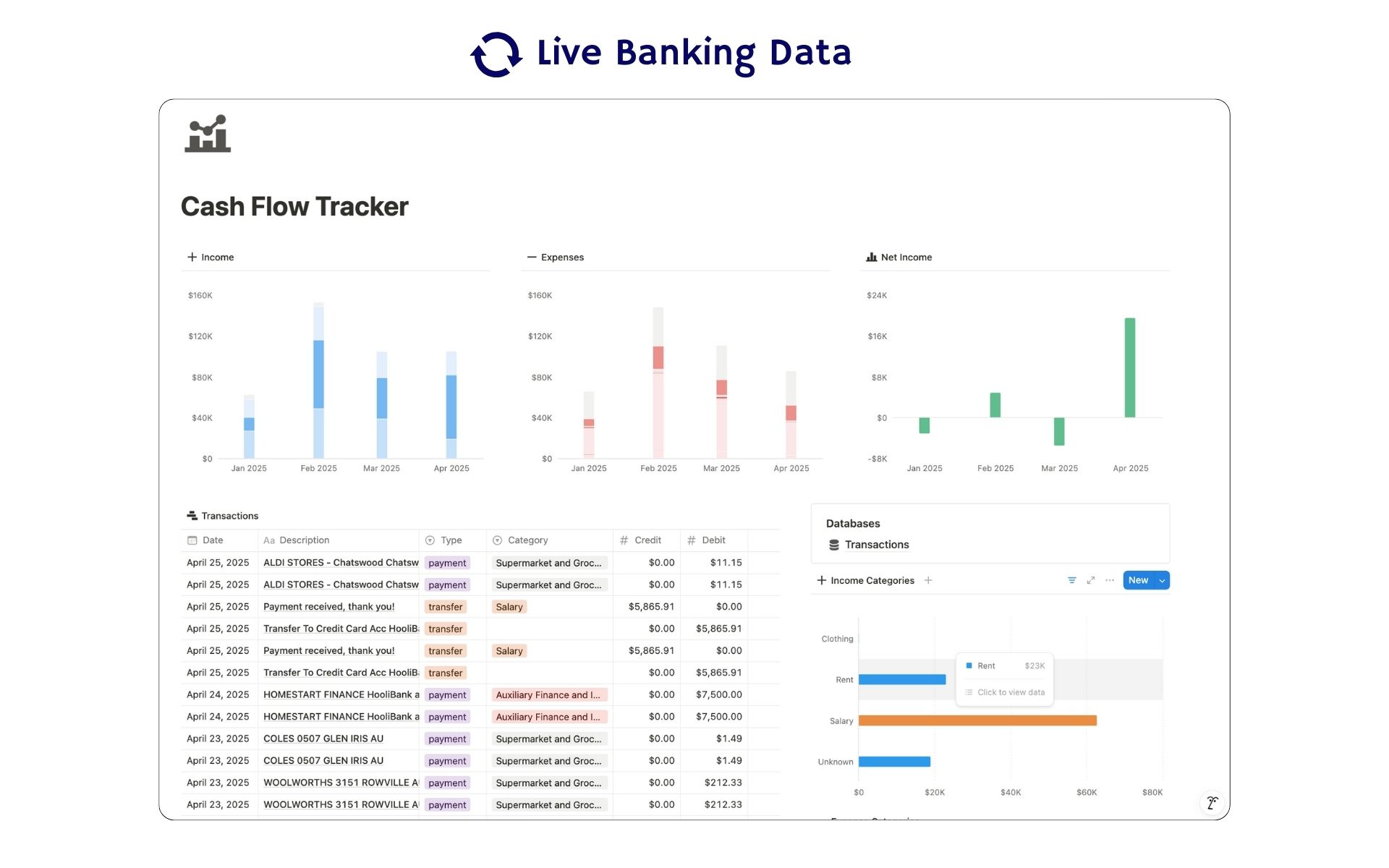 Featured
Cash Flow Tracker
Cash flow in Notion: your transactions imported for you, with monthly statements.
ByBankSyncVerified by BankSync- External template
Free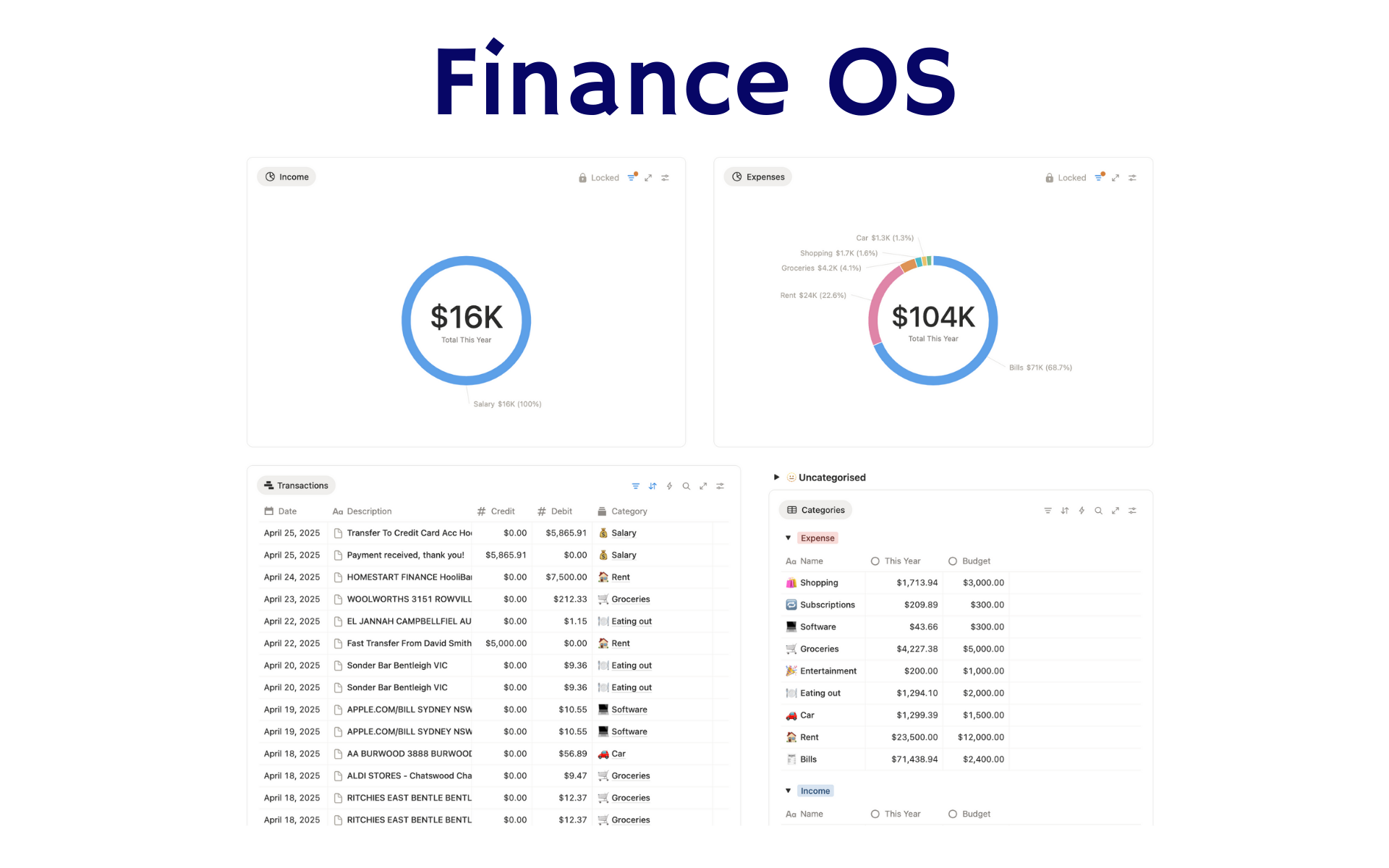 Featured
Finance OS
Your whole financial life in one Notion workspace: goals, investments, net worth and debt.
ByBankSyncVerified by BankSync- External template
Pro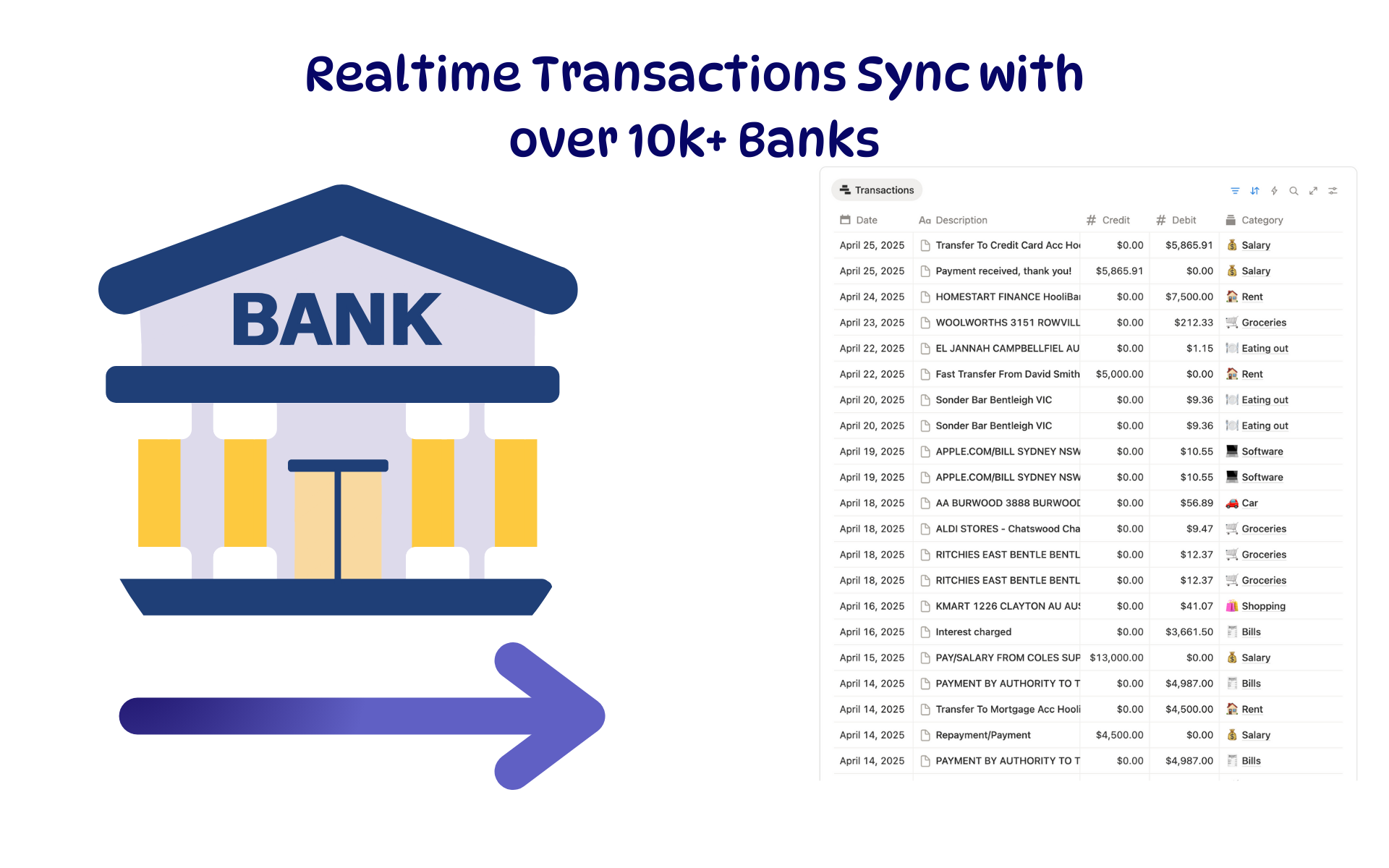 Featured
Budget Tracker
A Notion budget kept current by bank sync: spending against budget, month by month.
ByBankSyncVerified by BankSync- External template
Free