BankSync Tables template
Cash Runway
How long your cash lasts: at this pace, if revenue dips, if costs are cut, if it stops.
By  BankSyncVerified by BankSyncVerified by BankSync Verified
BankSyncVerified by BankSyncVerified by BankSync VerifiedItem 1 of 1: Cash today, the road ahead four ways, and how long each lasts.
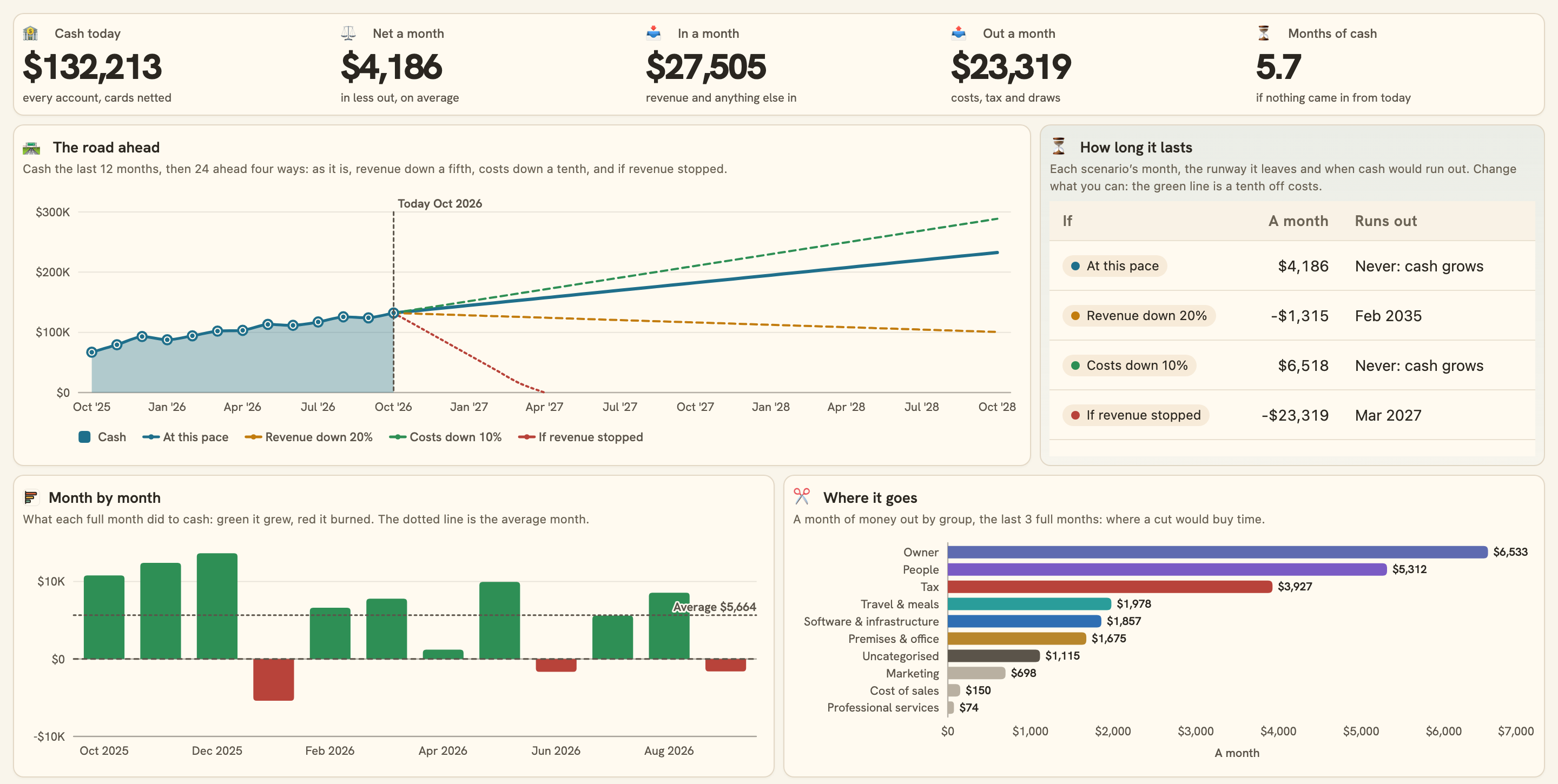
Cash today, the road ahead four ways, and how long each lasts.
Overview
Cash Runway answers the question a business owner asks most: how long does the money last? From your bank, today, and four ways ahead.
What you see
- Your cash: today, net a month, in and out a month, and months of cash if nothing came in.
- The road ahead: the last 12 months, then 24 months ahead at this pace, with revenue down a fifth, costs down a tenth, and revenue stopped.
- How long it lasts under each, and when cash would run out.
- Month by month what each did to cash, where it goes by group, and where the cash is by account.
Set up in two minutes
- Pick your business bank. You can connect one right there in the install.
- Install. BankSync sets up your Chart of accounts, Ledger, Business accounts and Entities (shared with Business Finance OS), a sync each morning and the dashboard.
- Mark transfers between your own accounts as Transfers in the Ledger, so they never read as burn.
- Switch on the weekly note if you would like cash in your inbox on Mondays.
Good to know
- The pace is the last 3 full months: a big one-off payment in or out moves it.
- The scenarios hold a month steady from today: seasonality, a raise or a new hire are not in them.
- Cash is what your connected accounts hold less what their cards owe; loans, mortgages, investment accounts and retirement accounts are not cash, so they are left out. Money in an account you have not connected is not counted.
- Paying a card from the bank, or moving money between two connected cash accounts, is never money out: the card’s purchases already counted when they were made. A loan repayment, or money moved to an investment or retirement account or to an account you have not connected, is money out.
- Money in another currency than your Ledger’s main one is left out of every total.
- The weekly note arrives on Mondays at 08:00 your time, and only after you switch it on.
- Planning
- Weekly
- Trend
- SMB
What you get
- DashboardA dashboard laid out and wired to your data.
- AutomationAn automation. Off until an owner or admin approves it.
- Bank feedA bank feed that keeps the data flowing in on its own.
- TableA table with the columns already set up.
- EnrichmentAn enrichment that tidies and categorises as data arrives.
Works with BankSync Tables.
More from BankSync
View profile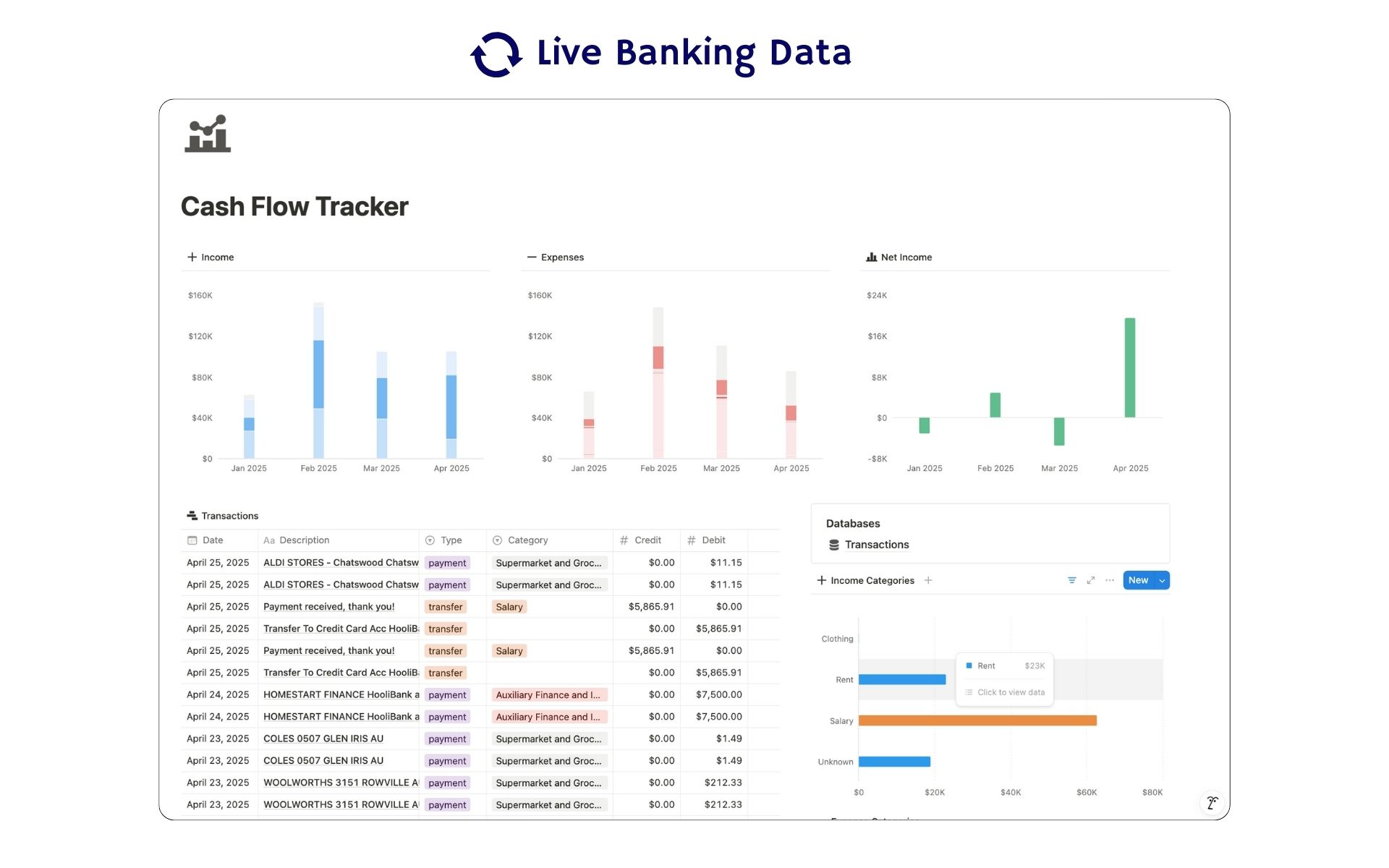 Featured
Cash Flow Tracker
Cash flow in Notion: your transactions imported for you, with monthly statements.
ByBankSyncVerified by BankSync- External template
Free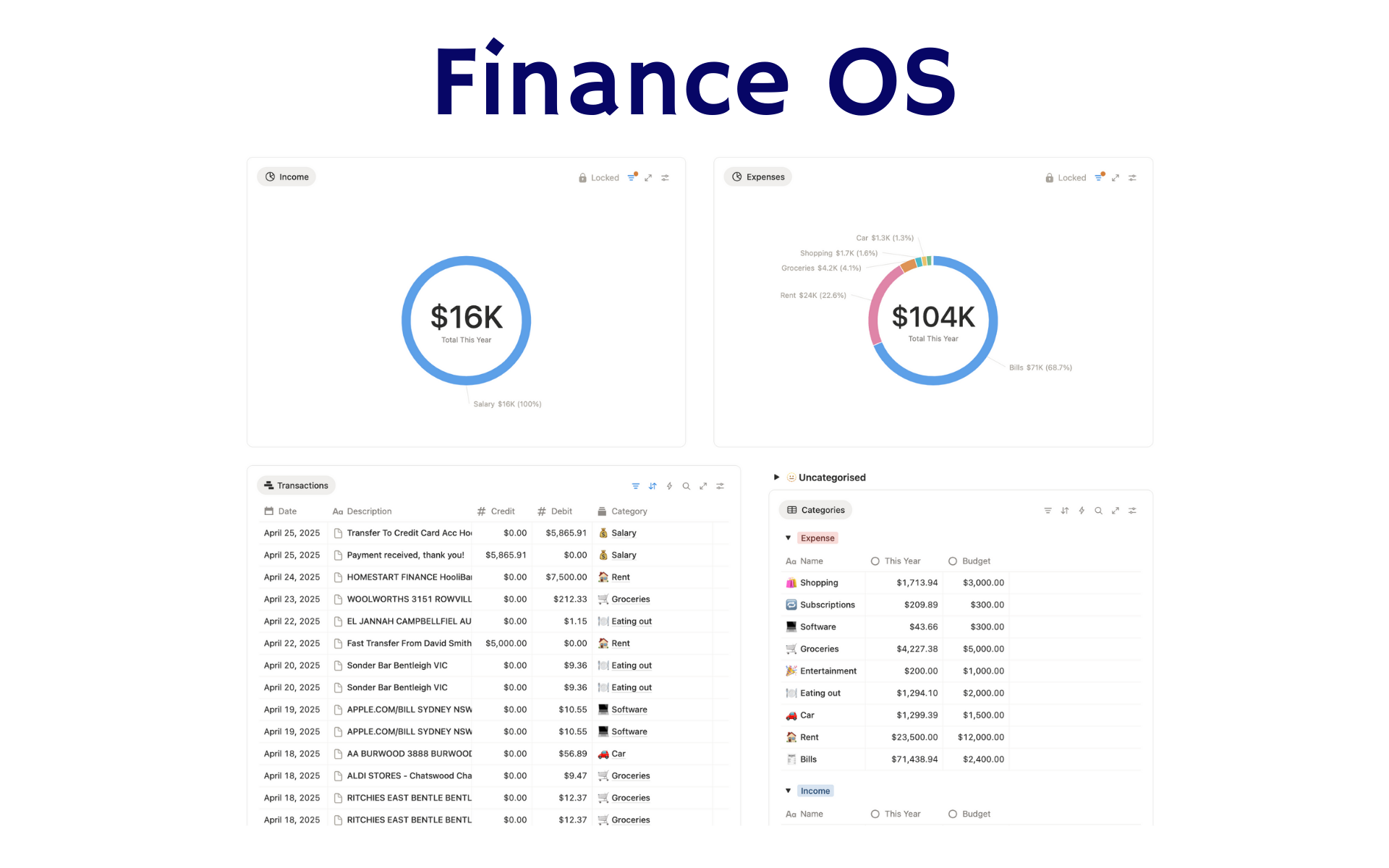 Featured
Finance OS
Your whole financial life in one Notion workspace: goals, investments, net worth and debt.
ByBankSyncVerified by BankSync- External template
Pro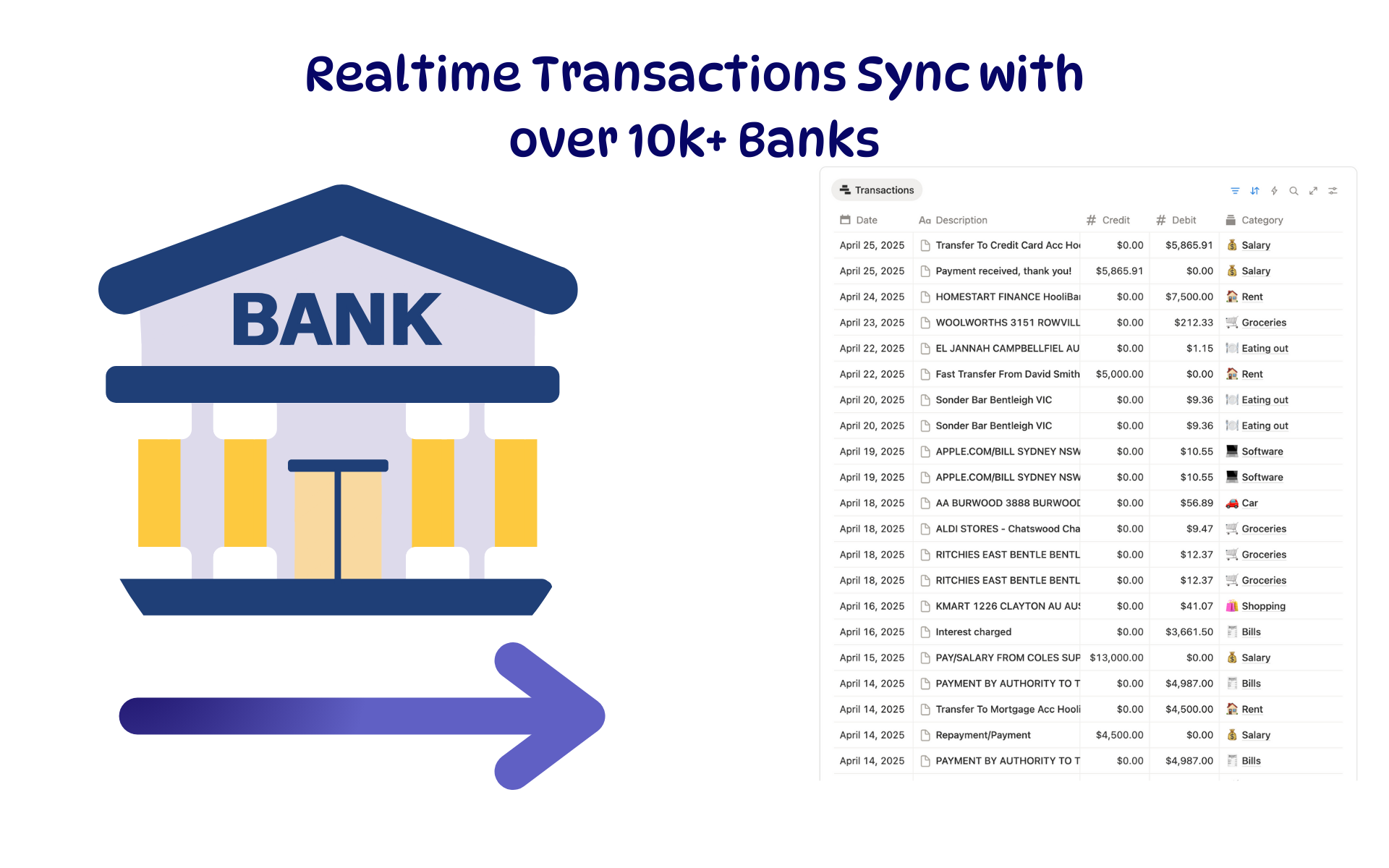 Featured
Budget Tracker
A Notion budget kept current by bank sync: spending against budget, month by month.
ByBankSyncVerified by BankSync- External template
Free