BankSync Tables template
Business Finance OS
Your business’s profit, cash and costs, live from the bank — by entity.
 BankSyncVerified by BankSyncVerified by BankSync Verified
Item 1 of 1: The month so far, last month’s profit and loss, and where the money went.
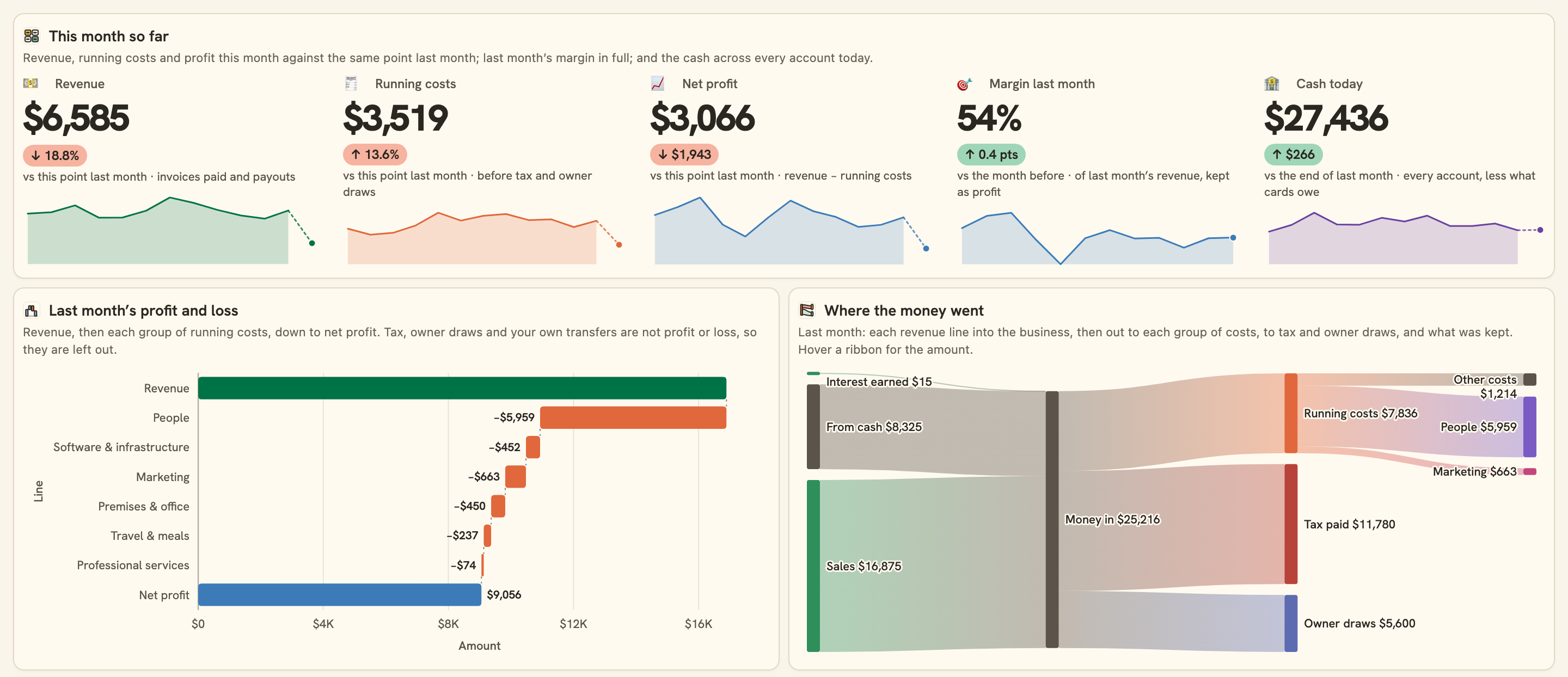
The month so far, last month’s profit and loss, and where the money went.
Overview
Business Finance OS is a live finance console for a small business, or a group of them. It reads your business bank each morning, sorts every transaction into a chart of accounts, and draws the business the way you and your accountant think about it.
What you see
- This month so far: revenue, running costs and net profit against the same point last month, last month’s margin and today’s cash (cards netted; loans, mortgages, investment accounts and retirement accounts are not cash).
- Last month’s profit and loss as a waterfall, from revenue down through each group of costs to net profit, beside a Sankey of where the money went, tax and owner draws included.
- Revenue, costs and profit for the last twelve months, and costs by entity, group and line.
- This month by line: every running cost against its usual month, and against its budget where you set one; top vendors and who paid you.
- A calendar of daily costs, every account with its entity and balance, and Needs a look.
Tables that work for you
- Entities: your companies, product lines and you, each with its cash rolled up from its accounts.
- Business accounts: every account with today’s balance and the entity it belongs to.
- Chart of accounts: 25 lines in 12 groups, each with a tax treatment for GST, VAT or sales tax and an optional monthly budget.
- Ledger: every transaction with its line, a Reviewed tick for month-end and your notes.
How it sorts
Owner draws and transfers between your own accounts are set aside first. Then well-known vendors (AWS, Figma, Gusto, Upwork, Meta Ads, WeWork and many more) and your bank’s own category place each cost, payouts and invoices paid become Sales, and AI categorising fills in the rest on plans that include it. Change a line by hand and every chart follows.
Set up in five minutes
- Pick your business bank: the operating account, any savings or tax reserve, and the business cards. You can connect a bank right there in the install.
- Install. BankSync sets up your Entities, Business accounts, Chart of accounts and Ledger, a sync each morning and the dashboard, and brings in your first transactions.
- Open Business accounts and pick the entity each account belongs to. Rename My business in Entities, and add a row for each other company or product line.
- Glance at Needs a look. Anything the rules and AI could not sort is in Ledger → Needs a category; pick a line for each, and set a monthly budget on the lines you watch.
Good to know
- How far back it goes depends on your bank: often a year or two, sometimes only 90 days.
- Sorting by vendor and your bank’s category works on every plan. AI categorising sorts what the rules can’t, and duplicate flagging marks possible duplicates, on plans that include them.
- Profit here is cash in and out of the bank in the month, not accrual accounting: an invoice counts when it is paid. Use it to steer, and your accountant’s books to file.
- Tax, owner draws and transfers between your own accounts are never profit or loss. A card repayment is a transfer: the card’s own purchases are the costs.
- Totals are in the currency most of your transactions use. Transactions in any other currency are left out of them and counted under Needs a look.
- An entity’s cash is its bank balances less what its cards owe; loans, mortgages, investment accounts and retirement accounts are not cash. Point each account at its entity in the Business accounts table.
- A loan or mortgage repayment is never a cost on the profit and loss: it has its own line, Loan repayments. Payroll paid through Gusto, ADP and the like is People, even when your bank calls it a transfer.
- Overview
- Breakdown
- Trend
- Comparison
- Monthly
- SMB
What you get
- DashboardA dashboard laid out and wired to your data.
- Bank feedA bank feed that keeps the data flowing in on its own.
- TableA table with the columns already set up.
- EnrichmentAn enrichment that tidies and categorises as data arrives.
Works with BankSync Tables.
More from BankSync
View profile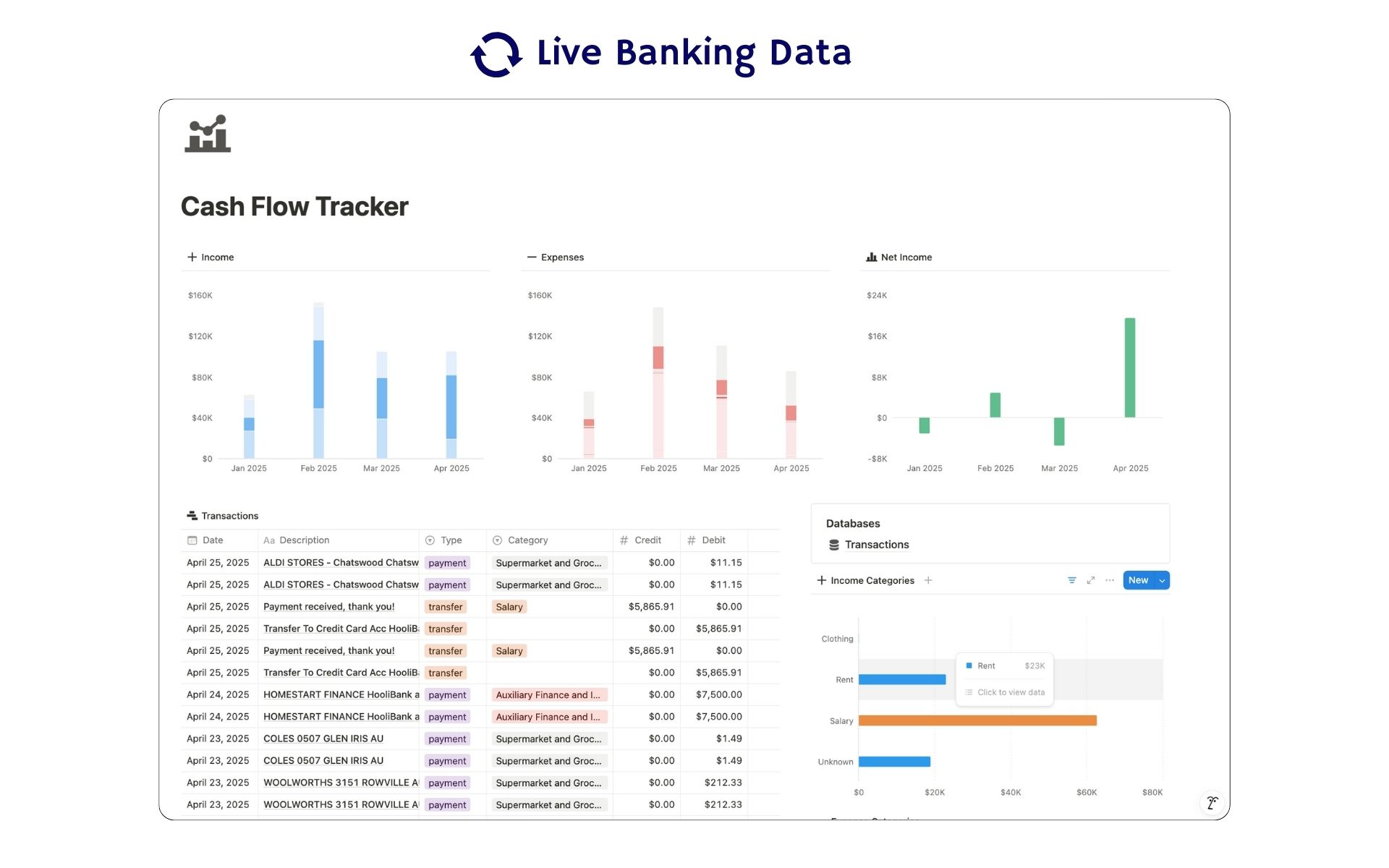 Featured
Cash Flow Tracker
Cash flow in Notion: your transactions imported for you, with monthly statements.
ByBankSyncVerified by BankSync- External template
Free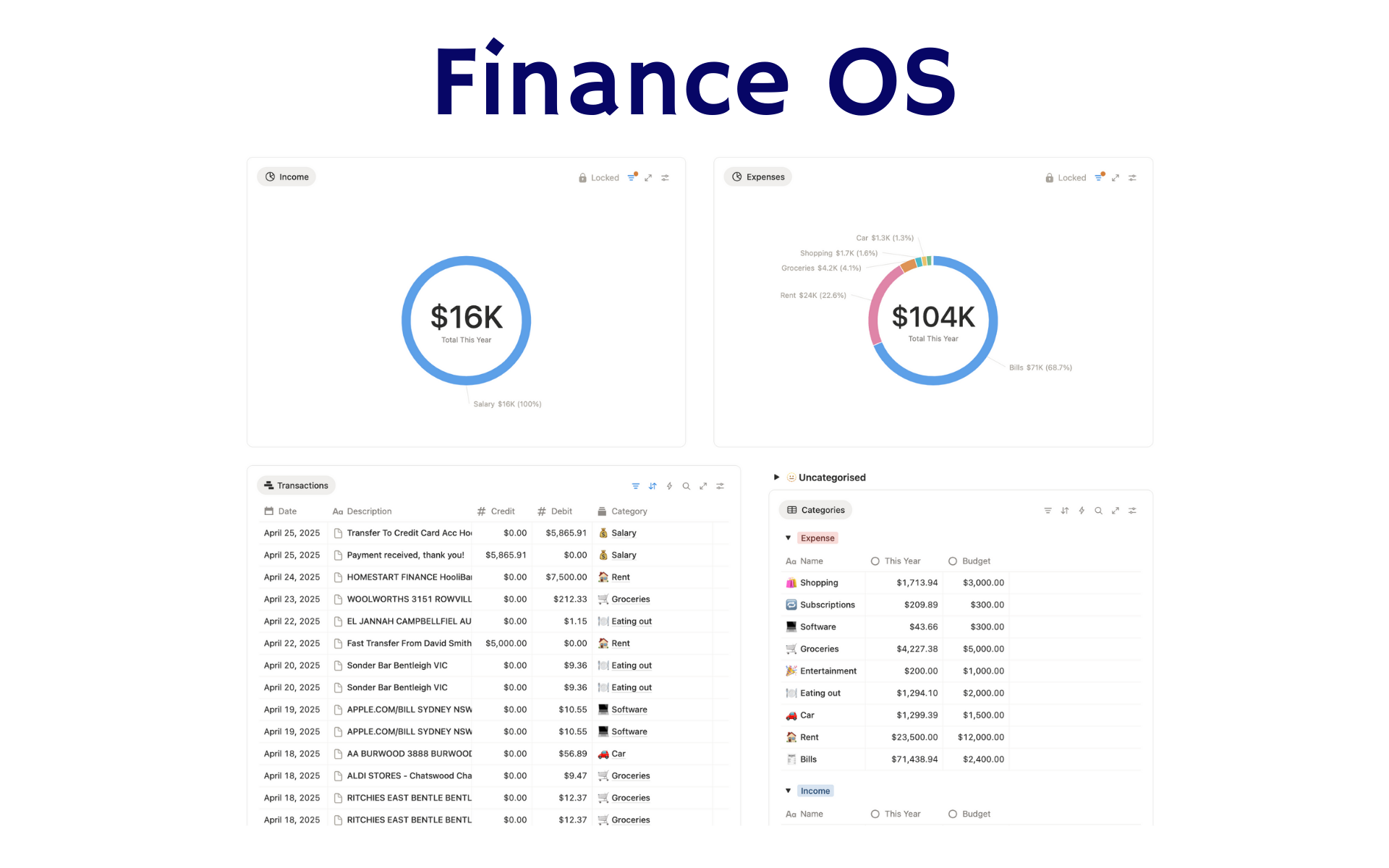 Featured
Finance OS
Your whole financial life in one Notion workspace: goals, investments, net worth and debt.
ByBankSyncVerified by BankSync- External template
Pro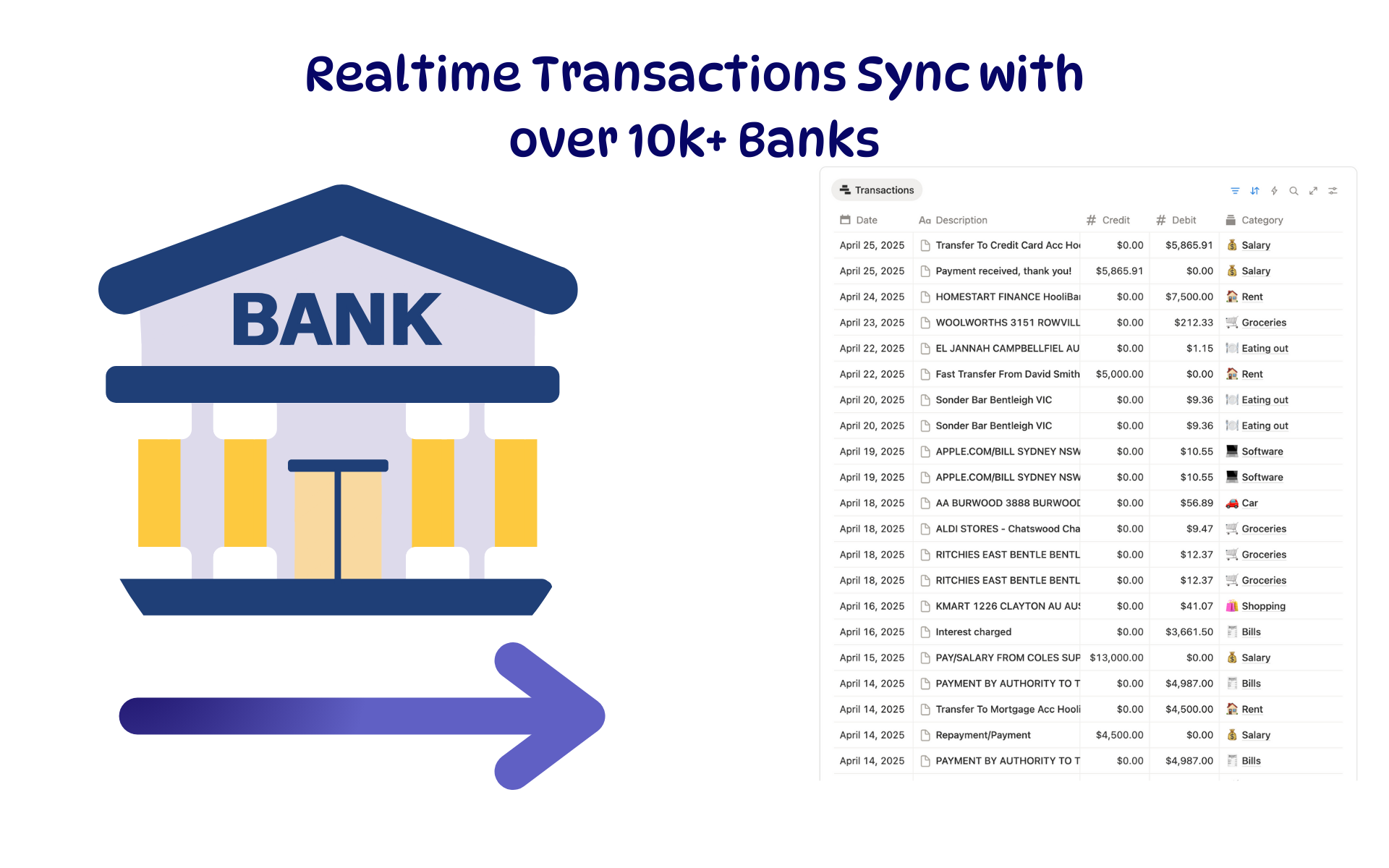 Featured
Budget Tracker
A Notion budget kept current by bank sync: spending against budget, month by month.
ByBankSyncVerified by BankSync- External template
Free