BankSync Tables template
Bills & Subscriptions
Every bill and subscription found in your bank: what it costs, when it goes out, what changed.
By  BankSyncVerified by BankSyncVerified by BankSync Verified
BankSyncVerified by BankSyncVerified by BankSync VerifiedItem 1 of 1: What you pay every month, what changed, and when it goes out.
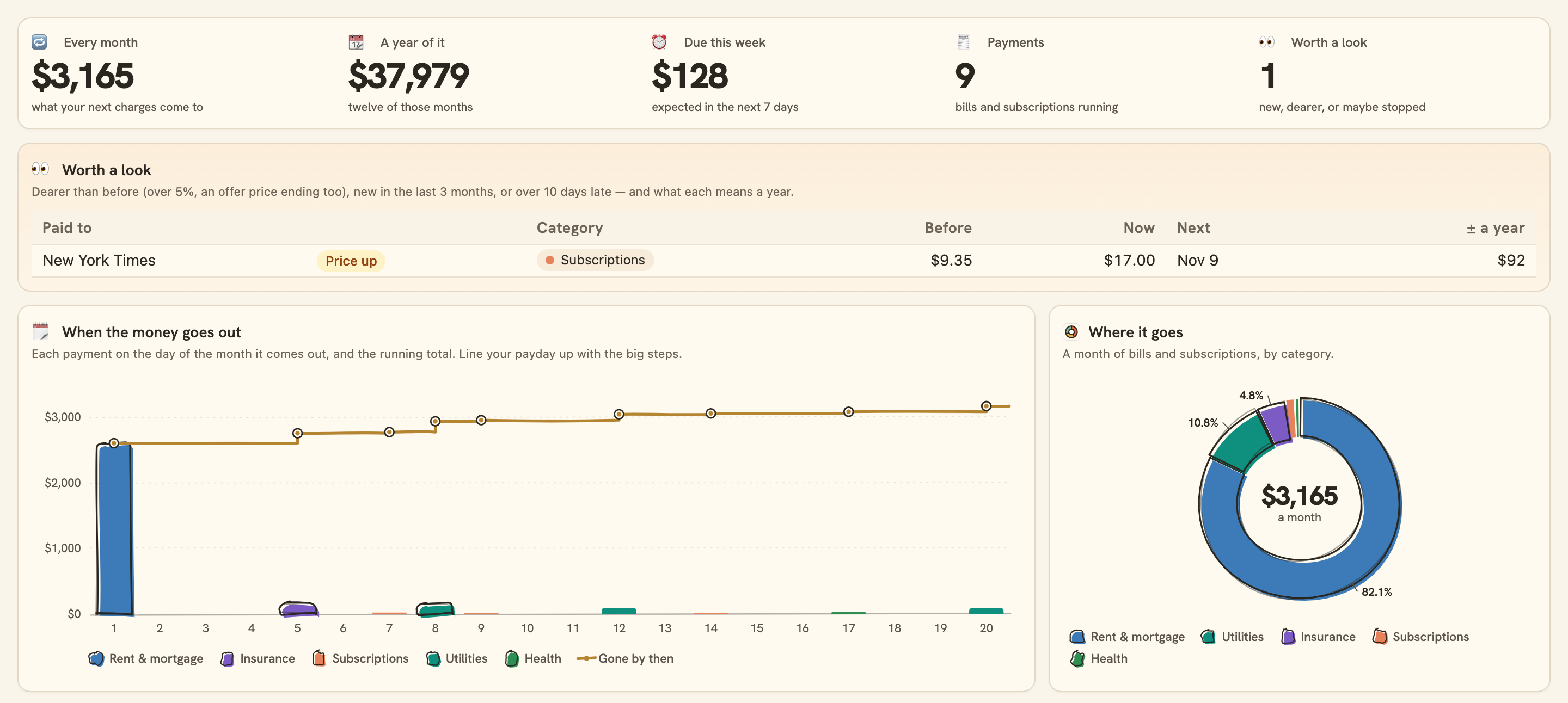
What you pay every month, what changed, and when it goes out.
Overview
Bills & Subscriptions finds everything you pay every month — streaming, software, phone, insurance, power, loan repayments — straight from your bank, with no list to keep up.
What you see
- What you pay every month, a year of it, what is due this week, how many payments and how many are worth a look.
- When the money goes out: each bill on its day of the month and the running total, so you can line your payday up with it.
- Every bill and subscription: what the next charge will be and when, soonest first.
- Worth a look: prices that rose (an offer ending too), new payments, and ones that may have stopped, with what each means a year.
- A year of each, dearest first, and where it goes by category.
Set up in two minutes
- Pick your bank: the accounts your bills and subscriptions come out of. You can connect a bank right there in the install.
- Install. BankSync sets up your Categories and Transactions (shared with Money Map and Monthly Budget), a sync each morning and the dashboard.
- There is nothing to list: a payment charged 3 months in a row at a fixed price, or a bill whose amount moves, is found on its own.
- Switch on the monthly note if you would like last month’s subscriptions on the 1st.
Good to know
- A payment shows once it has run 3 months in a row, and only monthly ones: a yearly charge is not listed, nor one whose price moves outside the bill categories.
- The next charge is expected a month after the last; a bill on a different cycle can show a little early or late.
- A payment more than 10 days past its expected charge shows as maybe stopped, which may just mean it was paid another way.
- How far back it reaches depends on your bank: often a year or two, sometimes only 90 days.
- Totals add the currency most of your transactions are in; a bill in another currency is listed in its own, not added.
- The monthly note reads your Subscriptions category, arrives on the 1st at 08:00 your time, and only after you switch it on.
- Monitoring
- Monthly
- Table-heavy
- Consumer
What you get
- DashboardA dashboard laid out and wired to your data.
- AutomationAn automation. Off until an owner or admin approves it.
- Bank feedA bank feed that keeps the data flowing in on its own.
- TableA table with the columns already set up.
- EnrichmentAn enrichment that tidies and categorises as data arrives.
Works with BankSync Tables.
More from BankSync
View profile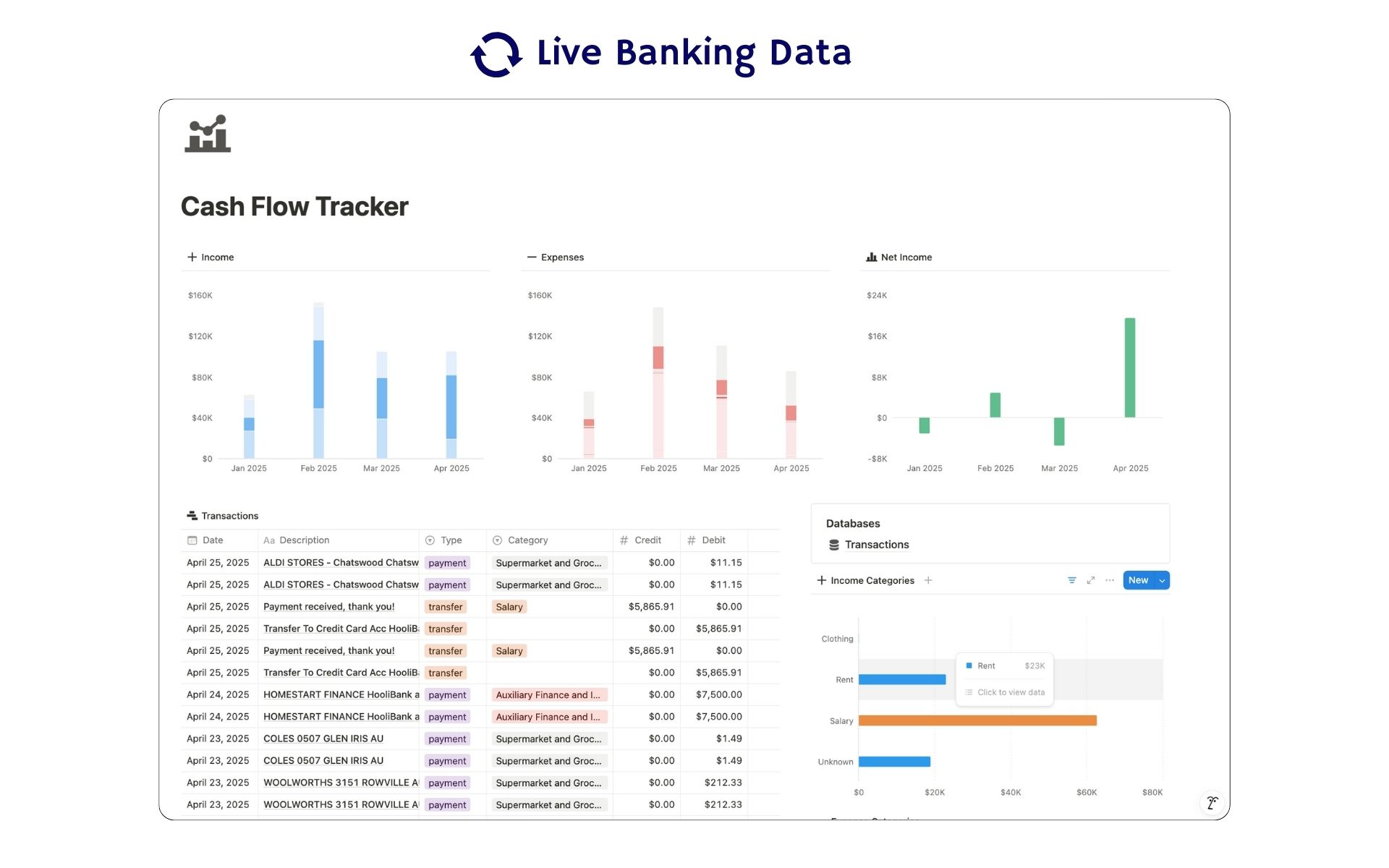 Featured
Cash Flow Tracker
Cash flow in Notion: your transactions imported for you, with monthly statements.
ByBankSyncVerified by BankSync- External template
Free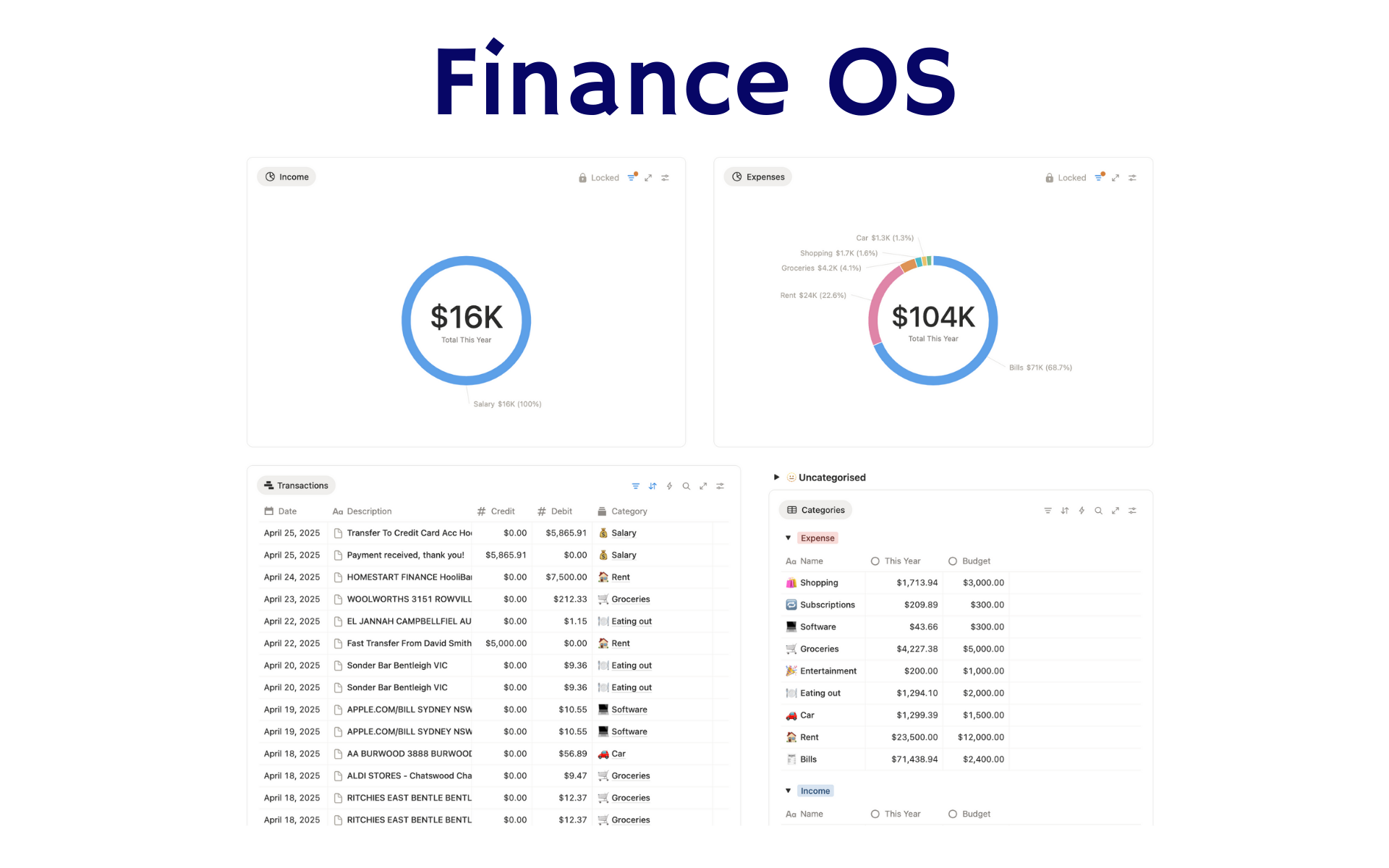 Featured
Finance OS
Your whole financial life in one Notion workspace: goals, investments, net worth and debt.
ByBankSyncVerified by BankSync- External template
Pro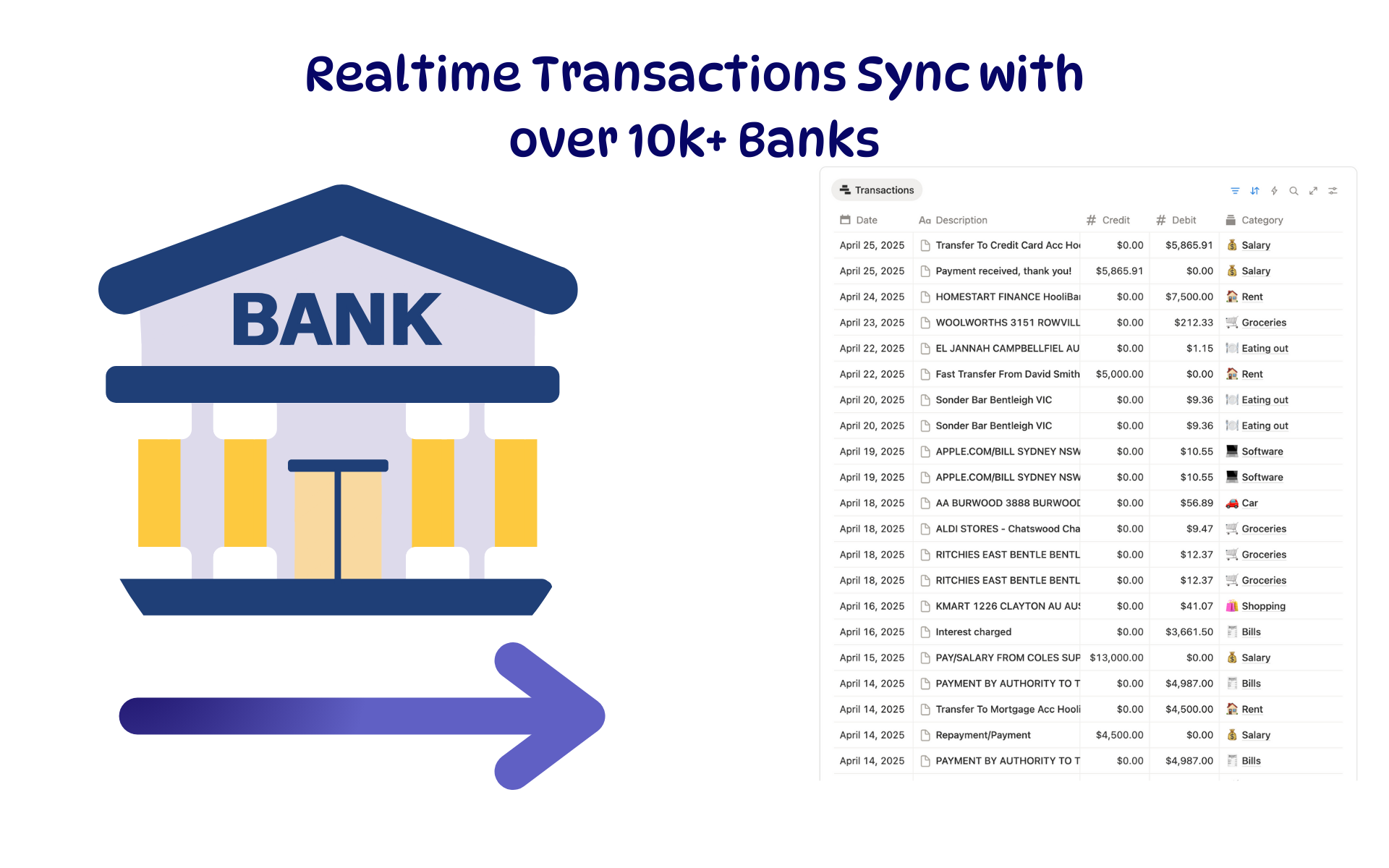 Featured
Budget Tracker
A Notion budget kept current by bank sync: spending against budget, month by month.
ByBankSyncVerified by BankSync- External template
Free