

Securian Retirement CenterをMicrosoft Excelに同期
BankSyncは、サードパーティのオープンバンキングプロバイダーを通じてSecurian Retirement Centerの口座への接続に対応している場合があり、以下に示す対応する口座データをMicrosoft Excelに送ります。設定は10分以内で、コードは不要です。
Securian Retirement CenterをMicrosoft Excelに同期する方法
BankSyncでSecurian Retirement Centerを検索
BankSyncに登録し、Securian Retirement Centerが利用可能であれば、プロバイダーまたは銀行がホストする認証フローで口座を接続します。BankSyncがオンラインバンキングのログイン情報を保存することはありません。
Microsoft Excelへのアクセスを許可
Microsoft Excelワークスペースへのデータ書き込みをBankSyncに許可します。対応する口座データの書き込み先となるデータベース、テーブル、シートを選びます。
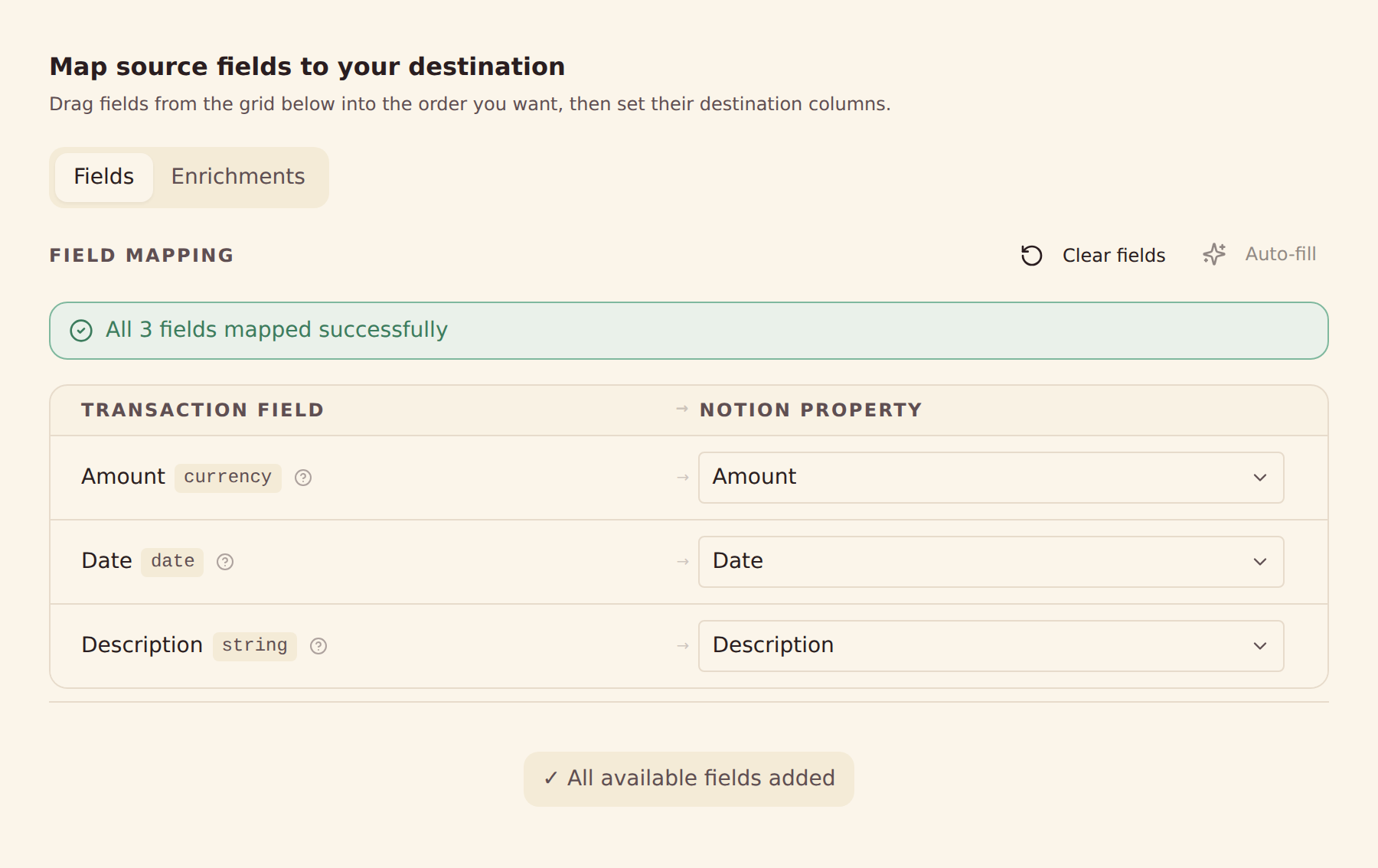
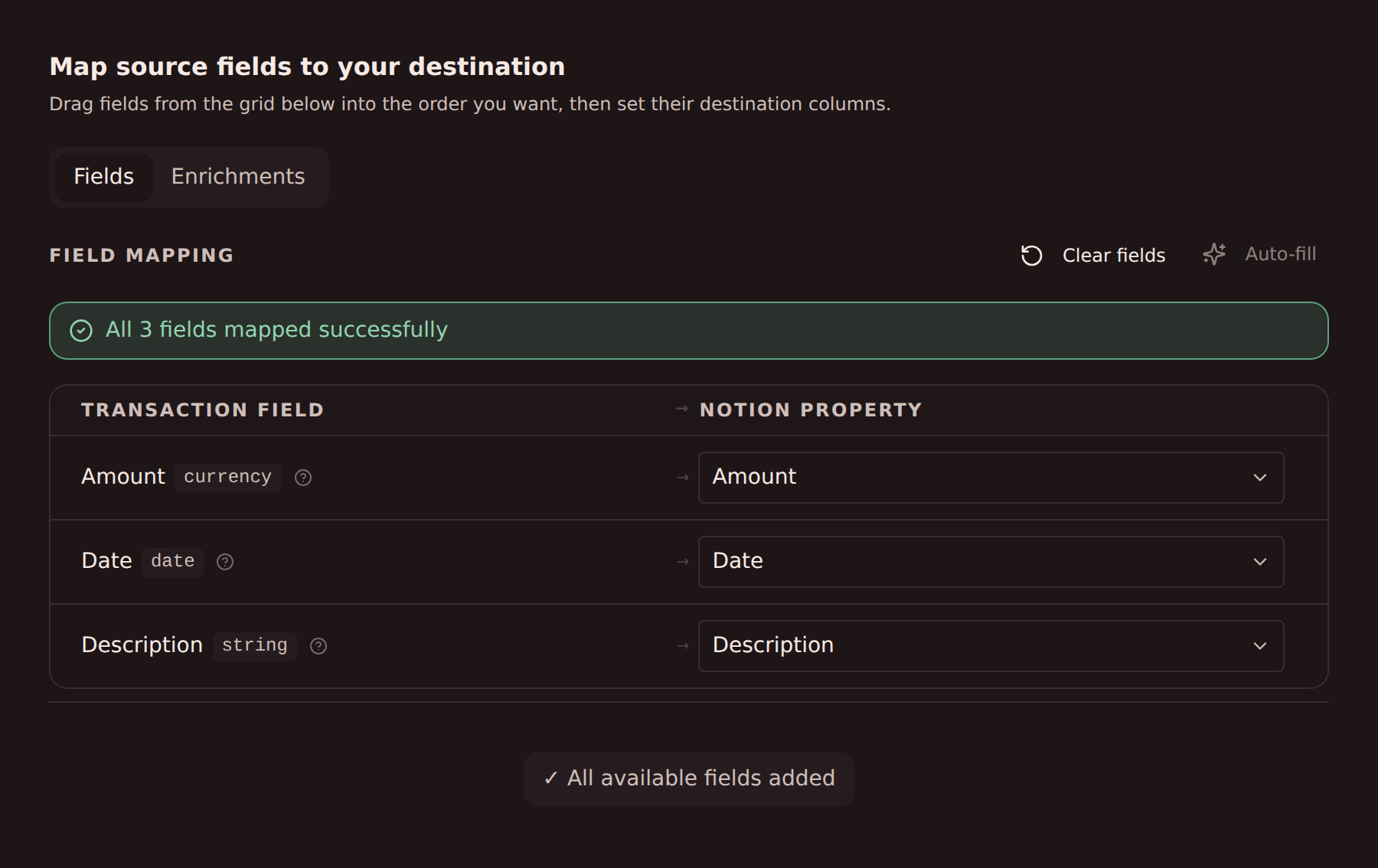
項目のマッピングを設定
プロバイダーが提供する、対応するSecurian Retirement Centerの項目をMicrosoft Excelの列にマッピングします。
同期スケジュールを設定
プランに応じて毎時、毎日、毎週の自動同期を選べるほか、いつでも手動で同期できます。
Securian Retirement CenterからMicrosoft Excelに同期されるデータ
取引
取得可能なSecurian Retirement Centerの取引履歴と、日付、金額、摘要、加盟店、カテゴリーなど、プロバイダーが提供する項目を同期します。
残高
対応するSecurian Retirement Centerの口座の現在残高と利用可能残高を同期します。
保有資産
Securian Retirement Centerの対応する投資ポジション、数量、時価を同期します。
売買
Securian Retirement Centerの対応する投資の売買履歴とアクティビティ履歴を同期します。
ローン
Securian Retirement Centerの対応するローン残高と、プロバイダーが提供する負債の詳細を同期します。
口座の詳細
プロバイダーが提供する口座名、マスクされた識別子、種類を使って、Microsoft Excelでデータを整理できます。
カスタム項目マッピング
Securian Retirement Centerのどの項目もMicrosoft Excelのどの列にもマッピングでき、自由に設定できます。
同期スケジュール
プランに応じて毎時、毎日、毎週の自動同期を選べるほか、いつでも手動で同期できます。
Securian Retirement CenterをMicrosoft Excelと同期する準備はできましたか?
14日間の無料トライアルを始めましょう。銀行を接続して同期を設定すれば、数分でMicrosoft Excelにデータが届き始めます。
無料で始めるSecurian Retirement Centerをほかの同期先に同期
同じSecurian Retirement Centerの接続で、これらのどの同期先にもデータを送れます。
- Securian Retirement CenterをActual Budgetに同期
- Securian Retirement CenterをAirtableに同期
- Securian Retirement CenterをFirefly IIIに同期
- Securian Retirement CenterをGoogle Sheetsに同期
- Securian Retirement CenterをHome Assistantに同期
- Securian Retirement CenterをMongoDBに同期
- Securian Retirement CenterをMySQLに同期
- Securian Retirement CenterをNotionに同期
- Securian Retirement CenterをPostgreSQLに同期
- Securian Retirement CenterをSecuroに同期
- Securian Retirement CenterをSimpleFINに同期
- Securian Retirement CenterをSureに同期
Microsoft Excelに同期できるほかの銀行
同じ市場で、口座データをMicrosoft Excelに送れるほかの金融機関です。
- ChaseをMicrosoft Excelに同期🇺🇸 アメリカ合衆国
- American ExpressをMicrosoft Excelに同期🇺🇸 アメリカ合衆国
- Capital OneをMicrosoft Excelに同期🇺🇸 アメリカ合衆国
- Wells FargoをMicrosoft Excelに同期🇺🇸 アメリカ合衆国
- FidelityをMicrosoft Excelに同期🇺🇸 アメリカ合衆国
- Citibank OnlineをMicrosoft Excelに同期🇺🇸 アメリカ合衆国
- Bank of AmericaをMicrosoft Excelに同期🇺🇸 アメリカ合衆国
- Charles SchwabをMicrosoft Excelに同期🇺🇸 アメリカ合衆国
BankSyncはSecurian Retirement CenterおよびMicrosoft Excelと提携しておらず、承認を受けたものでも公式パートナーでもありません。すべての商標は各所有者に帰属します。銀行接続は、規制を受けたオープンバンキングプロバイダーを通じて確立されます。