Notion template
Save emailed receipts to a table
Turn emailed receipts and invoices into rows.
 BankSyncVerified by BankSyncVerified by BankSync Verified
Item 1 of 1: Mail arrives, its receipts are read, and a row is added for each.
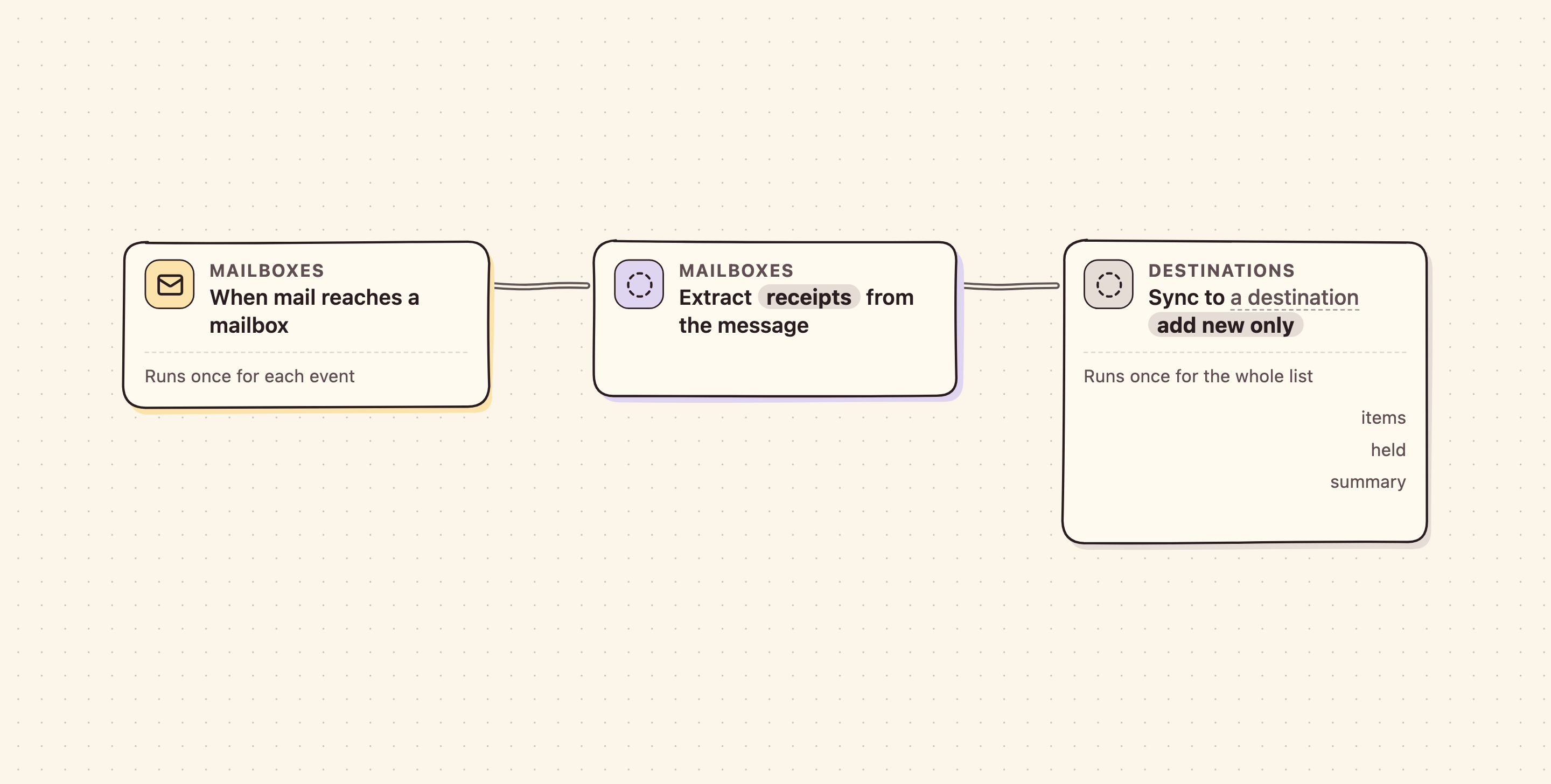
Mail arrives, its receipts are read, and a row is added for each.
Overview
Forward receipts and invoices to a BankSync mailbox and each one becomes a row — merchant, date and total — in the BankSync table, Google Sheet, Excel workbook, Notion database, Airtable table or database you choose when you install it.
- Reconciliation
What you get
- AutomationAn automation. Off until an owner or admin approves it.
Works with Notion, Google Sheets, Excel, Airtable, SQL database, BankSync Tables.
More from BankSync
View profile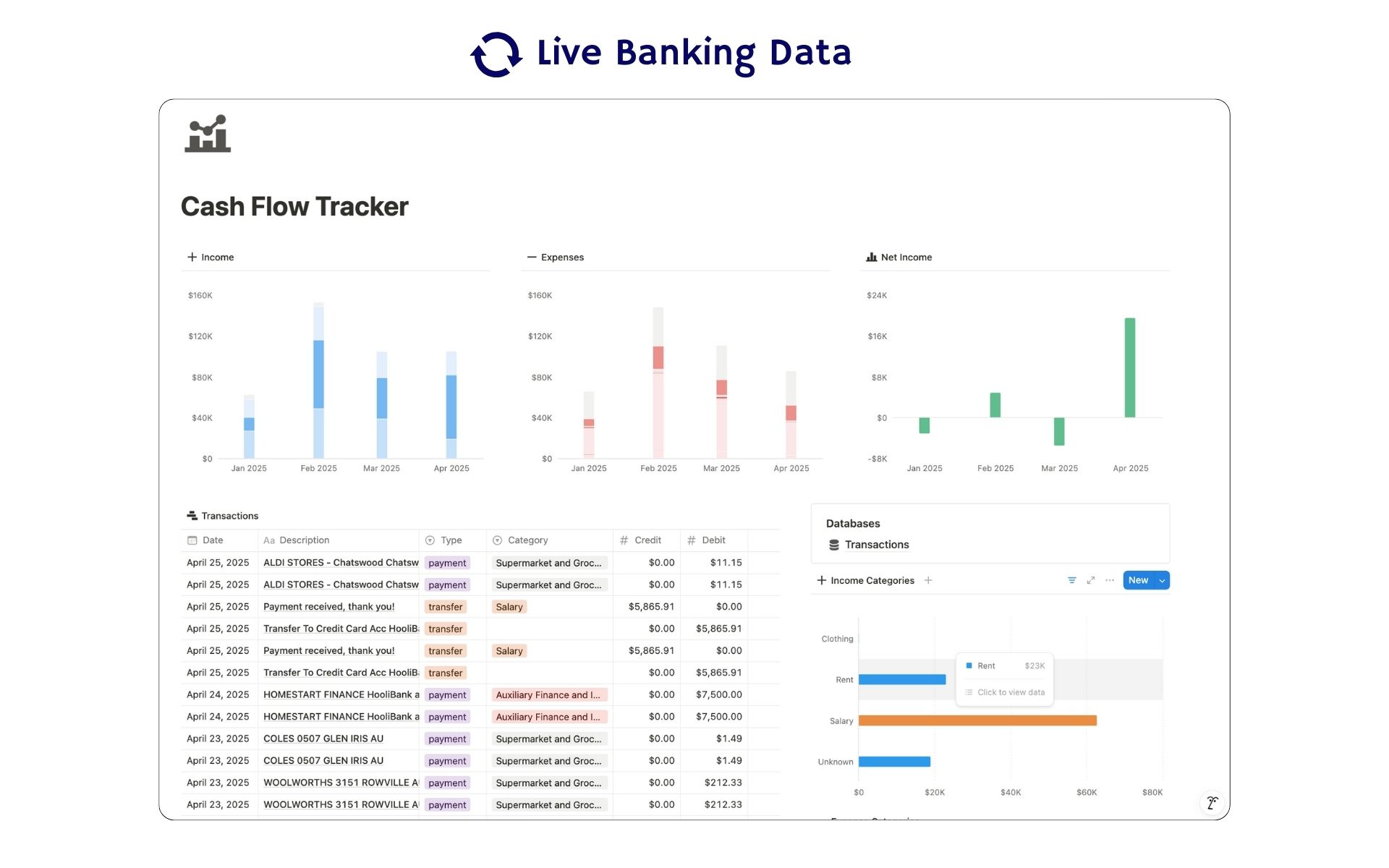 Featured
Cash Flow Tracker
Cash flow in Notion: your transactions imported for you, with monthly statements.
ByBankSyncVerified by BankSync- External template
Free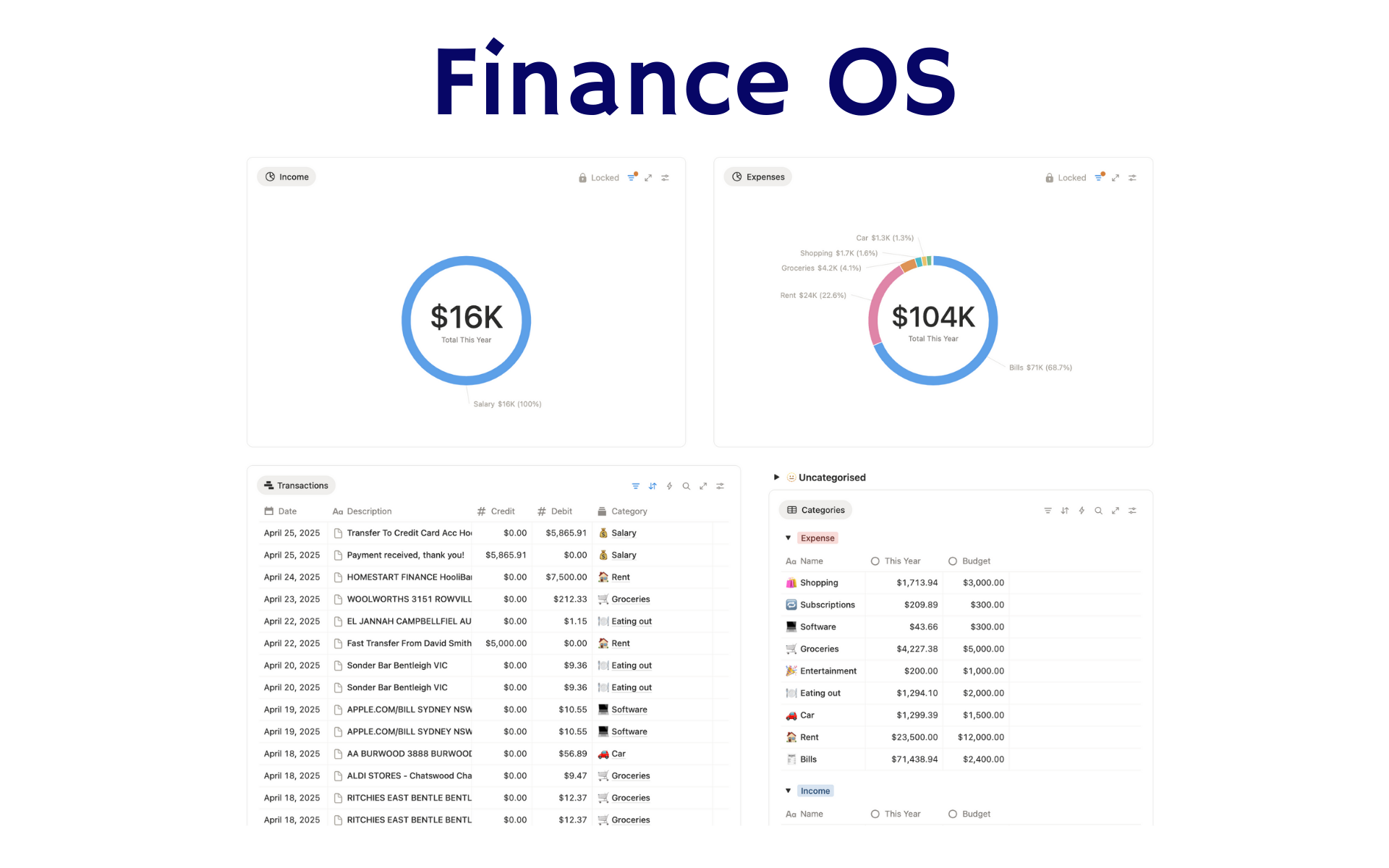 Featured
Finance OS
Your whole financial life in one Notion workspace: goals, investments, net worth and debt.
ByBankSyncVerified by BankSync- External template
Pro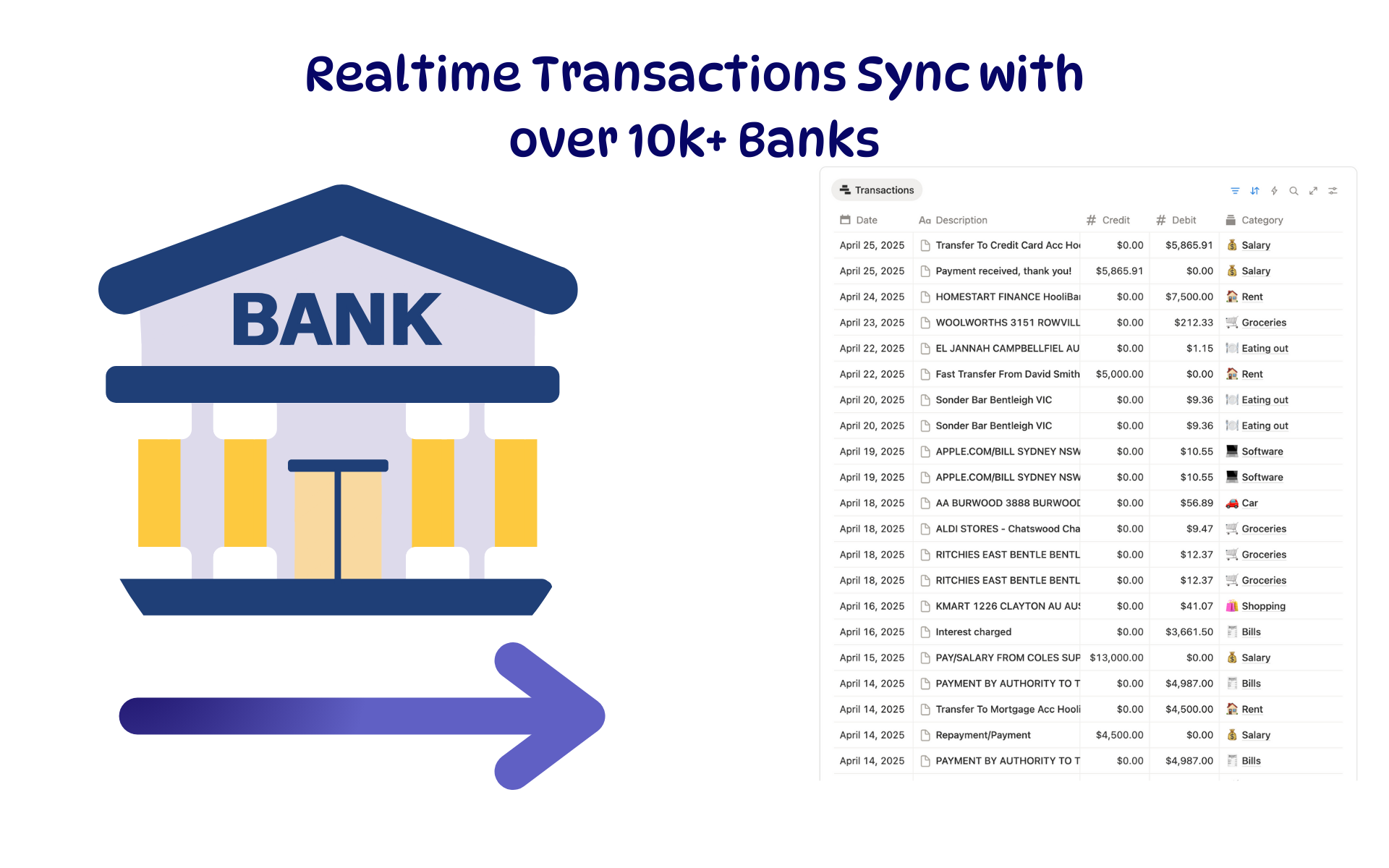 Featured
Budget Tracker
A Notion budget kept current by bank sync: spending against budget, month by month.
ByBankSyncVerified by BankSync- External template
Free