

将 Raymond James Client Access 同步到 Firefly III
BankSync 可能通过第三方开放银行提供商支持连接 Raymond James Client Access 账户,然后将下方所示的受支持账户数据发送到 Firefly III。设置不到 10 分钟,无需编写代码。
如何将 Raymond James Client Access 同步到 Firefly III
在 BankSync 中搜索 Raymond James Client Access
注册 BankSync;如果 Raymond James Client Access 可用,请通过由提供商或银行托管的授权流程关联账户。BankSync 不会存储您的网上银行登录凭据。
授权 Firefly III
授权 BankSync 向您的 Firefly III 工作区写入数据。选择受支持账户数据要写入的数据库、表或工作表。
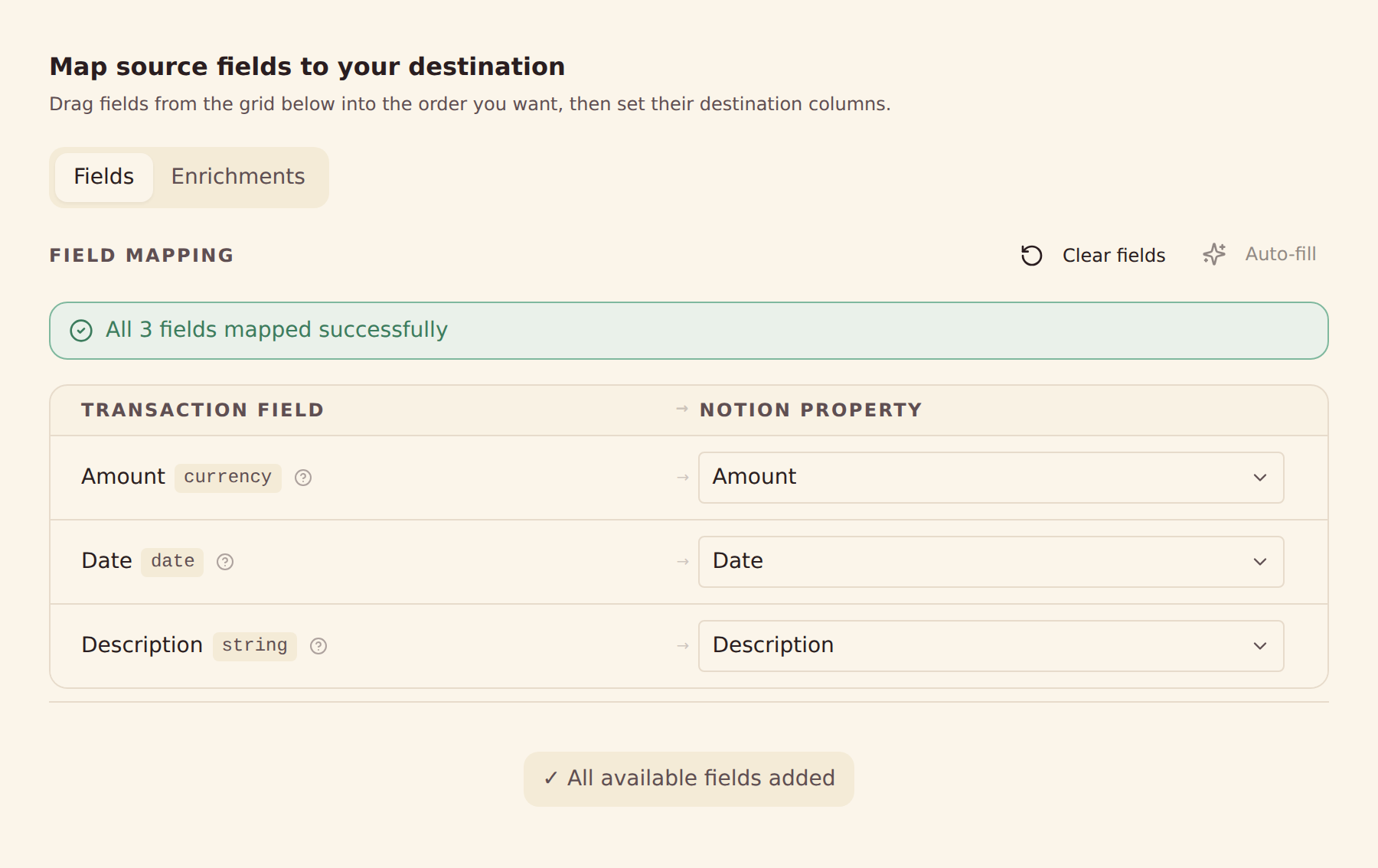
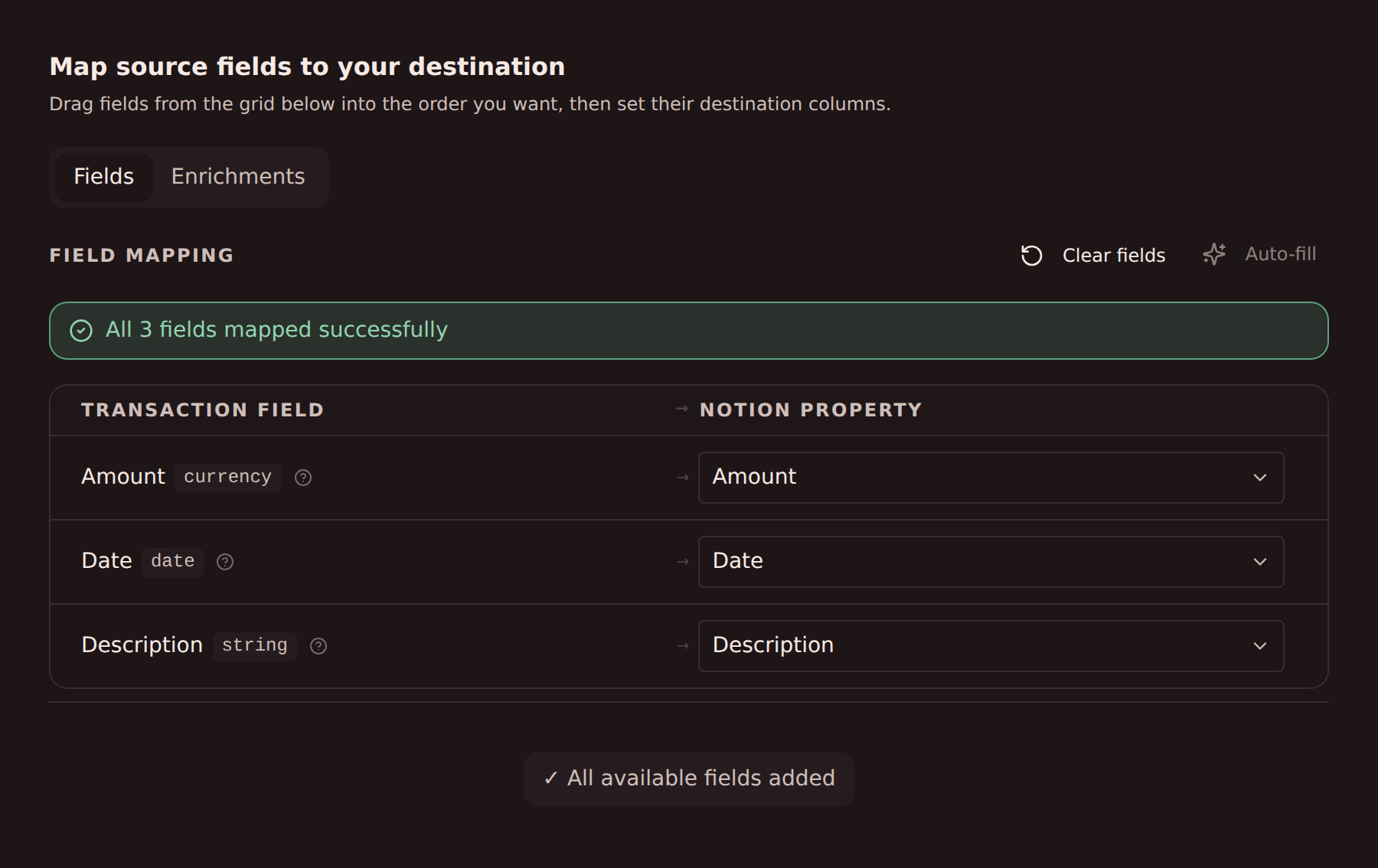
配置字段映射
将提供商提供的受支持 Raymond James Client Access 字段映射到 Firefly III 中的列。
设置同步计划
可根据套餐选择每小时、每天或每周自动同步,也可随时手动同步。
从 Raymond James Client Access 同步到 Firefly III 的数据
交易
同步可获取的 Raymond James Client Access 交易记录,以及提供商提供的日期、金额、描述、商户和类别等字段。
余额
同步受支持的 Raymond James Client Access 账户的当前余额和可用余额。
持仓
同步来自 Raymond James Client Access 的受支持投资持仓、数量和市值。
成交记录
同步来自 Raymond James Client Access 的受支持投资成交和活动记录。
贷款
同步来自 Raymond James Client Access 的受支持贷款余额以及提供商提供的负债详情。
账户详情
使用提供商提供的账户名称、掩码标识和类型,在 Firefly III 中整理数据。
自定义字段映射
将任意 Raymond James Client Access 字段映射到 Firefly III 中的任意列——完全可配置。
同步计划
可根据套餐选择每小时、每天或每周自动同步,也可随时手动同步。
准备好将 Raymond James Client Access 同步到 Firefly III 了吗?
开始 14 天免费试用。连接银行、配置同步,几分钟内即可让数据流入 Firefly III。
免费开始将 Raymond James Client Access 同步到其他目的地
同一个 Raymond James Client Access 连接可以为以下任一目的地提供数据。
- 将 Raymond James Client Access 同步到 Actual Budget
- 将 Raymond James Client Access 同步到 Airtable
- 将 Raymond James Client Access 同步到 Google Sheets
- 将 Raymond James Client Access 同步到 Home Assistant
- 将 Raymond James Client Access 同步到 Microsoft Excel
- 将 Raymond James Client Access 同步到 MongoDB
- 将 Raymond James Client Access 同步到 MySQL
- 将 Raymond James Client Access 同步到 Notion
- 将 Raymond James Client Access 同步到 PostgreSQL
- 将 Raymond James Client Access 同步到 Securo
- 将 Raymond James Client Access 同步到 SimpleFIN
- 将 Raymond James Client Access 同步到 Sure
其他可同步到 Firefly III 的银行
同一市场中同样可以将账户数据发送到 Firefly III 的其他机构。
BankSync 与 Raymond James Client Access 或 Firefly III 无隶属关系,未获其认可,也不是其官方合作伙伴。所有商标均归其各自所有者所有。银行连接通过受监管的开放银行提供商建立。