

Bruk VS Code Copilot med Webull Financial
MCP-serveren til BankSync kan la VS Code Copilot hente støttede kontodata fra Webull Financial som du har koblet til gjennom BankSync og gitt API-tilgang til. Spør om økonomien din på vanlig språk, uten regneark eller eksporter.
BankSync er ikke tilknyttet, godkjent av, sponset av eller i partnerskap med Webull Financial eller VS Code Copilot. Navnene brukes bare for å beskrive mulig dekning av kontodata og kompatibilitet med klienter.
Slik kobler du VS Code Copilot til Webull Financial
Søk etter Webull Financial i BankSync
Registrer deg i BankSync. Hvis Webull Financial er tilgjengelig, kobler du til kontoen din gjennom en godkjenningsflyt som tilbyderen eller banken selv står for.
Opprett en API-nøkkel
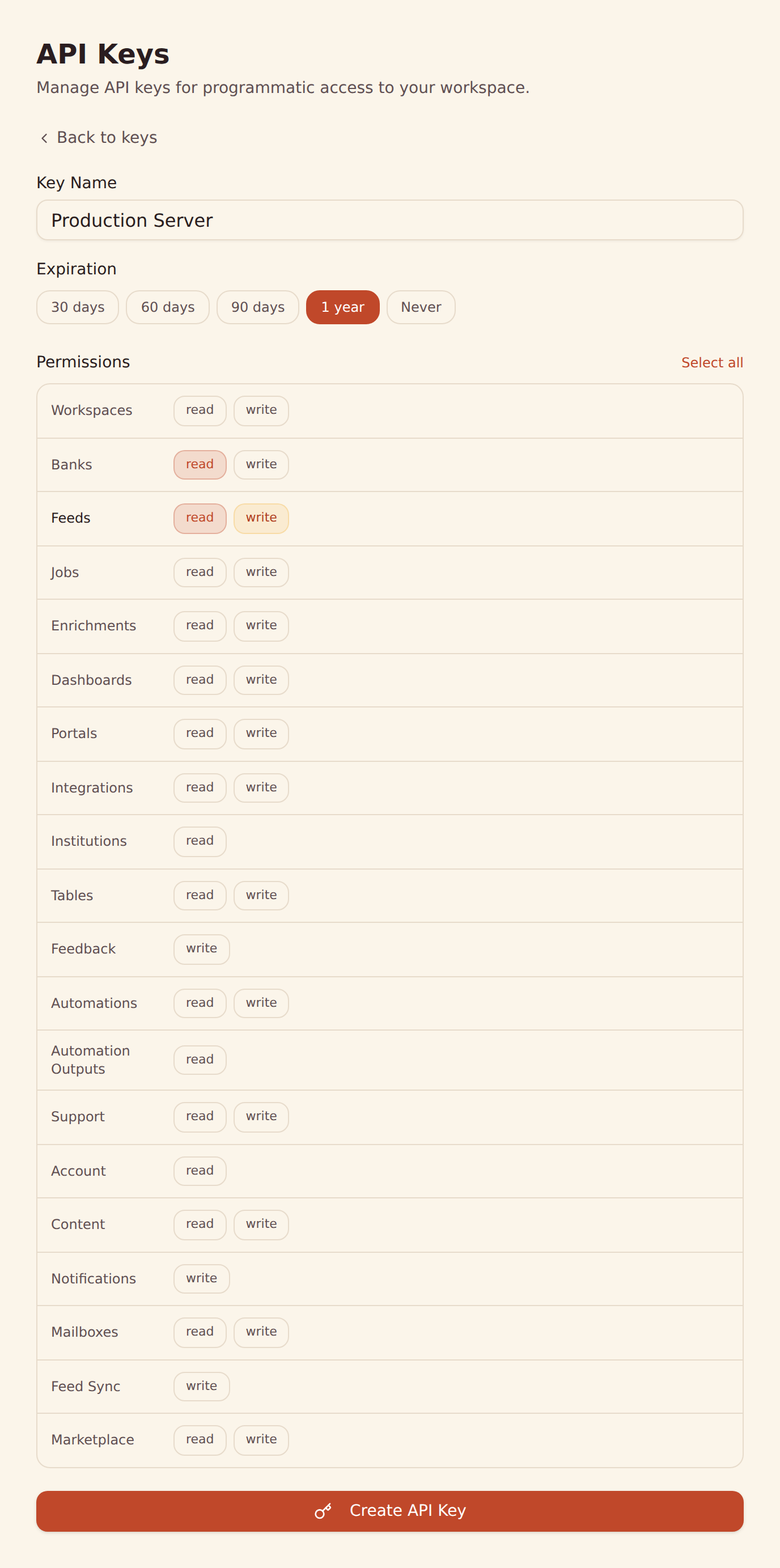
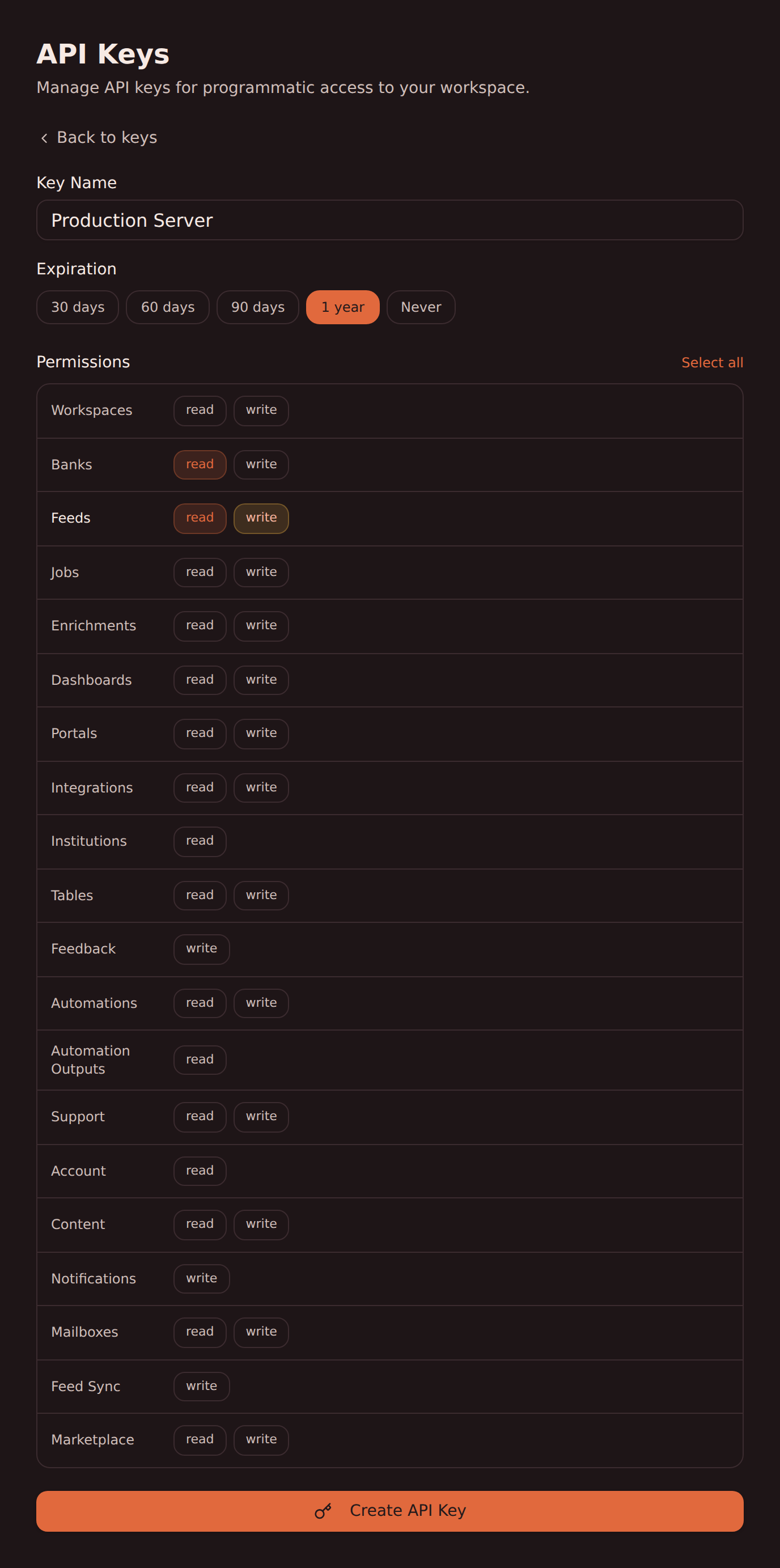
Opprett en API-nøkkel under Developers i arbeidsområdet ditt i BankSync.
Sett opp VS Code Copilot
Legg til MCP-serveren til BankSync i VS Code Copilot med API-nøkkelen din. Følg oppsettsveiledningen vår for VS Code Copilot for trinnvise instruksjoner.
Begynn å spørre
Spør VS Code Copilot om støttede transaksjoner, saldoer og mer fra Webull Financial på vanlig språk.
MCP-oppsett for VS Code Copilot
Legg til dette oppsettet slik at VS Code Copilot kan hente støttede kontodata fra Webull Financial gjennom BankSync.
{
  "mcpServers": {
    "banksync": {
      "url": "https://mcp.banksync.io",
      "headers": {
        "X-API-Key": "bsk_your_key_here"
      }
    }
  }
}
Dette kan VS Code Copilot få tilgang til fra Webull Financial
Kontoer
Vis kontoene i Webull Financial som er koblet til gjennom BankSync og omfattet av tilgangene du gir API-nøkkelen.
Transaksjoner
Søk i støttede transaksjoner fra Webull Financial med dato, beskrivelse, beløp, brukersted og kategori levert av tilbyderen.
Saldoer
Hent nåværende og disponibel saldo for støttede kontoer i Webull Financial.
Beholdninger
Se støttede investeringsposisjoner, antall og markedsverdier fra Webull Financial.
Handler
Få tilgang til støttet handels- og aktivitetshistorikk for investeringer fra Webull Financial.
Lån
Sjekk støttede lånesaldoer fra Webull Financial og gjeldsopplysninger levert av tilbyderen.
Klar til å koble VS Code Copilot til Webull Financial?
Start den gratis prøveperioden på 14 dager. Koble til banken, opprett en API-nøkkel og begynn å hente data på få minutter.
Bruk Webull Financial med en annen agent
Den samme MCP-serveren og API-nøkkelen fra BankSync fungerer med alle disse.
- Bruk Webull Financial med ChatGPTOpenAI
- Bruk Webull Financial med Claude CodeAnthropic
- Bruk Webull Financial med Claude CoworkAnthropic
- Bruk Webull Financial med Claude DesktopAnthropic
- Bruk Webull Financial med CursorAnysphere
- Bruk Webull Financial med GeminiGoogle
- Bruk Webull Financial med GrokxAI
- Bruk Webull Financial med Hermes AgentNousResearch
Andre banker du kan bruke med VS Code Copilot
Finansinstitusjoner i samme marked som VS Code Copilot kan hente data fra gjennom BankSync MCP.
- Bruk Chase med VS Code Copilot🇺🇸 USA
- Bruk American Express med VS Code Copilot🇺🇸 USA
- Bruk Capital One med VS Code Copilot🇺🇸 USA
- Bruk Wells Fargo med VS Code Copilot🇺🇸 USA
- Bruk Citibank Online med VS Code Copilot🇺🇸 USA
- Bruk Fidelity med VS Code Copilot🇺🇸 USA
- Bruk Bank of America med VS Code Copilot🇺🇸 USA
- Bruk Charles Schwab med VS Code Copilot🇺🇸 USA
BankSync er ikke tilknyttet, godkjent av eller offisiell partner med VS Code Copilot eller Webull Financial. Alle produktnavn og varemerker tilhører de respektive eierne. Bankforbindelser opprettes gjennom regulerte Open Banking-tilbydere.