

Security National Financial Services - iconnect2invest के साथ Claude Desktop इस्तेमाल करें
BankSync का MCP सर्वर Claude Desktop को Security National Financial Services - iconnect2invest के खातों का वह समर्थित डेटा क्वेरी करने दे सकता है, जिसे आपने BankSync के ज़रिए जोड़ा है और API एक्सेस के लिए अधिकृत किया है। स्प्रेडशीट या एक्सपोर्ट के बिना, आम भाषा में अपने वित्त से जुड़े सवाल पूछें।
BankSync का Security National Financial Services - iconnect2invest या Claude Desktop से कोई संबंध, समर्थन, प्रायोजन या साझेदारी नहीं है। नामों का उपयोग केवल संभावित खाता-डेटा कवरेज और क्लाइंट संगतता बताने के लिए किया गया है।
Claude Desktop को Security National Financial Services - iconnect2invest से कैसे जोड़ें
BankSync में Security National Financial Services - iconnect2invest खोजें
BankSync के लिए साइन अप करें और, अगर Security National Financial Services - iconnect2invest उपलब्ध है, तो प्रदाता या बैंक द्वारा होस्ट की गई अनुमति प्रक्रिया के ज़रिए अपना खाता जोड़ें।
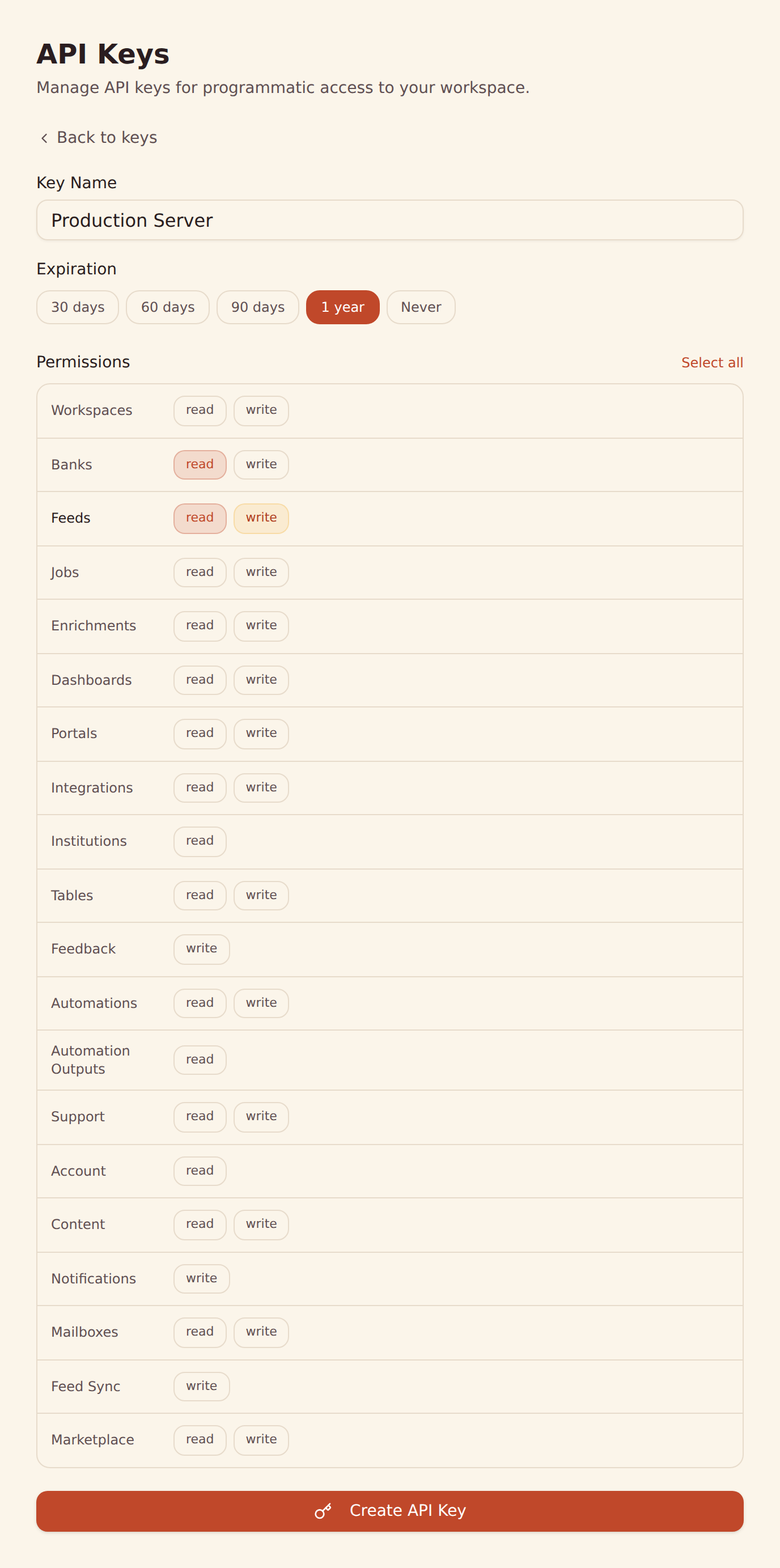
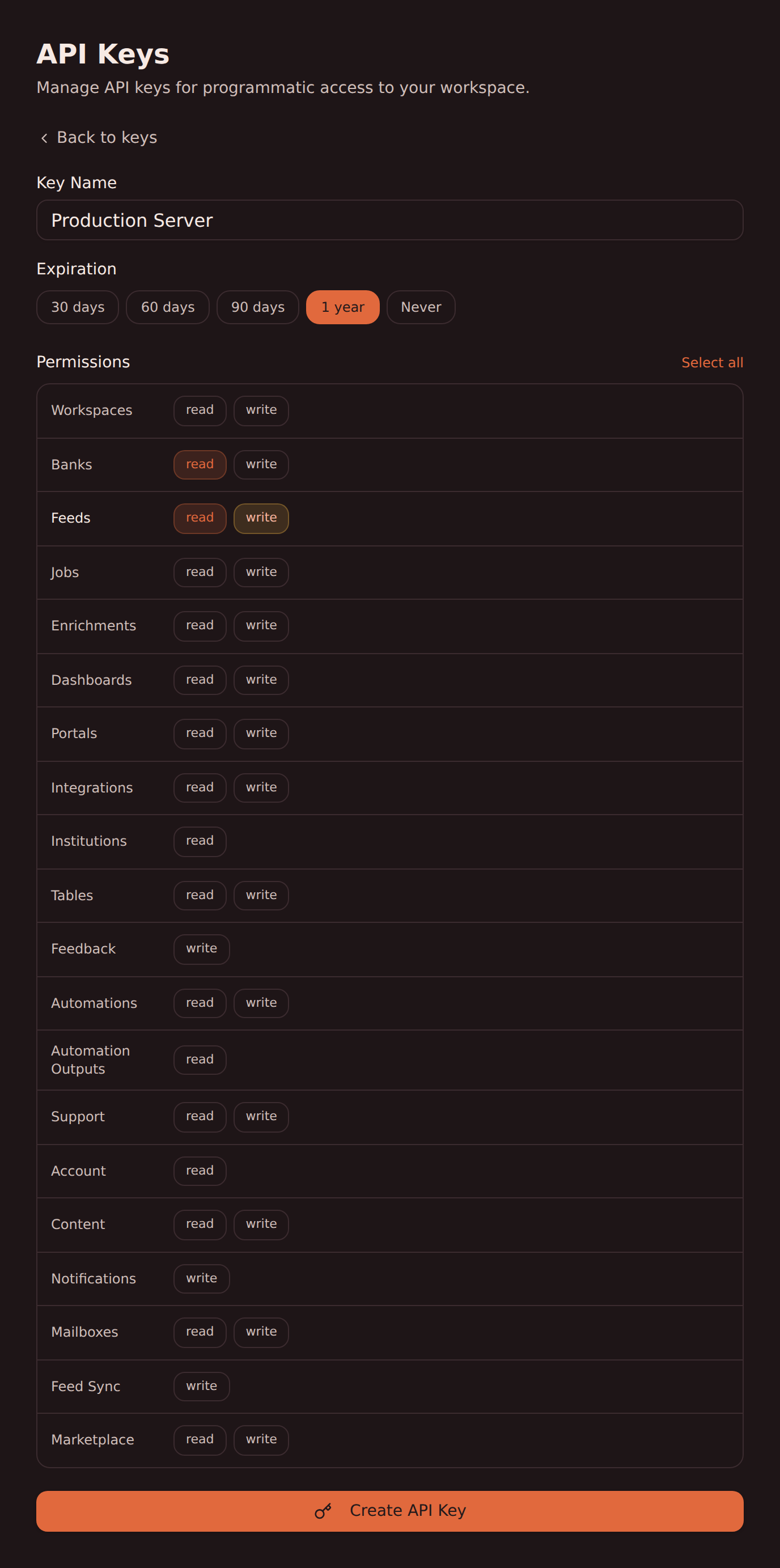
API कुंजी बनाएँ
अपने BankSync वर्कस्पेस के Developers सेक्शन से एक API कुंजी बनाएँ।
Claude Desktop कॉन्फ़िगर करें
अपनी API कुंजी से BankSync MCP सर्वर को Claude Desktop में जोड़ें। चरण-दर-चरण निर्देशों के लिए हमारी Claude Desktop सेटअप गाइड देखें।
क्वेरी शुरू करें
Claude Desktop से आम भाषा में Security National Financial Services - iconnect2invest के समर्थित लेन-देन, बैलेंस और बहुत कुछ के बारे में पूछें।
Claude Desktop MCP कॉन्फ़िगरेशन
यह कॉन्फ़िगरेशन जोड़ें, ताकि Claude Desktop BankSync के ज़रिए Security National Financial Services - iconnect2invest के खातों का समर्थित डेटा क्वेरी कर सके।
Claude Desktop ऐप के लिए एक-क्लिक इंस्टॉल
JSON की ज़रूरत नहीं। BankSync डेस्कटॉप एक्सटेंशन डाउनलोड करें और उसे Claude Desktop ऐप में खोलें; इंस्टॉल के दौरान आपसे आपकी API कुंजी माँगी जाएगी। लिंक पर हमेशा नवीनतम रिलीज़ मिलती है।
banksync-mcp.mcpb डाउनलोड करें{
"mcpServers": {
"banksync": {
"url": "https://mcp.banksync.io",
"headers": {
"X-API-Key": "bsk_your_key_here"
}
}
}
}Security National Financial Services - iconnect2invest के किस डेटा तक Claude Desktop पहुँच सकता है
खाते
BankSync से जुड़े Security National Financial Services - iconnect2invest के वे खाते देखें, जो आपके दिए गए API कुंजी स्कोप में दिखते हैं।
लेन-देन
Security National Financial Services - iconnect2invest के समर्थित लेन-देन क्वेरी करें, प्रदाता से मिली तारीखों, विवरण, राशि, व्यापारी और श्रेणियों के साथ।
बैलेंस
Security National Financial Services - iconnect2invest के समर्थित खातों का मौजूदा और उपलब्ध बैलेंस देखें।
होल्डिंग्स
Security National Financial Services - iconnect2invest से समर्थित निवेश पोज़िशन, उनकी मात्रा और बाज़ार मूल्य देखें।
ट्रेड
Security National Financial Services - iconnect2invest के समर्थित निवेश ट्रेड और गतिविधि इतिहास तक पहुँचें।
लोन
Security National Financial Services - iconnect2invest से समर्थित लोन बैलेंस और प्रदाता से मिली देनदारी की जानकारी जाँचें।
Claude Desktop को Security National Financial Services - iconnect2invest से जोड़ने के लिए तैयार हैं?
अपना 14 दिन का मुफ़्त ट्रायल शुरू करें। अपना बैंक जोड़ें, API कुंजी बनाएँ और कुछ ही मिनटों में डेटा क्वेरी करना शुरू करें।
किसी दूसरे एजेंट के साथ Security National Financial Services - iconnect2invest इस्तेमाल करें
यही BankSync MCP सर्वर और API कुंजी इन सभी के साथ काम करते हैं।
- ChatGPT के साथ Security National Financial Services - iconnect2invest इस्तेमाल करेंOpenAI
- Claude Code के साथ Security National Financial Services - iconnect2invest इस्तेमाल करेंAnthropic
- Claude Cowork के साथ Security National Financial Services - iconnect2invest इस्तेमाल करेंAnthropic
- Cursor के साथ Security National Financial Services - iconnect2invest इस्तेमाल करेंAnysphere
- Gemini के साथ Security National Financial Services - iconnect2invest इस्तेमाल करेंGoogle
- Grok के साथ Security National Financial Services - iconnect2invest इस्तेमाल करेंxAI
- Hermes Agent के साथ Security National Financial Services - iconnect2invest इस्तेमाल करेंNousResearch
- Meta Muse के साथ Security National Financial Services - iconnect2invest इस्तेमाल करेंMeta
दूसरे बैंक, जिन्हें आप Claude Desktop के साथ इस्तेमाल कर सकते हैं
उसी बाज़ार के संस्थान, जिन्हें Claude Desktop BankSync MCP के ज़रिए क्वेरी कर सकता है।
- Claude Desktop के साथ Chase इस्तेमाल करें🇺🇸 संयुक्त राज्य
- Claude Desktop के साथ American Express इस्तेमाल करें🇺🇸 संयुक्त राज्य
- Claude Desktop के साथ Capital One इस्तेमाल करें🇺🇸 संयुक्त राज्य
- Claude Desktop के साथ Wells Fargo इस्तेमाल करें🇺🇸 संयुक्त राज्य
- Claude Desktop के साथ Fidelity इस्तेमाल करें🇺🇸 संयुक्त राज्य
- Claude Desktop के साथ Citibank Online इस्तेमाल करें🇺🇸 संयुक्त राज्य
- Claude Desktop के साथ Bank of America इस्तेमाल करें🇺🇸 संयुक्त राज्य
- Claude Desktop के साथ Charles Schwab इस्तेमाल करें🇺🇸 संयुक्त राज्य
BankSync, Claude Desktop या Security National Financial Services - iconnect2invest से संबद्ध नहीं है, न उनके द्वारा समर्थित है और न ही उनका आधिकारिक पार्टनर है। सभी उत्पाद नाम और ट्रेडमार्क उनके संबंधित स्वामियों की संपत्ति हैं। बैंक कनेक्शन विनियमित ओपन बैंकिंग प्रदाताओं के ज़रिए बनाए जाते हैं।