Build fintech apps with real bank data in Cursor
Connect the BankSync MCP server to Cursor and query transactions, balances, investments, and loans from 11,000+ banks directly in Composer and Agent modes.
Setup in 3 steps
Add real financial data to Cursor in minutes.
one key, every tool
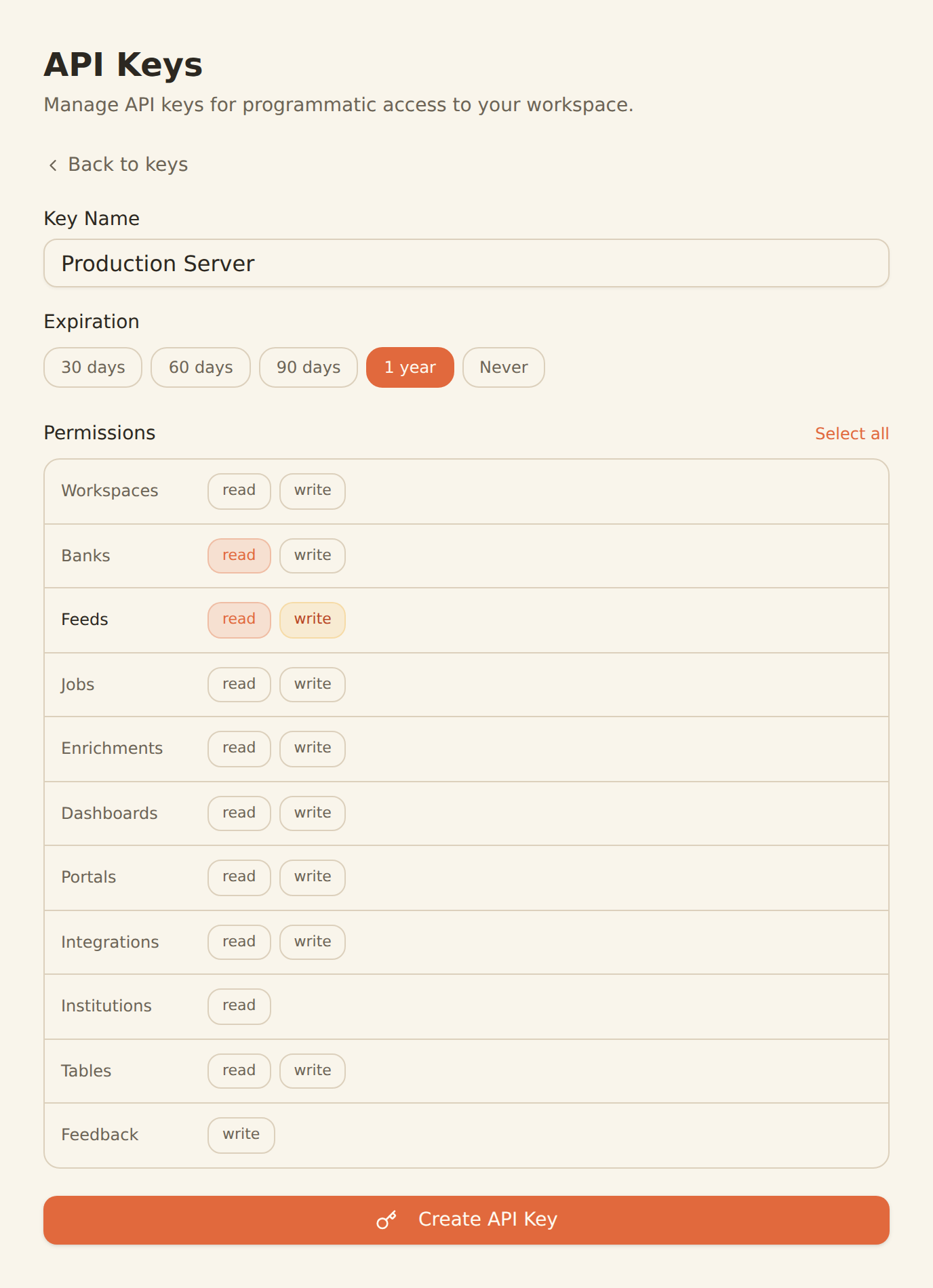
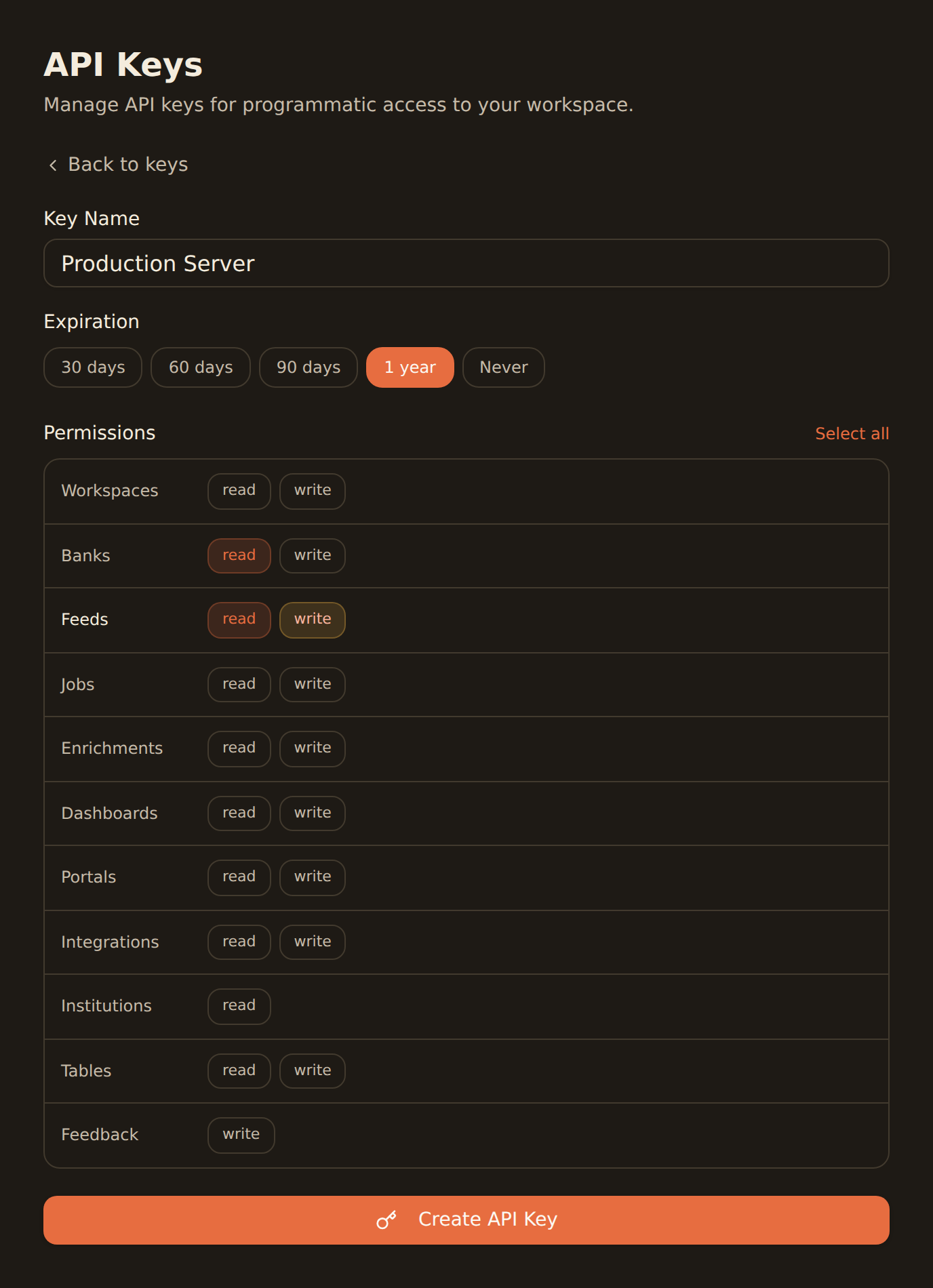
Generate a BankSync API key
Sign up, connect your bank accounts, and create an API key from the Developers section.
Add MCP config in Cursor settings
Add the BankSync MCP server configuration to your .cursor/mcp.json file. Cursor will automatically detect the server.
Use in Composer or Agent mode
Start querying bank data directly in Cursor. Use Composer for quick lookups or Agent mode for complex multi-step fintech workflows.
MCP Server Configuration
Add this to your .cursor/mcp.json file.
{
  "mcpServers": {
    "banksync": {
      "url": "https://mcp.banksync.io",
      "headers": {
        "X-API-Key": "bsk_your_key_here"
      }
    }
  }
}
What you can build
From quick data lookups to full fintech application scaffolding.
Fintech App Development
Build financial applications with real bank data schemas, transaction types, and account structures available directly in your editor.
Financial Data Queries
Query live transactions, balances, and holdings from Cursor's Composer mode to understand data shapes and build accurate integrations.
Code Generation with Real Schemas
Generate TypeScript types, API clients, and data models based on actual bank data structures from 11,000+ institutions.
Budget App Scaffolding
Scaffold complete budget and expense tracking applications with Cursor Agent mode using real financial data as reference.
API Client Generation
Auto-generate typed API clients for bank data endpoints with full request/response schemas from BankSync MCP tools.
Test Fixture Creation
Create realistic test fixtures and mock data based on actual bank transaction formats, account types, and investment structures.
Why BankSync for Cursor
11,000+ Banks
Access financial data from major US & Canadian institutions through secure open banking connectivity.
36 MCP Tools
From listing banks to triggering syncs — everything you need to build fintech applications.
Agent + Composer Modes
Use BankSync tools in both Cursor Composer for quick queries and Agent mode for complex multi-step tasks.
Any AI Model
Works with Claude, GPT-4, and any other model supported by Cursor for maximum flexibility.
Frequently asked questions
How do I connect Cursor to my bank data?
Generate a BankSync API key, then add the BankSync MCP server configuration to your .cursor/mcp.json file. Cursor will automatically detect the server and make 28 financial data tools available in Composer and Agent modes.
What bank data can I access in Cursor?
You can access transactions, balances, investment holdings, trades, and loan data from 11,000+ banks through the BankSync MCP server directly in Cursor.
Does Cursor support MCP servers like BankSync?
Yes. Cursor supports MCP through manual configuration in .cursor/mcp.json. It has the strongest tool execution reliability among AI coding tools and works seamlessly with BankSync MCP.
Is the BankSync MCP connection secure in Cursor?
Yes. Authentication uses scoped API keys with granular permissions. All communication is encrypted, and you can revoke access anytime from the BankSync dashboard.
Build Fintech Apps Faster
Connect BankSync to Cursor and code with real bank data in Composer and Agent modes. 14-day free trial.
14-day free trial • Cancel anytime