Bank data in your Atlassian workspace
Connect BankSync MCP server to Atlassian Rovo and access live transactions, balances, and investments from Jira, Confluence, and your team's workflow.
Setup in 3 steps
Add live bank data to your Atlassian workflow in minutes.
one key, every tool
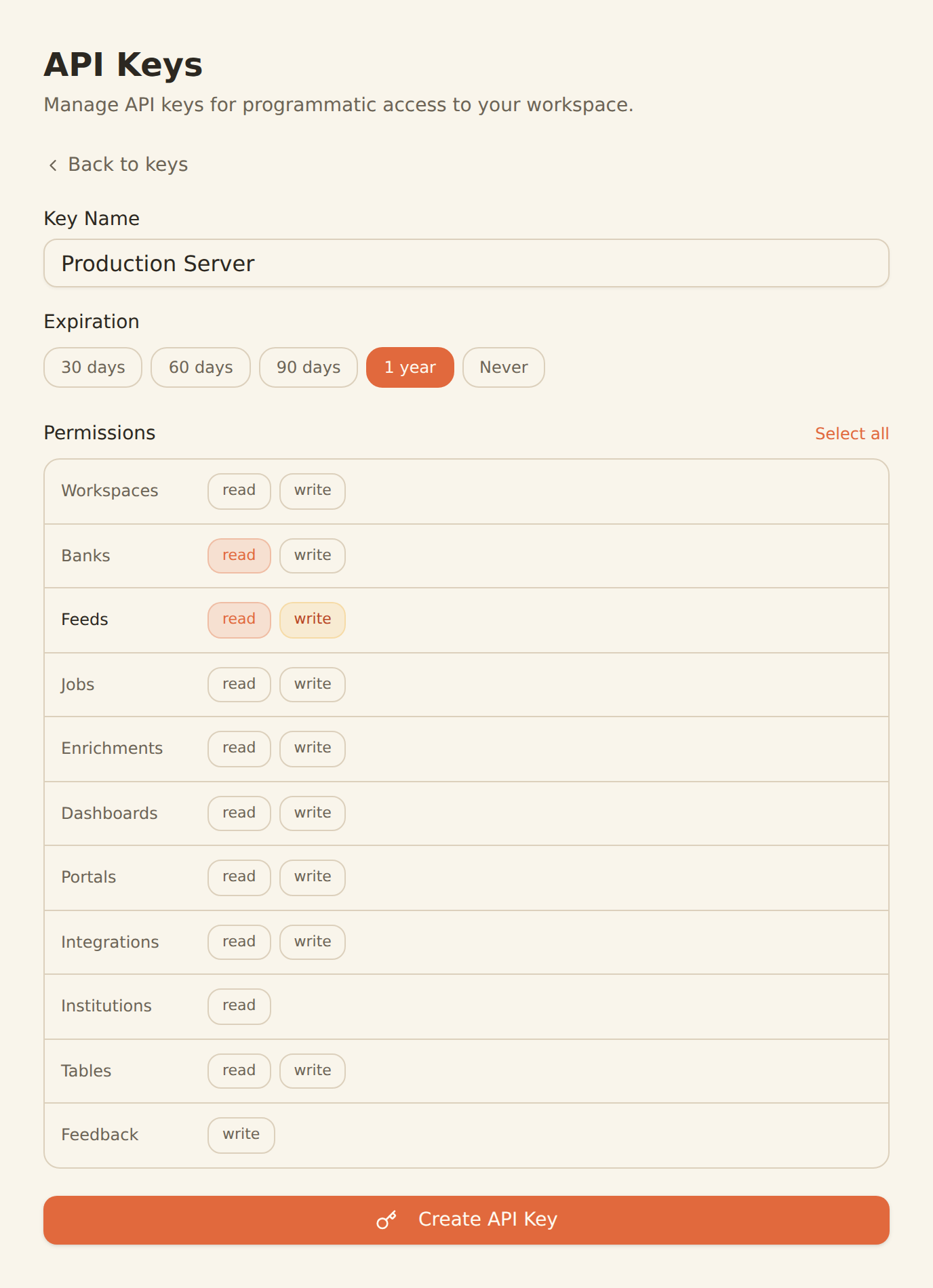
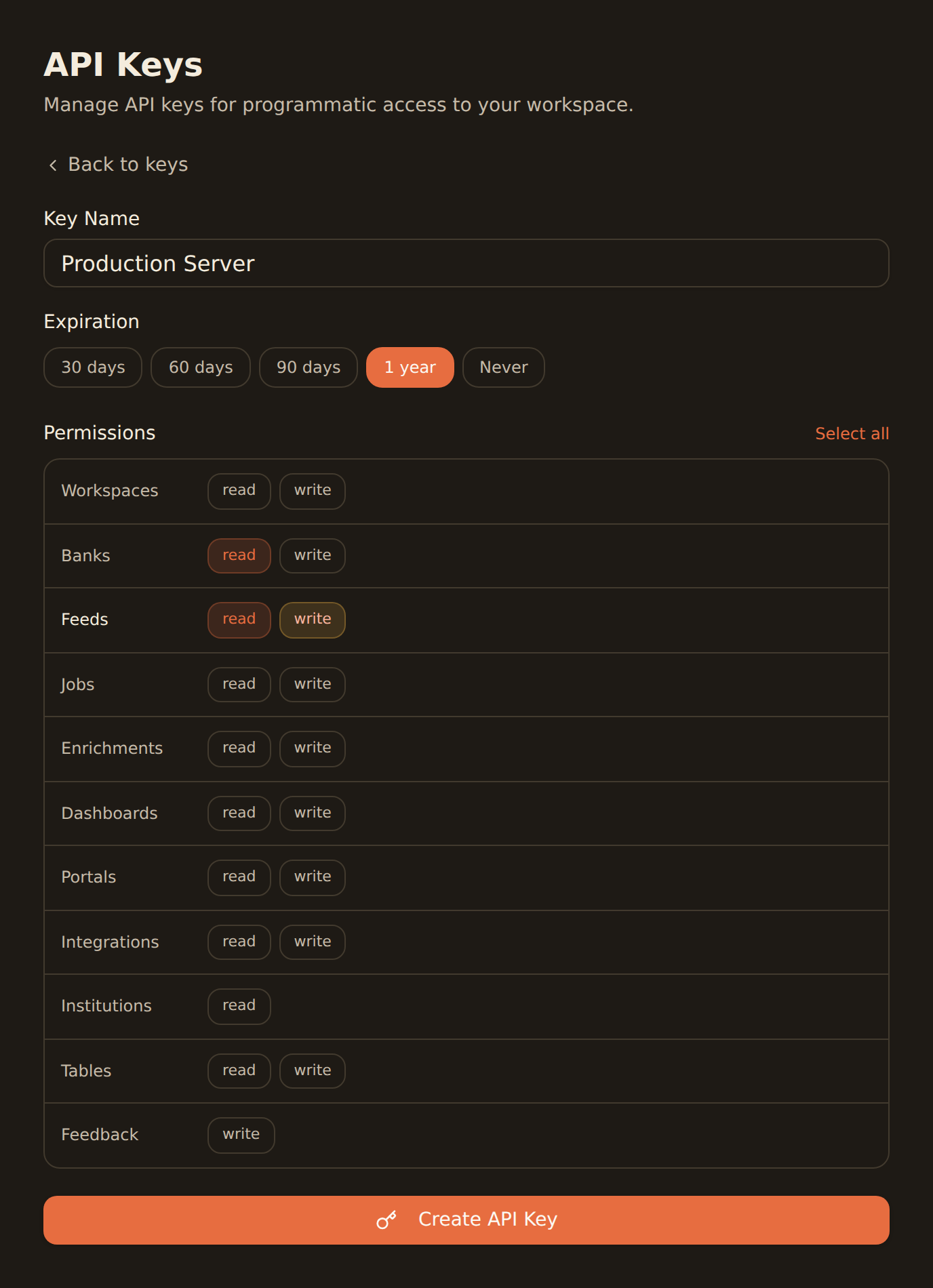
Generate a BankSync API key
Sign up, connect your banks, and create an API key from the Developers section.
Configure MCP in Rovo
Add the BankSync MCP server configuration in your Atlassian Rovo agent settings with your API key.
Query from Jira & Confluence
Start accessing bank data from any Atlassian tool where Rovo is active — Jira issues, Confluence pages, and more.
MCP Server Configuration
Add this configuration to your Rovo agent settings.
{
  "mcpServers": {
    "banksync": {
      "url": "https://mcp.banksync.io",
      "headers": {
        "X-API-Key": "bsk_your_key_here"
      }
    }
  }
}
What you can build
Bring financial data into your Atlassian workflow with Rovo and BankSync.
Financial Issue Tracking
Enrich Jira issues with real bank transaction data, balances, and financial context for fintech project management.
Team Financial Reports
Generate financial summaries and reports in Confluence with live bank data pulled through Rovo.
Sprint Planning with Data
Reference real financial data structures during sprint planning to scope fintech features accurately.
Compliance Documentation
Build compliance docs in Confluence with actual transaction patterns and account structures from your bank data.
Cross-Team Data Access
Let product, engineering, and finance teams query bank data through Rovo without leaving Atlassian tools.
Financial Workflow Automation
Automate financial data workflows within Atlassian using Rovo agents connected to live bank accounts.
Why BankSync for Atlassian Rovo
11,000+ Banks
Access financial data from major US & Canadian institutions through secure open banking connectivity.
36 MCP Tools
From listing banks to triggering syncs — everything your team needs for financial data access.
Atlassian Native
Works within Jira, Confluence, and the entire Atlassian ecosystem through Rovo AI.
Team Collaboration
Share financial data context across your team without leaving the tools you already use.
Frequently asked questions
How do I connect Atlassian Rovo to BankSync?
Generate a BankSync API key, then add the BankSync MCP server configuration in your Rovo agent settings. Rovo will automatically discover the 28 financial data tools available through BankSync.
Can I access bank data from Jira and Confluence with Rovo?
Yes. Once BankSync MCP is connected to Rovo, you can query bank transactions, balances, and investments directly from Jira issues, Confluence pages, and any Atlassian workspace where Rovo is active.
What financial data can Rovo access through BankSync?
Rovo can access transactions, account balances, investment holdings, trades, and loan data from 11,000+ banks through the BankSync MCP server.
Is bank data secure when used with Atlassian Rovo?
Yes. BankSync uses scoped API keys with granular permissions. All data is encrypted in transit and at rest. You can revoke access anytime from the BankSync dashboard.
Bank Data in Your Atlassian Workspace
Connect BankSync to Atlassian Rovo and access financial data from Jira and Confluence. 14-day free trial.
14-day free trial • Cancel anytime