

Brug LM Studio med Bank of Scotland Business
MCP-serveren fra BankSync kan lade LM Studio slå op i understøttede kontodata fra Bank of Scotland Business, som du har forbundet via BankSync og givet API-adgang til. Spørg til din økonomi på almindeligt sprog uden regneark eller eksport.
BankSync har ingen tilknytning til Bank of Scotland Business eller LM Studio, er hverken godkendt eller sponsoreret af dem og er ikke partner med dem. Navnene bruges kun til at beskrive mulig dækning af kontodata og kompatibilitet med klienter.
Sådan forbinder du LM Studio med Bank of Scotland Business
Søg efter Bank of Scotland Business i BankSync
Opret dig i BankSync. Hvis Bank of Scotland Business er tilgængelig, forbinder du din konto via et godkendelsesforløb, som udbyderen eller banken selv står for.
Opret en API-nøgle
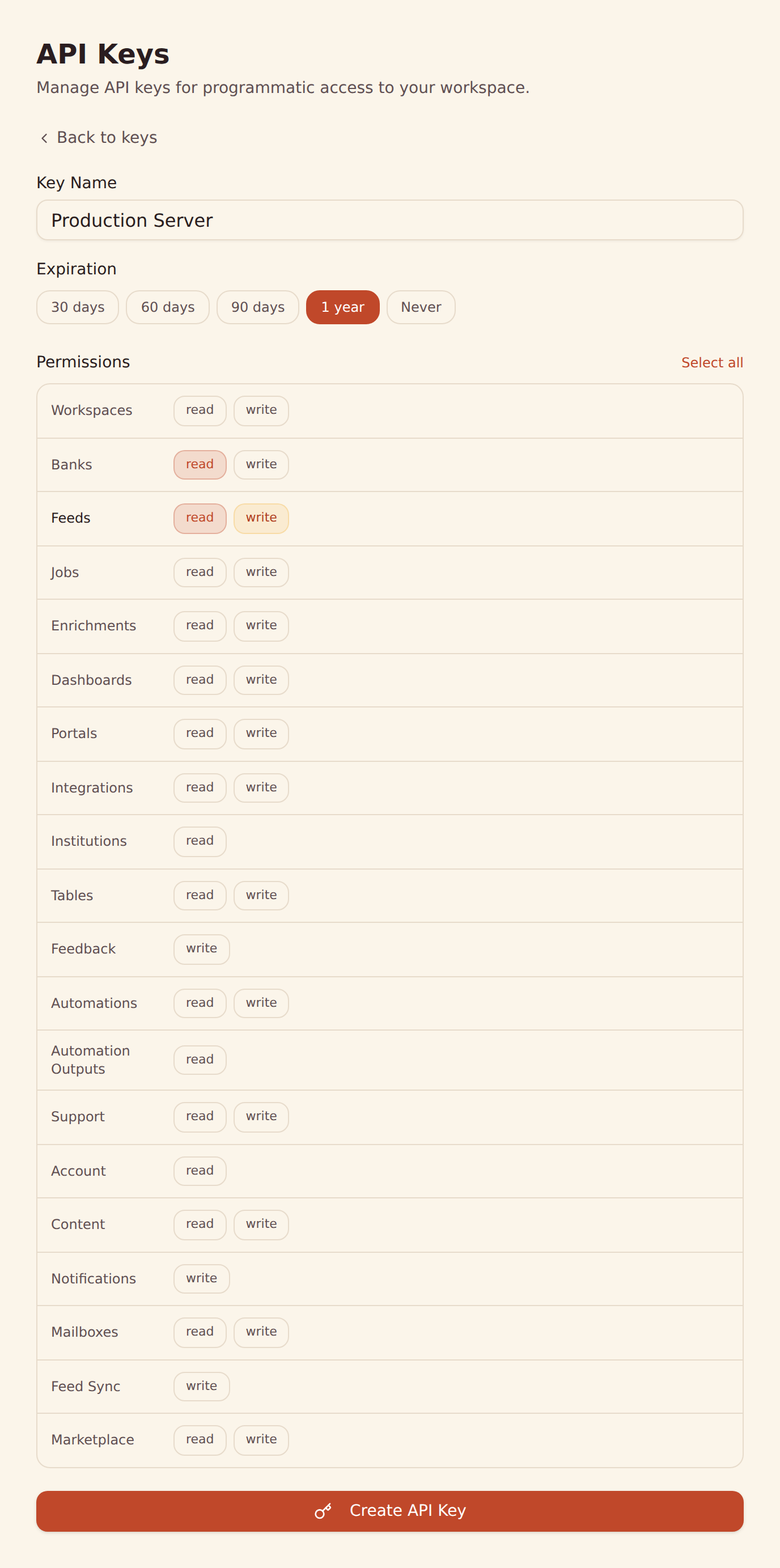
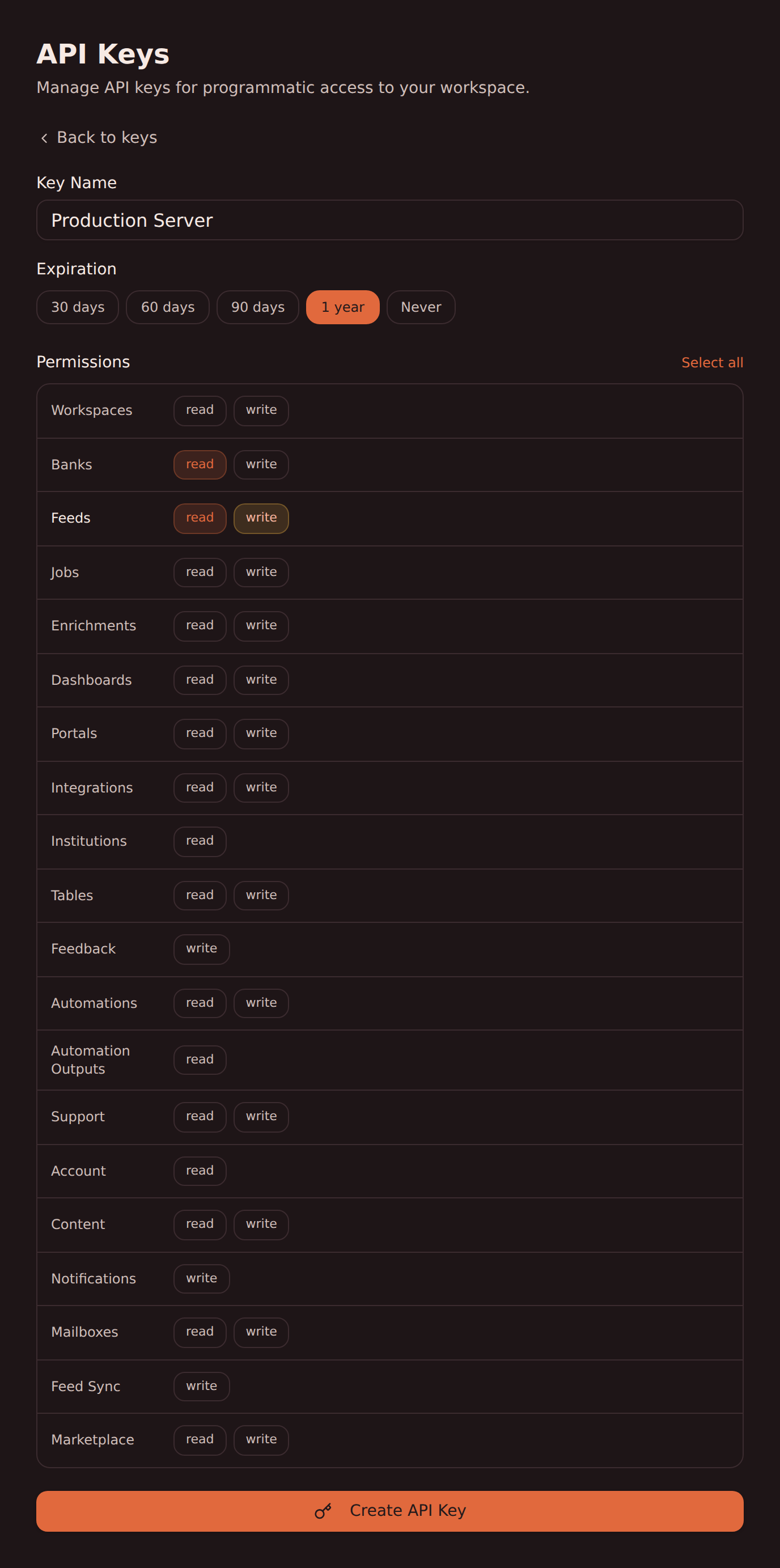
Opret en API-nøgle under Developers i dit BankSync-arbejdsområde.
Konfigurer LM Studio
Tilføj MCP-serveren fra BankSync i LM Studio med din API-nøgle. Følg vores opsætningsguide til LM Studio for at få en trinvis vejledning.
Begynd at spørge
Spørg LM Studio om understøttede transaktioner, saldi og meget mere fra Bank of Scotland Business på almindeligt sprog.
MCP-konfiguration til LM Studio
Tilføj denne konfiguration, så LM Studio kan slå op i understøttede kontodata fra Bank of Scotland Business via BankSync.
{
  "mcpServers": {
    "banksync": {
      "url": "https://mcp.banksync.io",
      "headers": {
        "X-API-Key": "bsk_your_key_here"
      }
    }
  }
}
Det kan LM Studio få adgang til hos Bank of Scotland Business
Konti
Vis de konti hos Bank of Scotland Business der er forbundet via BankSync og omfattet af de rettigheder, du giver API-nøglen.
Transaktioner
Slå op i understøttede transaktioner fra Bank of Scotland Business med dato, beskrivelse, beløb, forretning og kategori leveret af udbyderen.
Saldi
Hent aktuelle og disponible saldi for understøttede konti hos Bank of Scotland Business.
Klar til at forbinde LM Studio med Bank of Scotland Business?
Start din gratis prøveperiode på 14 dage. Forbind din bank, opret en API-nøgle, og slå op i dine data på få minutter.
Brug Bank of Scotland Business med en anden agent
Den samme MCP-server og API-nøgle fra BankSync virker med dem alle.
- Brug Bank of Scotland Business med ChatGPTOpenAI
- Brug Bank of Scotland Business med Claude CodeAnthropic
- Brug Bank of Scotland Business med Claude CoworkAnthropic
- Brug Bank of Scotland Business med Claude DesktopAnthropic
- Brug Bank of Scotland Business med CursorAnysphere
- Brug Bank of Scotland Business med GeminiGoogle
- Brug Bank of Scotland Business med GrokxAI
- Brug Bank of Scotland Business med Hermes AgentNousResearch
Andre banker du kan bruge med LM Studio
Pengeinstitutter i samme marked, som LM Studio kan slå op i via BankSync MCP.
- Brug ABN AMRO med LM Studio🇬🇧 Storbritannien
- Brug Airwallex med LM Studio🇬🇧 Storbritannien
- Brug AJ Bell med LM Studio🇬🇧 Storbritannien
- Brug Allied Irish Bank med LM Studio🇬🇧 Storbritannien
- Brug Allied Irish Bank Business med LM Studio🇬🇧 Storbritannien
- Brug Allpay med LM Studio🇬🇧 Storbritannien
- Brug Alpha Connect med LM Studio🇬🇧 Storbritannien
- Brug Alpha FX med LM Studio🇬🇧 Storbritannien
BankSync har ingen tilknytning til LM Studio eller Bank of Scotland Business og er hverken godkendt af eller officiel partner med dem. Alle produktnavne og varemærker tilhører deres respektive ejere. Bankforbindelser oprettes via regulerede udbydere af open banking.